
Broken affiliate links are like a hole in a bucket. You can pour in traffic all day, but commissions still drip out.
A solid affiliate broken link audit in 2026 doesn’t need paid software. You just need a repeatable routine, a few free tools, and one place to track fixes so you don’t redo work next month.
Below is a practical audit flow you can run on a small site in under an hour, then maintain in minutes per week.
What “broken” looks like for affiliate links in 2026
Affiliate links can “break” in more ways than a simple 404. Sometimes the page loads, but tracking fails, the offer changes, or a redirect chain eats the cookie.
Start by knowing what you’re hunting:
- Dead destinations (404/410): The merchant removed the page, or the network changed link formats.
- Soft failures: The page returns 200, but shows “product unavailable” or dumps users on a generic homepage.
- Redirect problems (301/302): One redirect is normal. Three or more can slow pages and sometimes strip parameters.
- Cloaked or masked links: Your pretty link works, but the final hop breaks. This is common after plugin updates.
- Geo-redirects: A US link sends EU visitors to a blocked page, or a different storefront with no tracking.
- Parameter issues: UTMs, sub-IDs, or extra query strings can create malformed URLs or trigger extra redirects.
If your content earns steady clicks, link rot is not a “maybe.” It’s a monthly cost unless you catch it early.
One more angle matters for affiliates: placement. A broken link in a high-click spot hurts more than one buried in a footer. If you want a quick way to find the sections that usually drive clicks, use the Affiliate Link Placement Map to prioritize what to audit first.
The free tool stack for an affiliate broken link audit (and the limits)
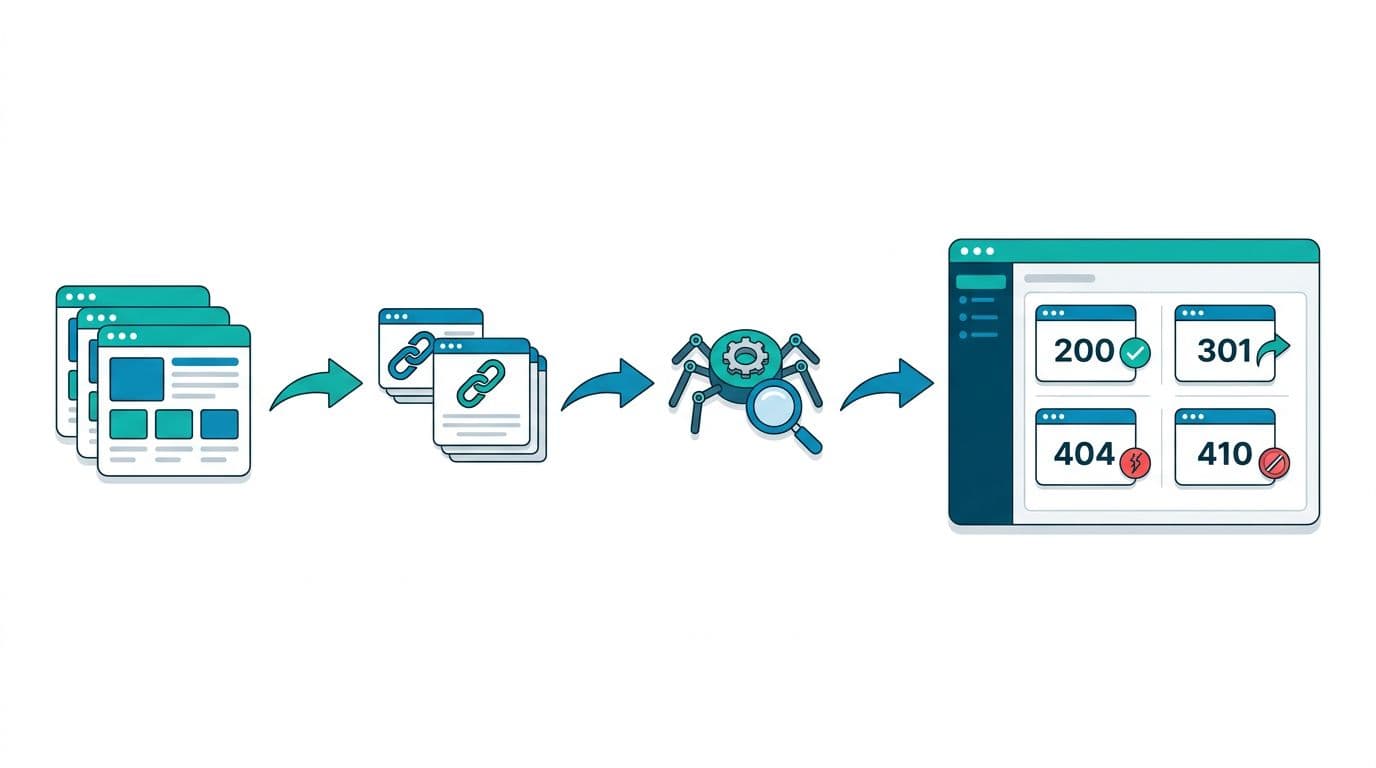
You’ll get the best coverage by combining one “Google view” with one crawler. That way you catch both crawl errors and real on-page links.
Here’s a simple free toolkit for February 2026.
| Free tool | What it catches best | Free-tier limits to expect |
|---|---|---|
| Google Search Console | Indexing issues and URLs Google struggles to crawl | No practical limits for verified sites |
| Screaming Frog SEO Spider (free) | Outbound affiliate links, redirects, status codes | Crawl cap of 500 URLs per run |
| Ahrefs Broken Link Checker | Quick spot checks for dead links | Web tool is limited by the report scope and UI |
| Ahrefs Webmaster Tools | Site audit and link issues for your verified site | Free for verified sites, exports can be capped |
| Semrush (free tier) | Fast audits, broken link signals, limited reports | Daily report caps, limited full audits |
If you want a broader list of options to compare (including lightweight web scanners), see these roundups: Broken Link Checker Tools of 2026 and broken link checkers (free and paid). Use them as backups, not as your main workflow.
Step-by-step: run your audit in under an hour
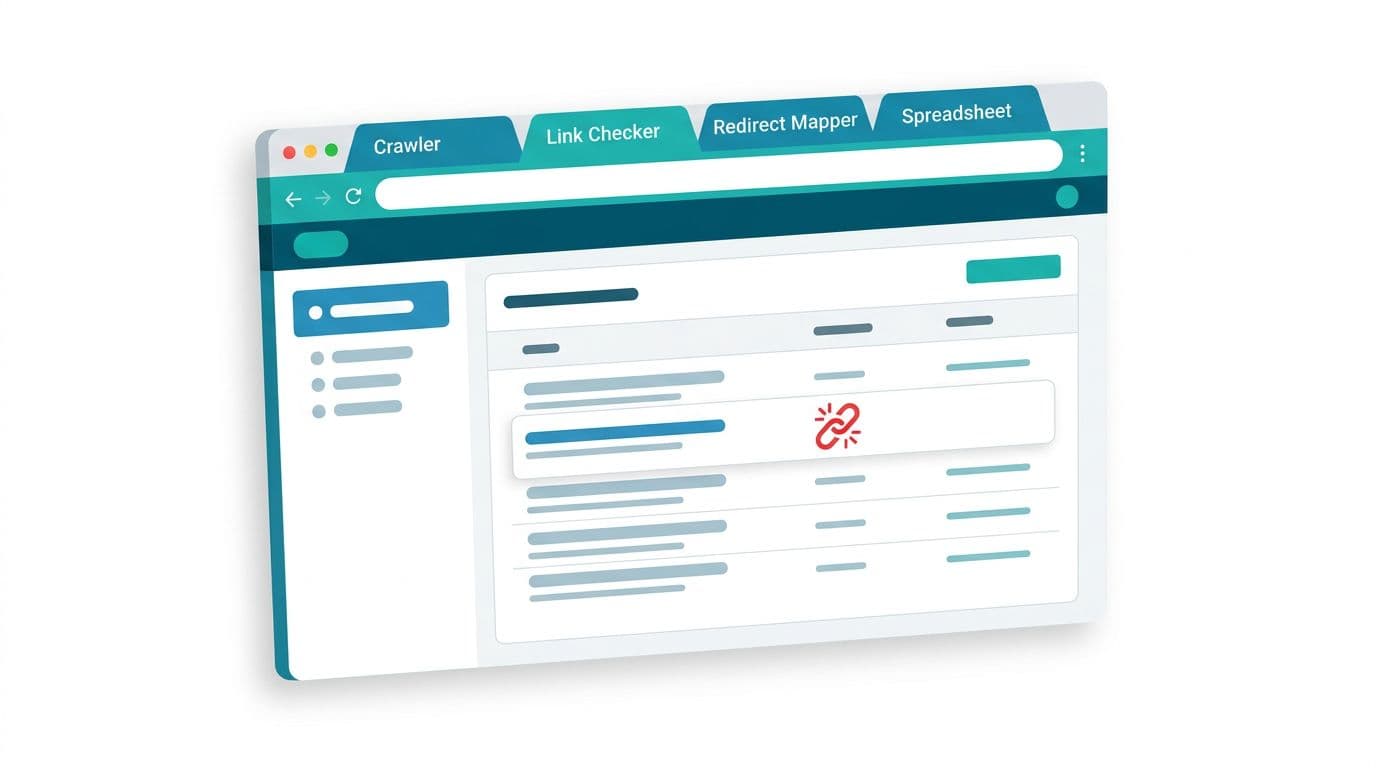
1) Set a tight scope (so you actually finish)
First, pick one of these scopes:
- Your top 10 money posts by clicks.
- One category silo.
- The last 30 posts you published.
If your site is bigger than 500 URLs, run multiple Screaming Frog batches. Split by folder or sitemap chunk so you stay inside the free crawl cap.
2) Pull a “Google-first” list in Search Console
Next, open Search Console and look for pages with problems (indexing and crawl signals). Export the affected URLs if possible.
This list matters because it’s tied to real crawling behavior, not just what a local crawler can reach.
3) Crawl with Screaming Frog (free) and isolate affiliate links
Then run Screaming Frog on the scoped set of URLs. After the crawl:
- Filter to External links.
- Sort by Status Code to spot 4xx and 5xx fast.
- Export the report (even a small export is enough for a focused scope).
While you’re here, note redirect chains. A “working” affiliate link that hits 302 to 301 to 200 can still be a conversion killer.
4) Spot-check tricky links with a second tool
After that, verify the ugliest links in a second checker. Two quick options are the Ahrefs free broken link checker for fast confirmation, or Semrush’s free tier if you already use it (expect limits on how much you can scan per day).
5) Fix in the right place (don’t patch symptoms)
Finally, fix links where they originate:
- Update the link in the post, comparison table, and any reused blocks.
- If you use cloaked URLs, update the destination once, then retest the final hop.
- Re-crawl just the edited URLs to confirm the status changed.
Spreadsheet template + fixes for the problems that waste the most time
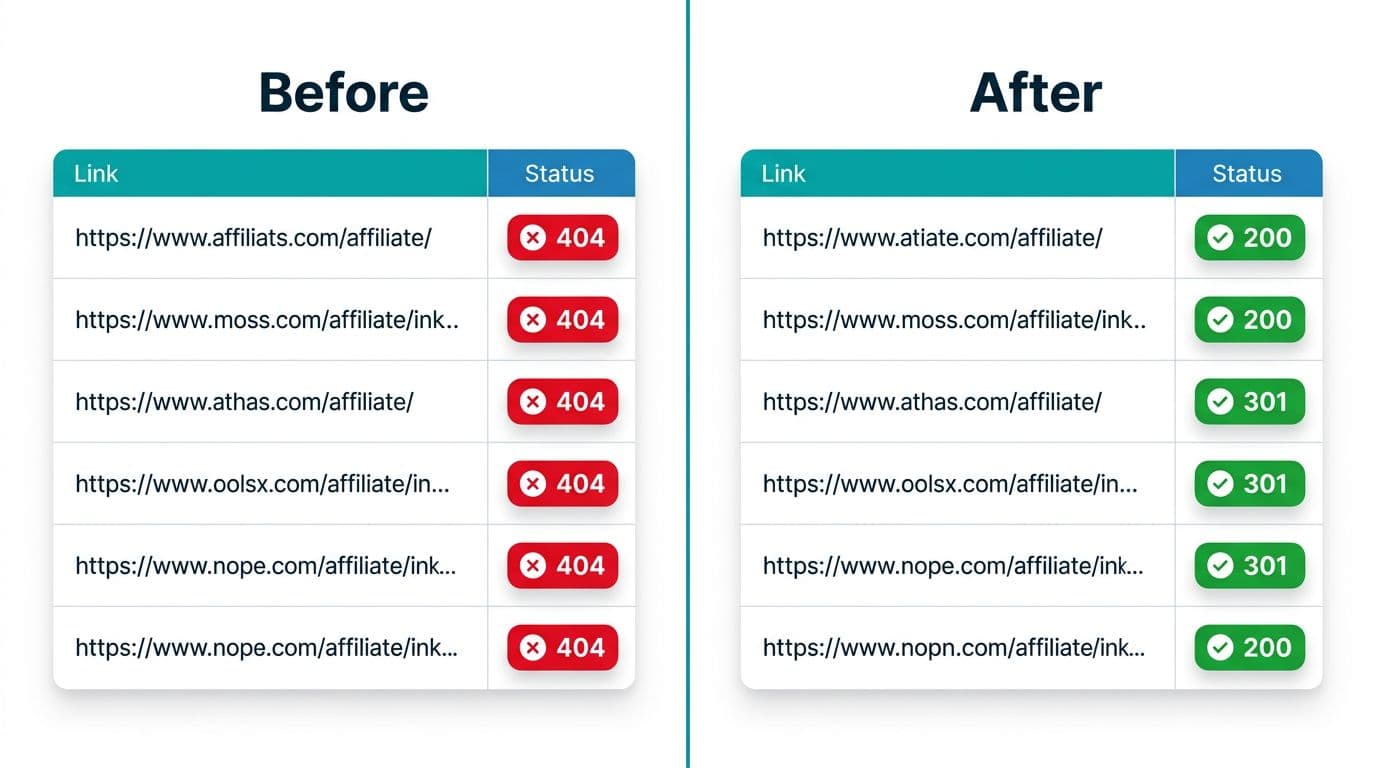
A spreadsheet sounds boring, but it keeps you from chasing the same broken link again. Use this simple template (Google Sheets works great).
| Page URL | Link location | Link text | Destination (final) | Status | Redirect hops | Issue type | Fix action | Date found | Date fixed |
|---|---|---|---|---|---|---|---|---|---|
Now, the fixes that show up constantly in an affiliate broken link audit:
Blocked crawling (robots, firewalls, anti-bot)
If Screaming Frog shows lots of “blocked” results, check your own site first. Rate limits and security plugins can block crawlers. Lower crawl speed, crawl from your sitemap, or whitelist your IP.
If the merchant blocks bots, do a manual browser check for a few examples. Also test from a different connection.
Nofollow, sponsored, and redirect masking confusion
Affiliate links often use redirects (network tracking, cloaking plugins). That’s fine. The problem is when you can’t see the final URL.
Record both the visible link and the final destination in your sheet. Also keep your link behavior consistent with your program’s rules. When in doubt, run through this affiliate program checklist so you don’t “fix” a link in a way that breaks compliance.
Geo-redirects hiding a broken offer
A link can look healthy from your country, yet fail elsewhere. If you have international traffic, spot-check using a VPN location change, or ask a reader in another region to verify the landing page.
UTM parameters and sub-IDs breaking the URL
Extra parameters can cause messy redirects or duplicate tracking strings. Keep UTMs short, and don’t stack parameters from three tools. If your network supports sub-IDs, prefer those over heavy UTMs for internal placement tracking.
Link shorteners and expired campaigns
Short links can expire, get flagged, or redirect to nowhere after a campaign ends. If you must shorten, keep a “source of truth” list in your spreadsheet so you can replace them in bulk.
The fastest wins usually come from fixing one high-click post, then repeating the same fix across reused link blocks.
To keep audits from becoming a quarterly panic, schedule a light check weekly (top posts only), then a deeper crawl monthly (one silo at a time).
Conclusion
A free-tool affiliate broken link audit is simple once you treat it like basic site upkeep, not an emergency. Combine Search Console with a 500-URL crawler run, track fixes in one sheet, and retest the pages that matter most. Do that every month, and you’ll stop losing commissions to silent link rot. What’s one post on your site that can’t afford a single broken link?