
If your review posts look alike, your rankings can split like traffic at a fork in the road. One page grabs impressions, another page gets clicks, and neither page wins cleanly. That’s where affiliate canonical tags matter.
For affiliate sites, canonical tags are less about theory and more about control. They help search engines understand which URL should act as the main version when you have similar reviews, roundup pages, filter URLs, or tracking-heavy links. Get them right, and you keep signals focused. Get them wrong, and your own pages can start undercutting each other.
What canonical tags actually do on affiliate pages
A canonical tag is a hint in the page <head> that says, “this is the preferred version of this content.” Think of it like putting the right name tag on the right person in a crowded room.
On affiliate sites, duplicates happen fast. You publish a “best email tools” post, then a “best email tools for beginners” version. Later, your theme creates sort URLs, tag archives, or parameter versions. Add UTM tags, faceted filters, and template reuse, and suddenly Google sees several pages that look close enough to compete.
As of 2026, the safest setup is still simple: use one canonical tag per page, keep it in raw HTML, and make your main version self-reference. In other words, the page you want indexed should point to itself. Search engines can ignore conflicting canonicals, so the tag works best when your internal links, sitemap, and chosen URL all tell the same story. For a strong refresher, see Search Engine Land’s guide to canonicalization.
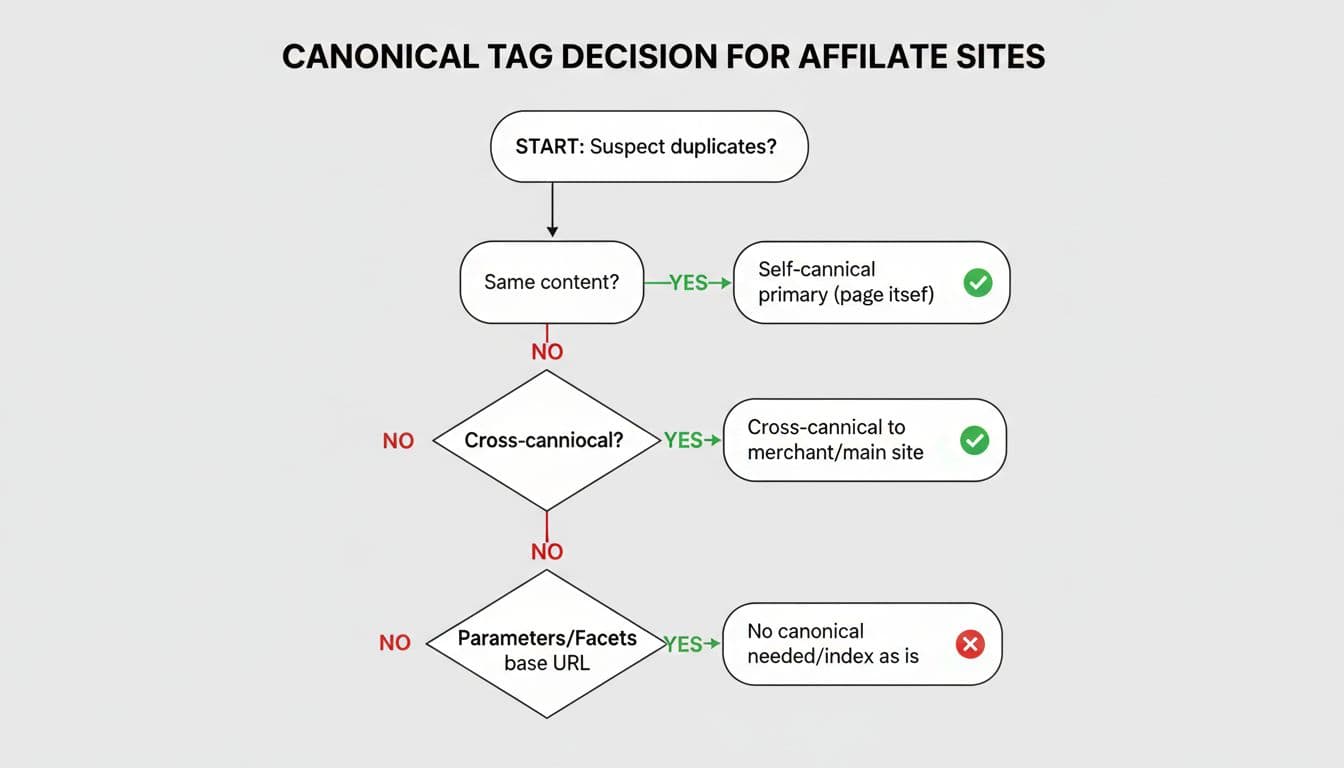
One point trips up a lot of publishers. Canonicals do not tell Google which page converts better. They tell Google which page is the main copy when content overlaps enough to look duplicated.
A canonical tag is a strong hint, not a cleanup crew. If two pages serve different intent, keep both pages self-canonical.
The step-by-step affiliate canonical tags checklist
Use this checklist on every review, roundup, versus, and comparison template before you publish or update.
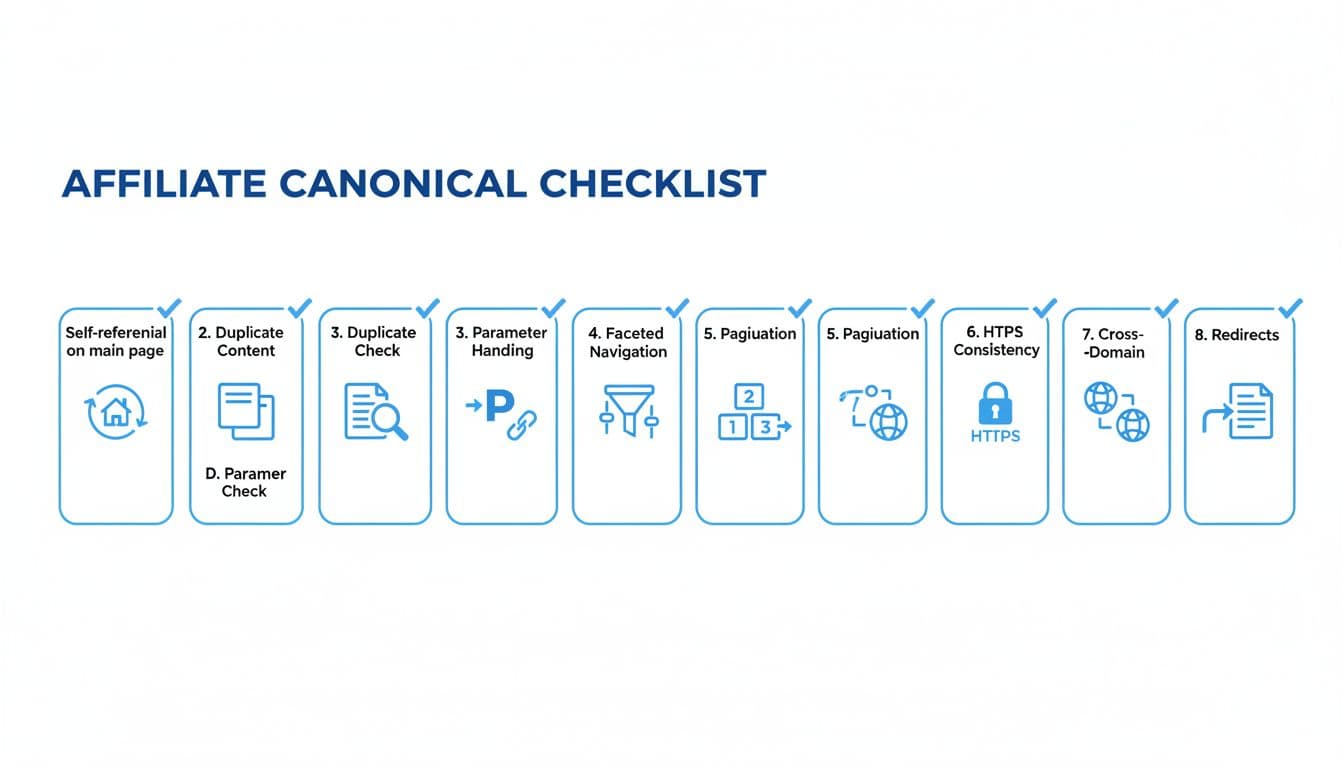
- Choose one preferred URL first
Pick the exact version you want indexed, usually lowercase, clean, and parameter-free. Decide on trailing slash style and keep it consistent. - Add a self-referencing canonical on the main page
Your primary review or comparison page should point to itself. Don’t leave canonicals blank on “normal” pages. - Canonical tracking and parameter URLs to the clean version
URLs with?utm_source=,?ref=, or session values should point back to the clean page. These versions don’t need their own indexable identity. - Review faceted and sort URLs carefully
A URL like?sort=priceor?filter=budgetoften creates near-duplicates. If the page doesn’t serve a distinct search intent, canonical it to the core page. - Keep different intent pages separate
A broad “best project management tools” page and a tighter beginner-focused roundup may both deserve self-canonicals if the content and intent truly differ. This is where best overall vs best for X keywords becomes a structure question, not just a title question. - Do not canonical paginated pages to page one by default
If page 2 contains unique items in a long roundup, let it self-canonical. Search engines no longer userel="prev/next"as a ranking signal. - Match your canonicals with other site signals
Internal links, XML sitemaps, breadcrumbs, and redirects should all support the same preferred URL. Mixed signals weaken the canonical hint. - Validate in source and Search Console
Check the raw HTML, then inspect the URL in Search Console. Watch for “Duplicate, Google chose different canonical than user,” because that usually means your signals don’t line up.
A final check helps more than people expect. If the tag exists but your internal links keep pointing to messy variants, the canonical can lose the argument.
Correct and incorrect canonical setups on review, roundup, and vs posts
Here are the setups that matter most on monetized content.
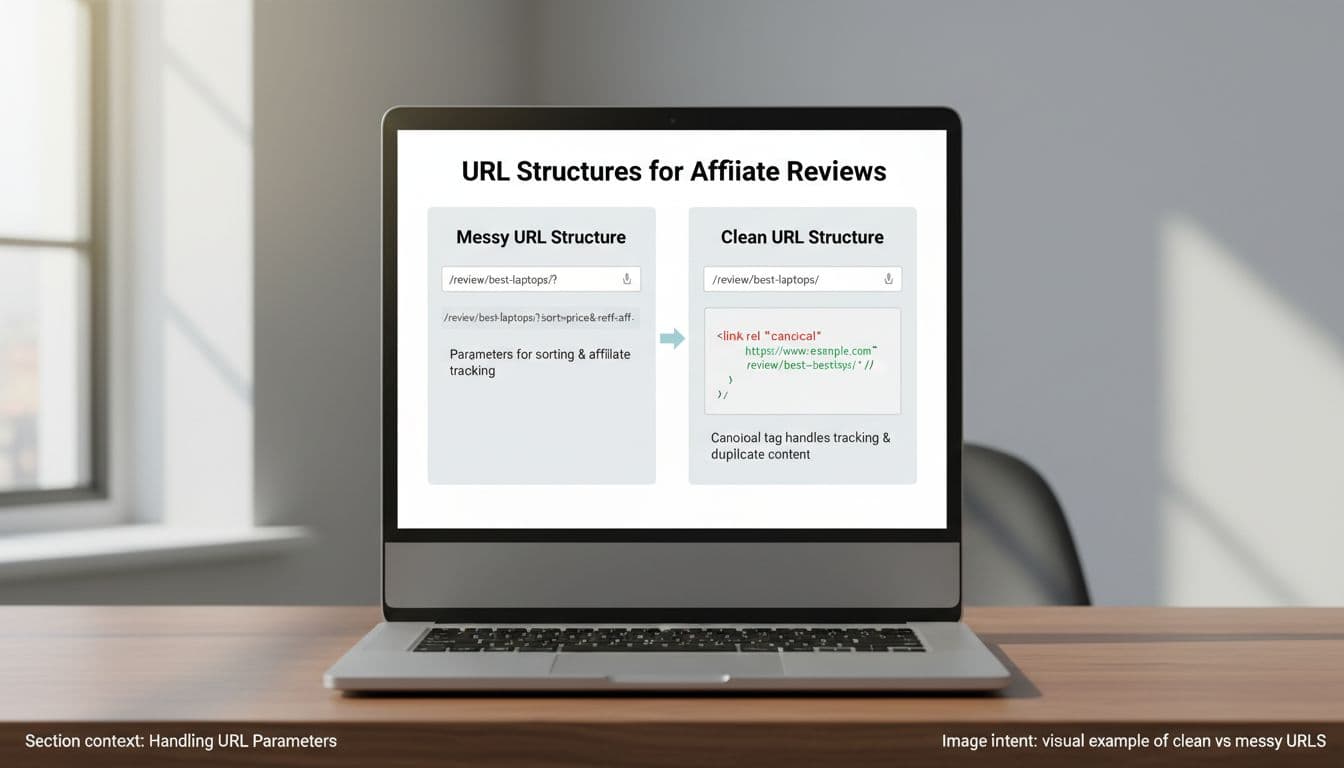
This quick table shows the difference between a clean signal and a messy one:
| Scenario | Correct setup | Wrong setup |
|---|---|---|
/best-vpns/?utm_source=newsletter | Canonical to /best-vpns/ | Self-canonical on the UTM URL |
/best-vpns/?sort=price with same products | Canonical to /best-vpns/ | Indexing every sort order |
/tool-a-review/ and /tool-a-vs-tool-b/ | Self-canonical both, if intent differs | Canonical the vs page to the review |
/best-email-tools/ and /best-email-tools-for-beginners/ | Self-canonical both, if recommendations differ | Cross-canonical just because templates look similar |
| Syndicated copy on another domain | Cross-canonical to the original, if allowed | Canonical your review to a merchant or affiliate redirect |
The biggest mistake is using canonical tags to hide thin overlap. If five pages target the same buyer intent with slight wording changes, the better fix is often merge, re-angle, or redirect. A solid affiliate content cannibalization audit helps you spot that before rankings bounce around.
Never point a money page canonical to a merchant URL, an affiliate redirect, or a “stronger” publisher just because that page sells well.
Also watch cross-canonical errors. They make sense for true syndication. They don’t make sense for your own distinct review, best-of, or versus pages. If you want a second technical walkthrough, this canonical tags explainer covers the common failure points clearly.
In short, canonicals help duplicate versions behave. They do not fix weak architecture, bad keyword targeting, or sloppy template sprawl.
Conclusion
Affiliate sites often create duplicates by accident, not by choice. That’s why affiliate canonical tags should be part of every review and comparison workflow, not a last-minute patch. Pick one preferred URL, self-canonical the right pages, clean up parameters, and treat different intent as different pages. When your canonical setup matches your content strategy, search engines have far less room to guess.