
If you manage more than a handful of money pages in affiliate marketing, you already know the pain: you updated a review “last month,” swapped a button color, changed an offer, and then forgot what you touched and why.
A scalable log fixes that, forming an essential digital marketing strategy. Affiliate content updates stop being random edits and become a repeatable system you can hand to a VA, writer, or small team to scale revenue without losing control.
Start with a minimum viable affiliate content update log (the 12 fields that matter)
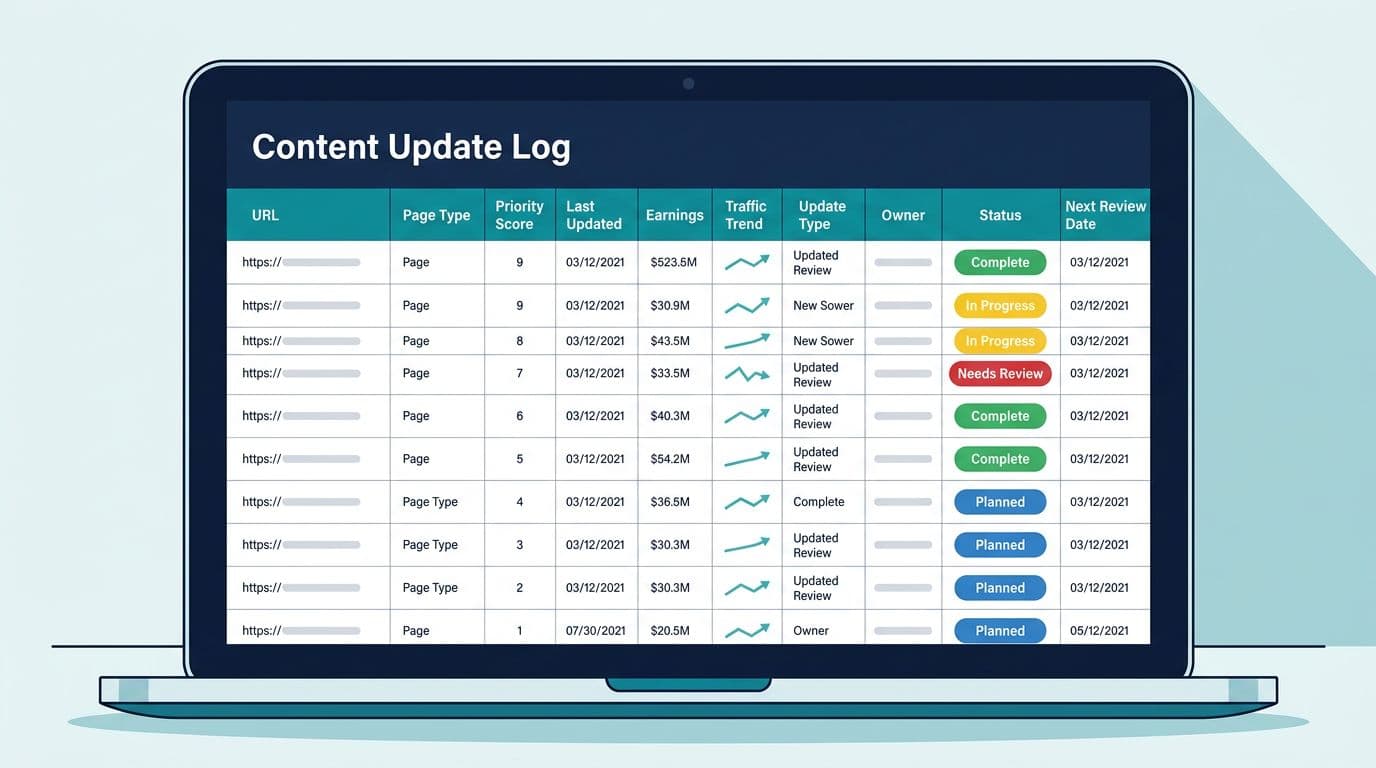
Think of your update log like a pilot’s checklist. It’s not there to feel organized. It’s there so you don’t crash a page that pays your bills, since search engine optimization relies on this organization for sustained visibility.
Here’s a recommended minimum viable log you can copy into Sheets, Airtable, or Notion:
| Core field | What to record (keep it short) |
|---|---|
| Page ID | A unique ID (ex: MNY-042) |
| URL | Exact live URL |
| Page type | Review, comparison, best-of, other |
| Primary offer | Program or product name |
| Main query | The core keyword or intent phrase |
| Last updated | Date (YYYY-MM-DD) |
| Update trigger | Why now (drop, offer change, new info) |
| Update type | Refresh facts, rewrite intro, new tables, improve user experience, add FAQs, add links |
| Owner | Person responsible for the update |
| Status | Backlog, in progress, published, monitoring |
| Priority score | Your formula result (next section) |
| Next review date | When to revisit (ex: +30, +60, +90 days) |
Two important notes before you scale this:
- Tie every update to a reason, not a mood.
- Keep your monetization clean with clear disclosures and tracking links, this guide has solid affiliate disclosure examples you can reuse.
Advanced fields (add these when you manage 50+ pages or multiple writers):
- Baseline clicks and CTR (last 28 days)
- Baseline affiliate clicks and conversions (last 28 days, from key affiliate networks and their commission structures)
- Earnings snapshot (last 30 days, per page if possible)
- Traffic trend (up, flat, down)
- SERP notes (new competitors, “forums” showing, AI overviews present)
- On-page change summary (2 sentences max)
- Links changed (yes or no)
- QA done by (name and date)
If an update isn’t in the log, it didn’t happen. That’s how teams end up repeating work and “testing” nothing.
Add a priority score so you update the right pages first
A scalable log needs triage to maximize return on investment. Otherwise, your team will keep polishing low-impact posts because they’re easy.
Use a simple score that rewards revenue, opportunity, and urgency. Rate each factor 0 to 5, then apply weights:
Priority Score = (Revenue Potential × 3) + (Ranking Opportunity × 2) + (Traffic Trend × 2) + (Update Urgency × 1)
Quick definitions (keep them consistent):
- Revenue Potential (0 to 5): EPC, RPM, conversion rates, average order value, or commissions per 1,000 sessions for that page or cluster.
- Ranking Opportunity (0 to 5): this scoring system is particularly effective for product reviews sitting in positions 4 to 20, which often move with a good refresh.
- Traffic Trend (0 to 5): 0 for rising, 3 for flat, 5 for dropping hard.
- Update Urgency (0 to 5): offer changed, price changed, broken links, out-of-date claims.
Example calculation:
- Revenue Potential: 4 (already earns, room to grow)
- Ranking Opportunity: 5 (avg position ~11)
- Traffic Trend: 4 (down over the last 28 days)
- Update Urgency: 2 (minor changes needed)
Score = (4×3) + (5×2) + (4×2) + (2×1) = 12 + 10 + 8 + 2 = 32
Set a simple rule and stick to it:
- 30+: update this week
- 20 to 29: schedule this month
- Under 20: batch later or ignore unless urgent
When you plan the update, make sure link changes match intent. This affiliate link placement map helps avoid “link stuffing” edits that hurt trust in affiliate marketing.
Use a repeatable workflow (intake → brief → update → publish → annotate → monitor)
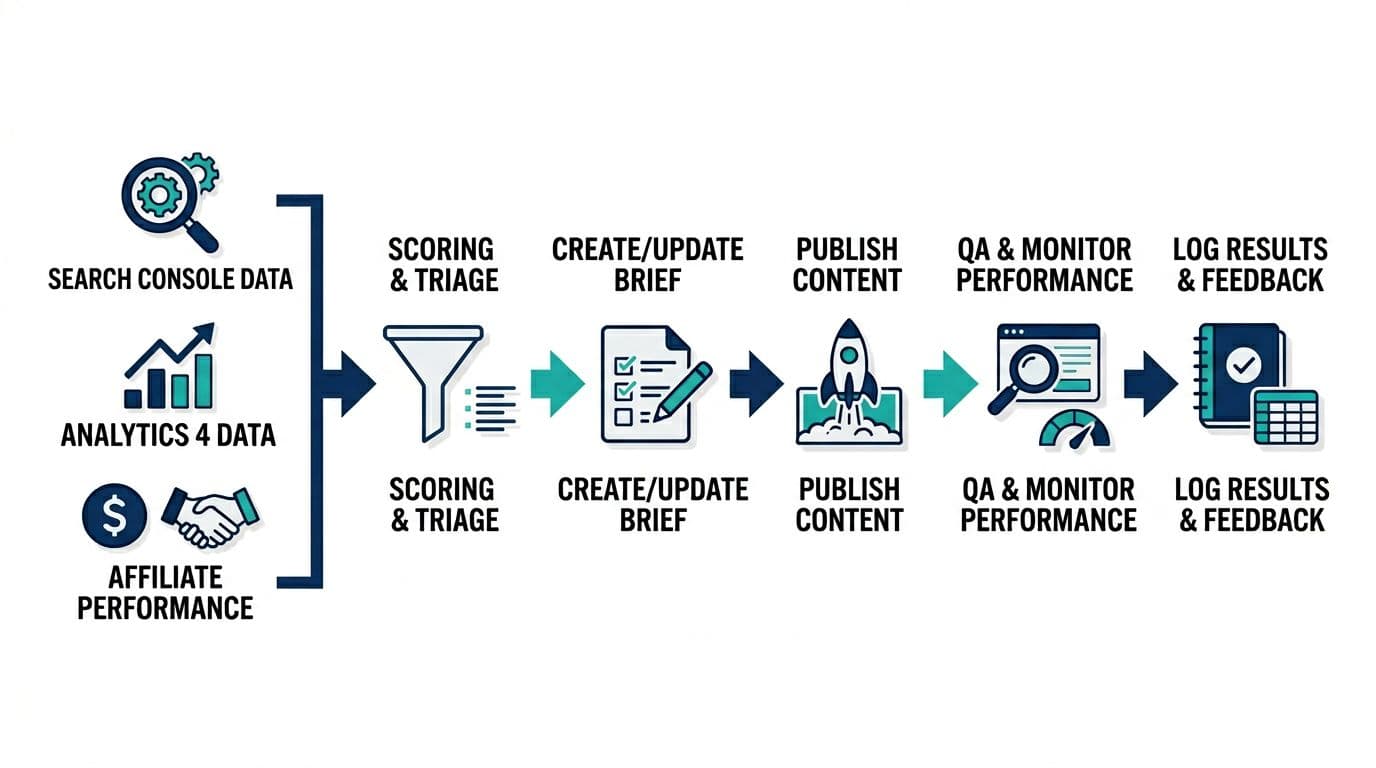
A log scales when it matches how work actually moves. That means clear handoffs, one owner per step, and a “done” definition that includes measurement. This approach upholds high-quality standards essential for affiliate marketing.
Use this workflow table as your operating system:
| Step | Input | Output | Owner |
|---|---|---|---|
| Intake | GSC, GA4, affiliate dashboard notes (e.g., Google spam update triggers needing urgent recovery) | New log row with trigger | Ops lead or analyst |
| Brief | SERP scan, offer check, page audit | 5-bullet update brief | Editor or strategist |
| Update | Brief + page content | Draft changes in CMS/doc | Writer or content lead |
| Publish | Updated page + on-page checks | Live update + timestamp | Publisher |
| Annotate | What changed + why | Log notes updated | Publisher |
| Monitor | 7/14/30-day checks | Results fields filled in (e.g., search engine rankings and affiliate partnerships performance) | Analyst or ops lead |
Mini QA checklist (fast, but saves headaches):
- Disclosure is visible before the first affiliate link.
- Buttons work on mobile.
- No broken affiliate links or redirect loops.
- The page still answers the same search intent, delivering helpful content.
For a careful process when monetizing older content, follow this guide to add affiliate links safely, then make that checklist part of your brief.
Schedule, automate, and measure results (without locking into one tool)
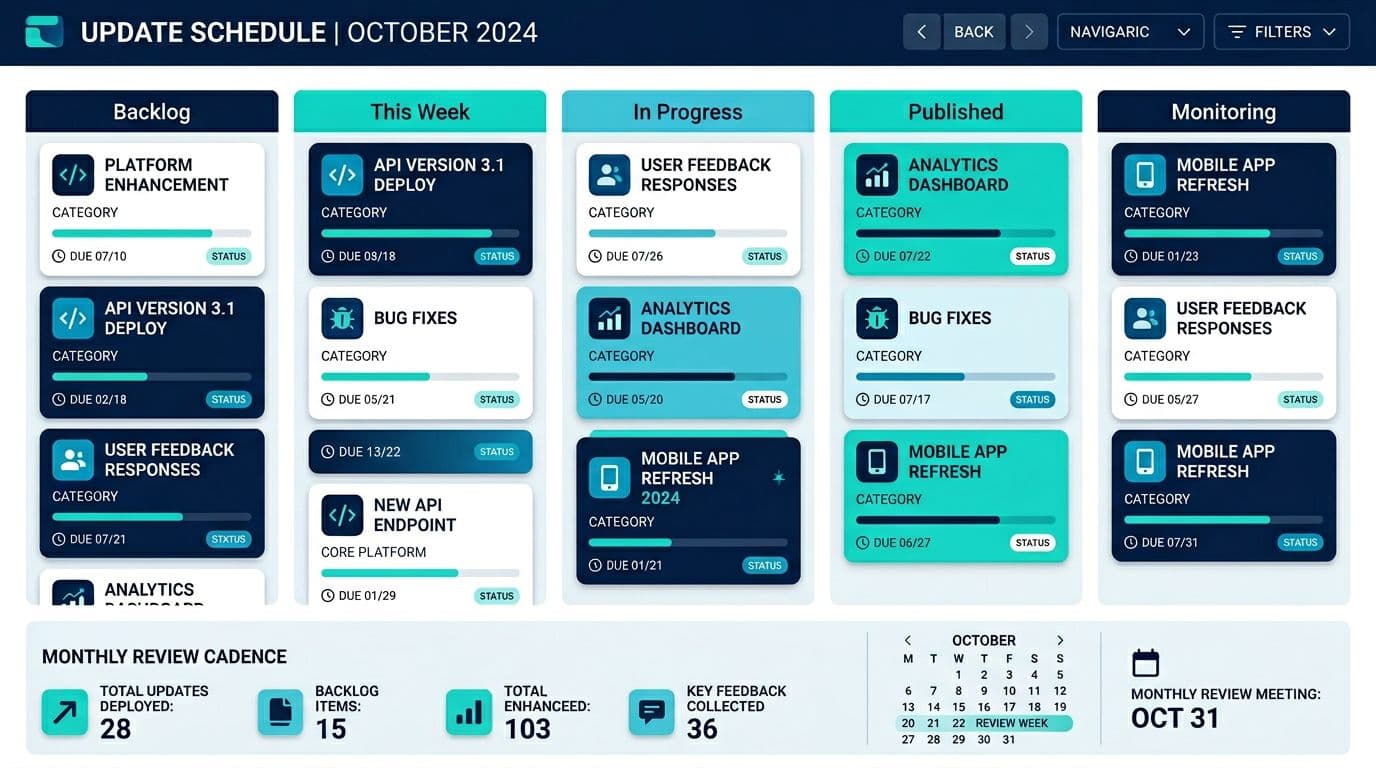
For scheduling your content marketing updates, you want two views: a kanban for flow and a calendar for cadence. Keep “Backlog” big, and keep “This Week” small. That’s how you prevent 40 half-finished updates.
Automation ideas that work in most setups:
- Form-based intake: a simple form feeds new rows into your log (good for writers reporting issues).
- Reminders: auto-email or task reminders when “Next review date” hits.
- Status rules: leverage AI-driven automation so when status changes to “Published,” auto-fill “Published date.”
- Integrations: pull in GSC clicks or positions weekly (even a manual copy-paste works if it’s consistent).
- Templates: store a “brief template,” “update notes template,” and video tutorials for team training so every entry looks the same.
If you want a starting sheet structure for tracking affiliate marketing performance alongside content, such as Amazon Associates commissions from digital products, this free affiliate tracker template can spark ideas for columns and dashboards. For a campaign-style refresh sprint, this affiliate content refresh plan is a useful reference for batching updates.
Post-update measurement cadence (record results back into the same log):
| Timing | What to check | What to write in the log |
|---|---|---|
| Day 7 | Indexing, obvious ranking swings, CTR changes | 1 sentence outcome + “issues found” |
| Day 14 | Rankings by main query, GSC clicks, CTR | Position change, CTR change, notes |
| Day 30 | Conversions, EPC, RPM, affiliate clicks | Before/after metrics, decision (keep, tweak, revert) |
Sample log entries for affiliate content updates: review, comparison, and best-of pages
Use this format so entries stay readable at scale:
| URL | Page type | Update trigger | Update type | Priority score | Status | 30-day result note |
|---|---|---|---|---|---|---|
| /tool-x-review/ | Review | Offer added a new pricing tier | Refresh pricing, update pros/cons, adjust CTA | 31 | Monitoring | CTR up, conversions flat, keep testing CTA copy |
| /tool-x-vs-tool-y/ | Comparison | Dropped from pos 6 to 12 | Rewrite intro for intent, add comparison table, fix link placement | 34 | Monitoring | Rankings recovering, EPC up, expand FAQ next |
| /best-email-tools/ | Best-of | New competitor page outranking | Update “top pick,” add criteria section, refresh screenshots | 29 | Published | Early lift in clicks, re-check at Day 14 |
| /tool-z-offer/ | High-converting landing page | Feature update from merchant | Refresh features list, update screenshots | 32 | Monitoring | Impressions up, conversions testing well |
Keep the “result note” honest, using attribution models to explain how sales are being credited. You’re building institutional memory for data-driven decisions, not a highlight reel.
Conclusion
A scalable log turns affiliate content updates into a smart way of repurposing old content that you can repeat, delegate, and measure. Start with the 12 core fields, add a simple priority score, then lock in the workflow and monitoring cadence across your marketing channels. Once you can answer “what changed, who changed it, and what happened after,” your updates drive customer acquisition, boost brand awareness through programmatic content, and compound results in affiliate marketing and search engine optimization.