
A slow affiliate site harms User Experience (UX), like a store with a sticky door. People can still get in, but many won’t bother. In 2026, that “door” affects Search Rankings, ad revenue, and conversions more than most site owners expect.
This core web vitals checklist is written for affiliate pages that tend to get heavy: product tables, comparison widgets, display ads, tracking tags, and image-packed reviews. The goal is simple, pass Core Web Vitals for real visitors, not just your laptop on fast Wi-Fi.
What “passing” looks like in 2026 (and what Google actually uses)
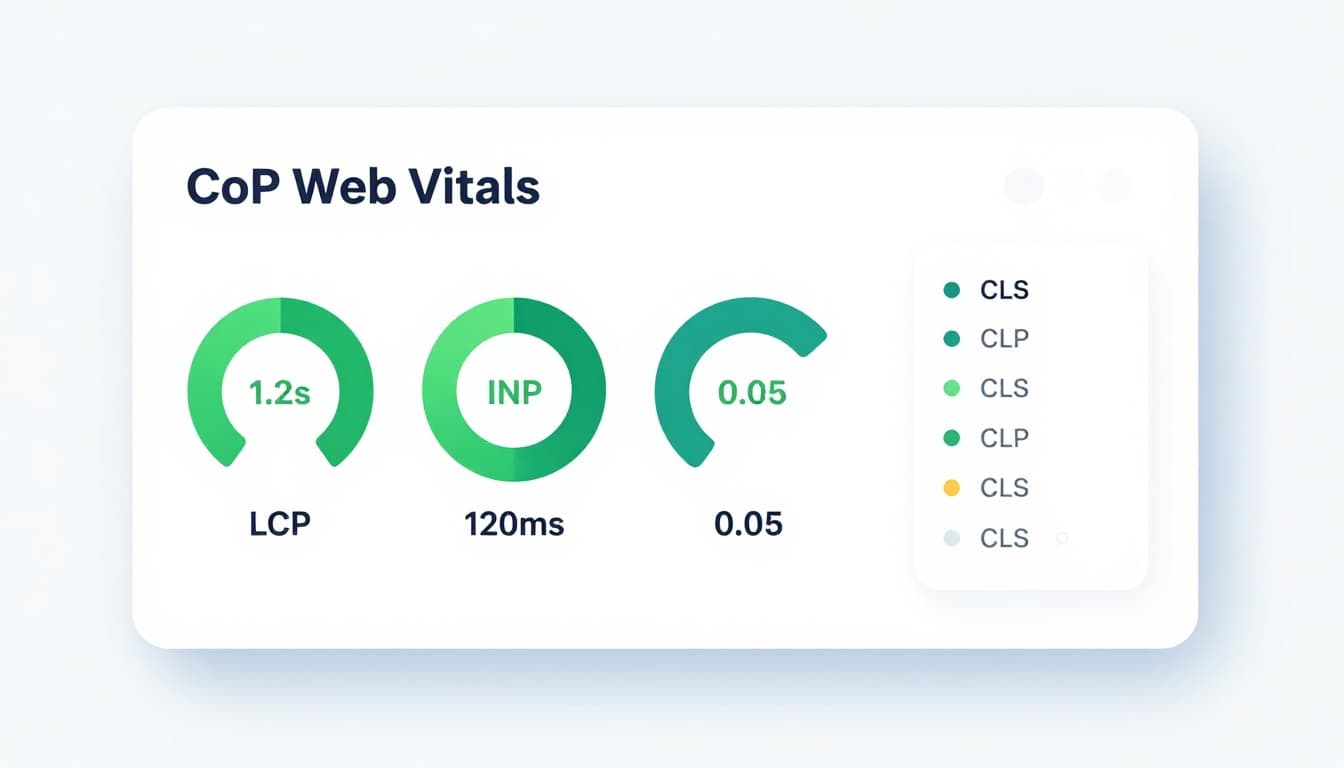
Core Web Vitals, core Page Experience Signals, still center on Largest Contentful Paint (LCP), Interaction to Next Paint (INP), and Cumulative Layout Shift (CLS). The targets below are the ones to aim for, because they map to how “good” is defined in current guidance (February 2026).
| Metric | Good | Needs work | Poor |
|---|---|---|---|
| Largest Contentful Paint (LCP) | < 2.5s | 2.5 to 4.0s | > 4.0s |
| Interaction to Next Paint (INP) | < 200ms | 200 to 500ms | > 500ms |
| Cumulative Layout Shift (CLS) | < 0.1 | 0.1 to 0.25 | > 0.25 |
Two details trip up affiliate sites:
First, Google cares about Real User Data (field data), not just lab scores. Your PageSpeed Insights result is useful, but the real “grade” comes from Chrome user data (CrUX) at the 75th percentile (check Google Search Console as a primary tool for monitoring these metrics). That means a chunk of slow mobile visits can fail you even if your tests look fine, especially under Mobile-First Indexing.
Second, 2026 discussions put more attention on reliability, not only speed. If taps don’t register, buttons are blocked by overlays, or forms fail, your site feels broken. That lines up with the broader emphasis on interaction quality (often described as engagement reliability alongside CWV).
For a quick refresher on measurement and improvement basics, keep Search Engine Land’s Core Web Vitals guide bookmarked.
If you only chase a perfect Lighthouse score, you’ll miss what matters. Build for the slow phone on a spotty connection, because that’s who sets your 75th percentile.
The 2026 core web vitals checklist, prioritized for affiliate pages
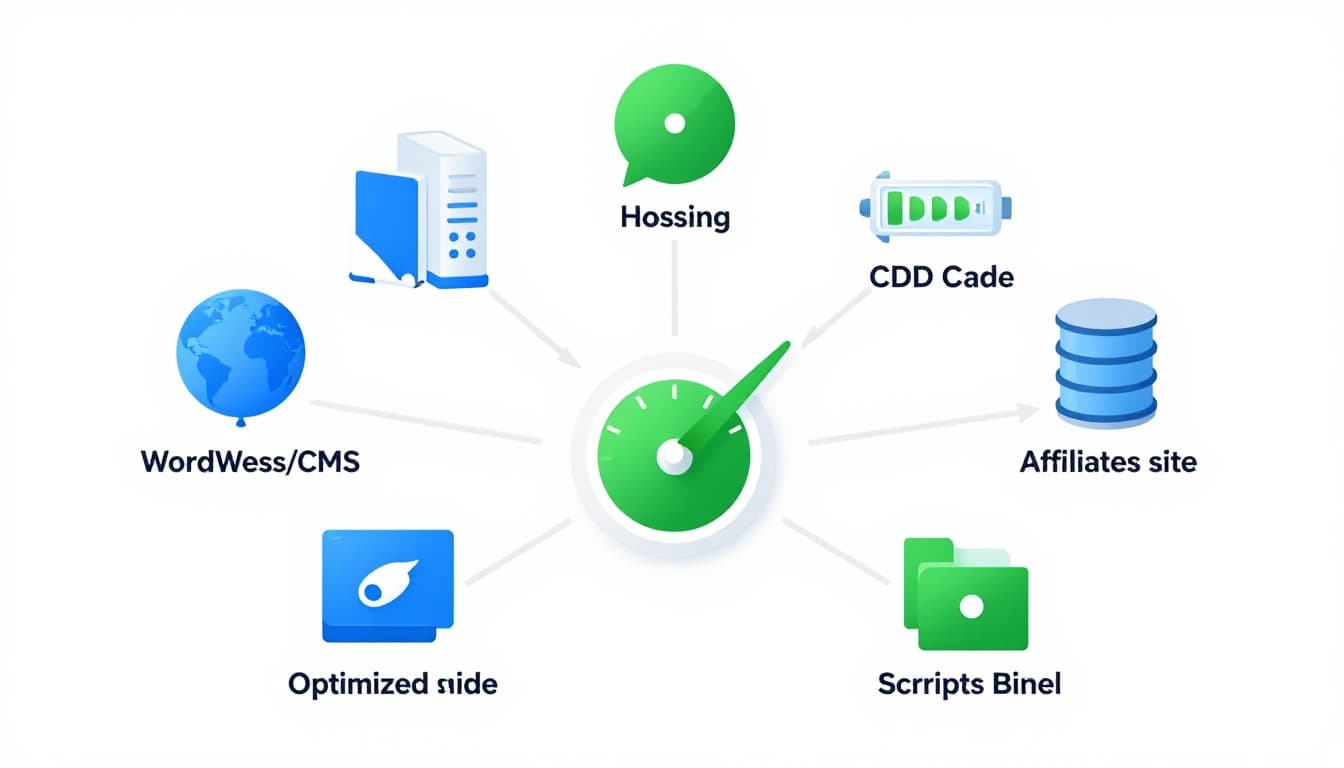
Affiliate sites usually fail CWV for the same reasons: too much JavaScript up front, oversized images, layout shifts from ads, and theme or page builder bloat. Use this priority order so you fix the biggest blockers first.
| Priority | What to change | What it improves | Common affiliate culprit |
|---|---|---|---|
| P0 | Fix your LCP element (hero image or first content block) | LCP | Giant featured images, sliders, uncompressed screenshots |
| P0 | Stop main-thread JS pileups | INP | Ad scripts, affiliate widgets, tag managers, reviews plugins |
| P0 | Reserve space for anything that loads late | CLS | Ads, embeds, “sticky” coupons, related posts blocks |
| P1 | Cache aggressively and reduce Time to First Byte (TTFB) / Server Response Time | LCP, INP | Cheap hosting, no full-page cache, slow database queries |
| P1 | Use a Content Delivery Network (CDN) and correct caching headers | LCP | Images served from origin, short cache lifetimes |
| P1 | Simplify the theme and template | All | Heavy multipurpose themes, page builder wrappers |
| P2 | Reduce third-party calls and font overhead | LCP, INP | Multiple analytics tools, chat widgets, too many fonts |
Three pitfalls show up constantly on affiliate sites: (1) page builders that wrap everything in extra DOM (consider Server-Side Rendering (SSR) as a potential solution for heavy bloat), (2) comparison tables filled with 200 KB screenshots, and (3) monetization stacks that add five to fifteen third-party requests before the reader even scrolls. If you publish “alternatives” or “best vs best” pages, keep tables lean and structured; using Structured Data and proper Schema Markup for product tables can improve visibility while keeping code lean. Then cross-check your layout against this best alternatives post outline, because bloated tables often cause both speed issues and quick bounces.
For broader technical checks that support speed work (crawlability, JS rendering, and more), use Yotpo’s 2026 technical SEO checklist as a sanity check after you make changes.
Fix LCP, INP, and CLS with tactics that work on review pages
Make your LCP predictable (and smaller) with Image Optimization
On affiliate posts, the Largest Contentful Paint (LCP) element is often the featured image, a product hero image, or the first big comparison block. Start there with Image Optimization.
Compress and resize hero images to the displayed size, serve WebP or AVIF, and avoid loading a 2400 px screenshot into a 800 px container. Also, don’t lazy-load the LCP image. If it’s above the fold, load it normally and consider fetchpriority="high" for that one image. Reserve Lazy Loading for non-LCP elements further down the page.
If your theme loads a huge slider or video at the top, replace it with a static image. Sliders look fancy, but they’re often LCP poison.
Reduce INP by cutting up JavaScript work
Interaction to Next Paint (INP) problems usually come from long tasks on the main thread. Affiliate stacks trigger this with Render-Blocking Resources from ads, analytics, heatmaps, and fancy comparison plugins, creating interaction delays that hurt User Experience (UX).
A practical rule: anything not needed to show the first screen should load later. Defer non-critical scripts, delay tag manager containers until after consent, and load affiliate widgets only when the user scrolls near them. If you run display ads, test a setup that loads fewer slots initially, then lazy-loads the rest.
WordPress note: too many “helper” plugins can add scripts everywhere. Audit plugin assets and disable global loads when you only need them on a few pages.
Stop CLS at the source (ads and embeds)
Cumulative Layout Shift (CLS) is mostly preventable. Reserve space with fixed dimensions for images, iframes, and ad containers. That includes sticky footers and “coupon reveal” boxes. Reducing these layout shifts improves User Experience (UX).
Be careful with fonts too. When fonts swap late, headings can reflow and shift content. Prefer self-hosted WOFF2, keep weights limited, preload only the primary font file you truly need, and use font-display: swap so text appears immediately.
If you want more tool and workflow options for diagnosing issues, Single Grain’s Core Web Vitals tools list is a solid roundup.
Regular Website Audits: Measure, Retest, and Monitor so Speed Doesn’t Slowly Break Again
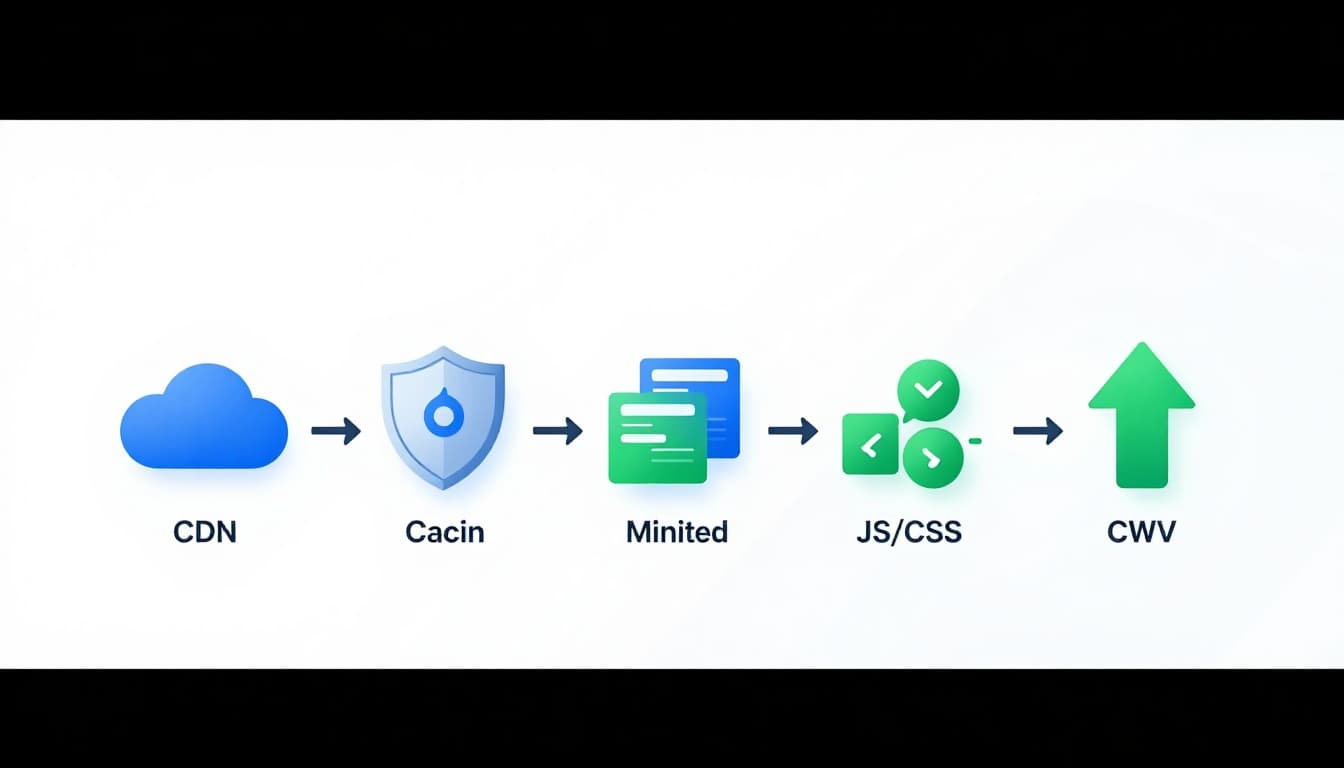
Speed fixes fade if you don’t watch them. A theme update adds CSS, an ad partner changes scripts, and suddenly your INP spikes. Poor performance can also waste Crawl Budget, so make this a regular Website Audit process.
Use this simple workflow:
- Run PageSpeed Insights for your key templates (review, comparison, “best of”), then note the top 3 opportunities.
- In Lighthouse, test mobile throttling and repeat runs, because Mobile-First Indexing makes these tests essential and one lucky run can hide a problem.
- Check CrUX (or Google Search Console CWV reports) to confirm real users improved, especially on mobile.
- Change one major thing at a time, then re-test and annotate the date. After performance updates, verify your Robots.txt and XML Sitemap to ensure no new blocks were accidentally introduced.
Set performance budgets so decisions stay easy. For example, cap total third-party scripts, cap total image weight above the fold, and limit the number of fonts. If you add new affiliate blocks, confirm they don’t inject extra render-blocking CSS.
Monetization changes deserve extra caution, especially for JavaScript SEO since scripts can delay rendering. When you update older posts with new widgets or links, follow a controlled rollout like this safe affiliate monetization workflow. It helps you avoid traffic drops and performance regressions.
Finally, place affiliate links where they earn their load time. Fewer, clearer CTAs often beat a page full of widgets. This affiliate link placement map is useful when you’re tempted to add “just one more” element above the fold.
Conclusion
Page Speed is a fundamental component of modern Search Rankings. A fast affiliate site isn’t about shaving milliseconds for fun. It’s about optimizing Core Web Vitals to keep readers on the page long enough to trust you, click, and buy. Start with the LCP element, tame JavaScript for INP, and lock down layout stability for CLS. These Page Experience Signals enhance User Experience (UX) and conversions, while fast, well-structured sites are more likely to be cited in AI Overviews and other modern search features. Then protect those wins with monitoring and budgets, so next month’s plugin update doesn’t undo today’s progress.