
Publishing one post a week can feel like trying to push a car uphill, slowly, quietly, and with no cheering section. Still, it works, if you stop guessing and start following an editorial calendar template you can repeat every month. This system is the core of a sustainable content strategy.
This post gives you two content calendar templates (monthly and 12-week), plus a reusable content brief checklist. You’ll also get a lightweight promotion plan, basic compliance reminders, and a clear path to scale up when results start coming in.
The one-post-per week workflow that keeps you consistent

When you only have one publishing slot per week, you need a tight pipeline for your content creation process. Think of it like meal prep. You’re not cooking all day, you’re setting up the week so decisions are easy.
Use the same weekly rhythm every time. This task management approach with workflow tracking helps solo creators stay organized:
- Research (Day 1): Select your “target keywords”, confirm the search intent, list the top competitors.
- Outline (Day 2): Write headings first, then bullets, then your angle (who it’s for, who it’s not for).
- Draft (Day 3): Write fast, keep it simple, add examples.
- Edit (Day 4): Tighten sentences, add internal links, add a comparison table if needed.
- Publish (Day 5): Add images, disclosure, and your main CTA.
- Update (Day 6 or 7): Add 1 to 2 internal links from older posts for SEO optimization, and refresh your meta snippet.
A one-post-per-week plan works best when your calendar also schedules updates, not just new posts.
Affiliate posts also need clean link placement. If you want a simple map for where links tend to earn clicks without feeling pushy, use this internal guide: where to position links for clicks.
Before you pick topics, decide your post rotation as part of your editorial strategy for affiliate marketing. For most solo affiliates, this mix stays manageable and converts well:
- One review (buying intent)
- One comparison (buying intent)
- One how-to (problem solving intent)
- One supporting post (informational intent that feeds the other three)
Example niche (home office gear): “best budget standing desk,” “standing desk converter review,” “how to stop wrist pain at a desk,” “ergonomic chair sizes explained.”
Monthly affiliate editorial calendar template (copy and reuse)
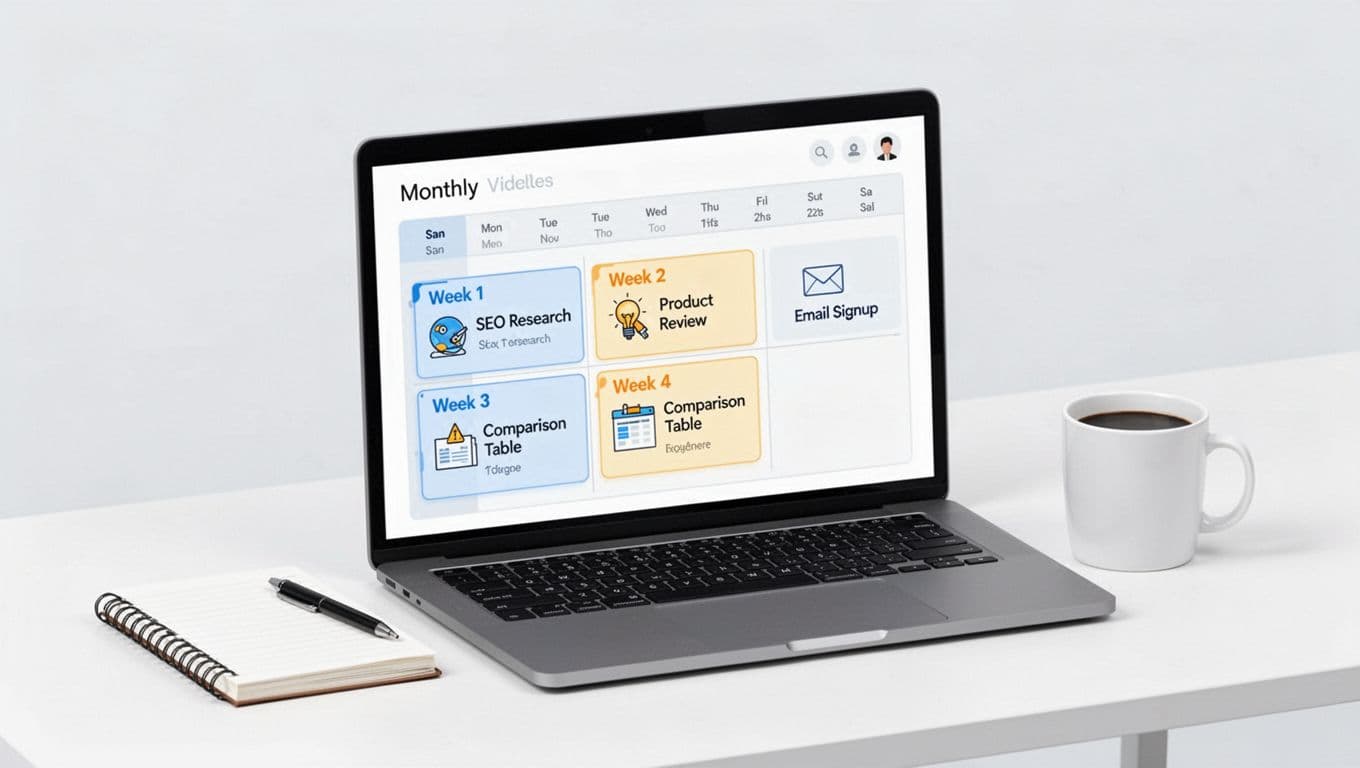
This content calendar is your repeatable “default month” editorial calendar template. Copy it into Google Sheets or Microsoft Excel, then swap in your niche topics. One of our free templates for tracking a publishing schedule, it lets you add custom fields for better tracking.
| Week | Post type | Primary intent | Affiliate angle | Must include |
|---|---|---|---|---|
| Week 1 | How-to tutorial | Awareness stage: Solve a problem | Tool/product used in steps | 1 content upgrade, 2 internal links |
| Week 2 | Single product review | Decision stage: Ready to buy | “Who it’s for” clarity | Pros/cons, pricing note, CTA box |
| Week 3 | Comparison post | Consideration stage: Comparing options | “Best for X” positioning | Simple table, 1 top pick, FAQs |
| Week 4 | Supporting info post | Awareness stage: Learn and trust | Soft mention only | Glossary, internal links to W2/W3 |
Takeaway: you’re building a small system that contributes to long-term revenue growth, not chasing random topics.
Two quick rules keep this calendar focused:
- Week 1 and Week 4 feed Week 2 and Week 3. That’s how one post a week still builds momentum.
- Pick one main offer per post. Too many choices lowers clicks.
If you want a second calendar format for general planning, you can compare your setup against HubSpot’s editorial calendar templates and keep only what you’ll actually use.
CTA: Copy the table above, then write the next 4 titles today. Don’t overthink them. Titles can be ugly at first, you can polish later.
12-week plan for steady traffic, clicks, and commissions
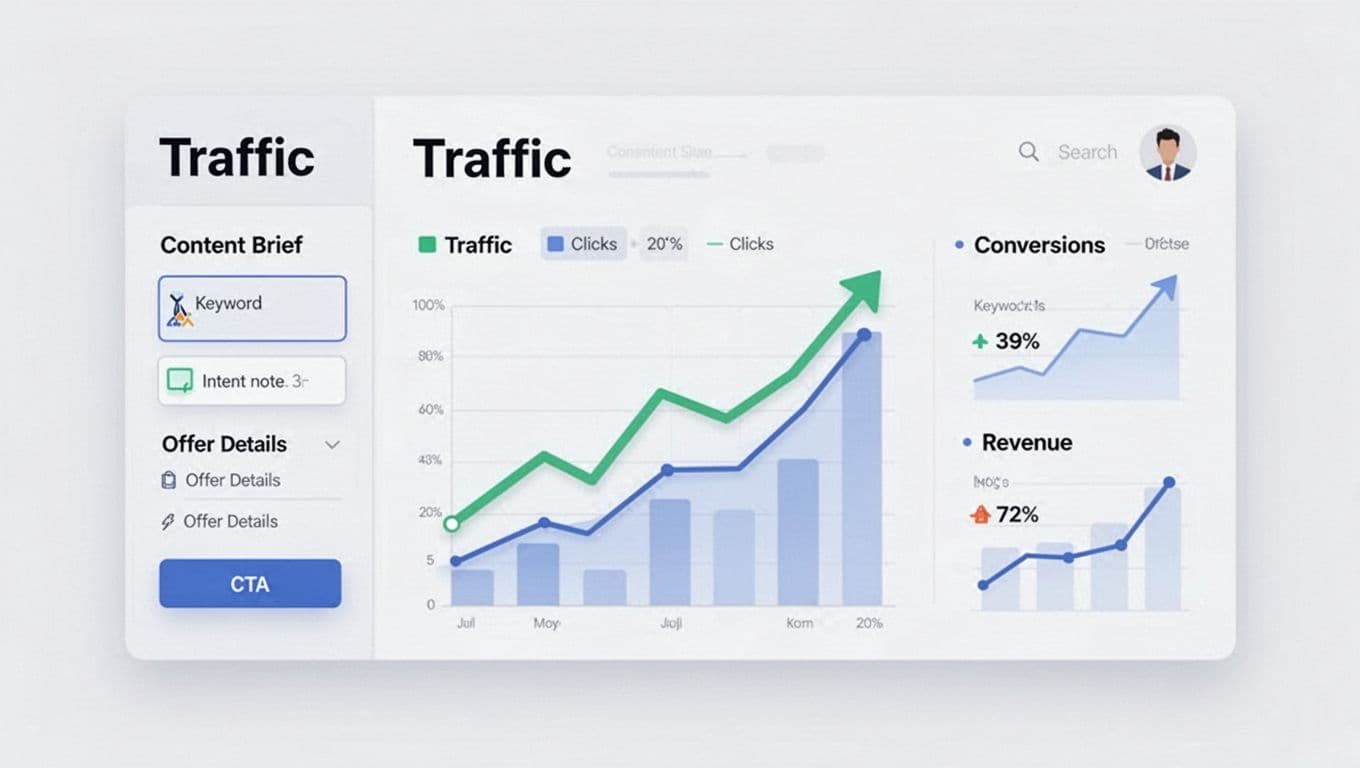
A 12-week publishing schedule is a vital part of your content marketing strategy. It stops the “what should I write next?” spiral and prevents a disorganized content backlog. It also helps you build topic clusters, creating evergreen content that performs well over time, so Google and readers can follow the thread.
Use this quarter publishing schedule template. Replace the bracketed text with your niche.
| Week | Post type | Topic focus | Internal linking goal |
|---|---|---|---|
| 1 | How-to | [Problem] setup basics | Link to week 2 anchor post |
| 2 | Review | [Product A] review | Link back to week 1 tutorial |
| 3 | Comparison | [Product A vs B] | Link to weeks 1 and 2 |
| 4 | Supporting | [Terms, sizing, mistakes] | Link to week 3 table section |
| 5 | How-to | [Problem] advanced fix | Link to week 6 review |
| 6 | Review | [Product B] review | Link to week 3 comparison |
| 7 | Comparison | [Best for X use case] | Link to weeks 2 and 6 |
| 8 | Supporting | [Buying guide criteria] | Link to week 7 |
| 9 | How-to | [Problem] checklist | Link to week 10 review |
| 10 | Review | [Product C] review | Link to week 7 |
| 11 | Comparison | [Best under $X] | Link to weeks 2, 6, 10 |
| 12 | Supporting | [Maintenance, care, upgrades] | Link to top 3 money posts |
If you prefer working from a spreadsheet, start with a view-only sheet like this blogging editorial calendar template and adapt it for affiliate content. You can also migrate this data into project management software for better automation.
One more thing: put an “update pass” on your calendar at weeks 6 and 12. Track publication dates alongside these update cycles. Refresh top posts with better screenshots, clearer CTAs, and 2 to 3 new internal links.
Content Brief Checklist (Plus Disclosures and a Light Promotion Plan)
A calendar tells you when to publish. A content brief tells you what “done” looks like. Use this checklist every week, and you’ll move faster with fewer rewrites.
Reusable Content Brief Checklist (Copy/Paste)
- Reader: Who is this for, and what are they trying to decide?
- Search intent: Informational, comparison, or ready-to-buy?
- Primary query: One main keyword phrase, plus 3 to 5 close variants.
- Angle: What will your post do better or clearer than the top 3 results?
- Offer: One primary affiliate product (optional secondary). Check brand partnerships requirements.
- Proof: Photos, hands-on notes, specs, or credible references.
- CTA: One clear next step (try, compare, check price, download).
- Internal links: Link to 2 relevant posts, and link back from one older post later.
- Compliance: Disclosure before the first affiliate link, plus a short reminder near buttons/tables.
For disclosure wording you can copy (without killing clicks), keep this saved: affiliate disclosure examples. Also, before you build content around a new offer, run it through this: affiliate program checklist.
Lightweight Content Brief Promotion Plan (One-Post-Per-Week Capacity)
Keep promotion small and repeatable, treating the weekly post as a mini marketing campaign:
- Same day: send one email or post one short social media marketing update with the main takeaway.
- Next day: add 1 internal link from an older post to the new post.
- Weekend: answer one related question on a forum or community, then link only if it’s truly helpful.
If you want seasonal timing help (especially for Q4), use a reference calendar like this affiliate promo calendar guide and plug key dates into your month.
How to Scale Content Brief Production from 1 to 2 Posts Per Week (Without Burning Out)
Don’t double your workload, duplicate your best week. As an affiliate publisher, first wait until you have 6 to 10 posts and at least one is getting steady impressions. Then add one “lighter” post each week, either a supporting post or a focused FAQ post that links into a money page. Keep the same workflow, but shorten research and reuse your brief. A well-documented content production workflow makes scaling easier.
Conclusion
The Affiliate Editorial Calendar Template For One Post Per Week Growth turns one weekly post into a compounding library. Use the monthly template to stay consistent, and use the 12-week view to build clusters that support each other. Start by filling in the next four weeks, then publish the first post even if it feels imperfect. A consistent content calendar is the best editorial calendar template for those looking to build a high-value content strategy that leads to revenue growth. Consistency beats intensity when you’re working solo.