
A good review post doesn’t just tell readers what to buy, it shows them. In 2026, images pull extra weight because they affect trust, page speed, Google Images traffic, and even how your post looks when shared.
This guide gives you a practical affiliate image SEO checklist built for review and comparison posts. You’ll learn what images to use, how to prep them for Core Web Vitals, and where compliance details belong so you don’t lose clicks.
Pick images that answer buyer questions (not just “decorate”)
Readers skim reviews like they’re checking a car before a road trip. They want proof: size, ports, fit, results, and what “better” actually looks like. That’s why the best-performing review images usually fall into a few jobs:
- Comparison visuals (3 options side by side) to reduce decision fatigue
- Feature callouts that match headings (battery, build, noise, warranty)
- Pros and cons visuals that mirror your verdict section
- In-use context (desk setup, travel bag, kitchen counter) to help buyers imagine ownership
Original visuals matter more than ever. Stock photos often look generic, and many readers can spot them instantly. If you use AI images, keep them honest: don’t invent ports, screens, certifications, or results you didn’t verify. For product image planning that also supports discoverability in search and AI results, this guide on optimizing product images for SEO and GEO offers useful context.
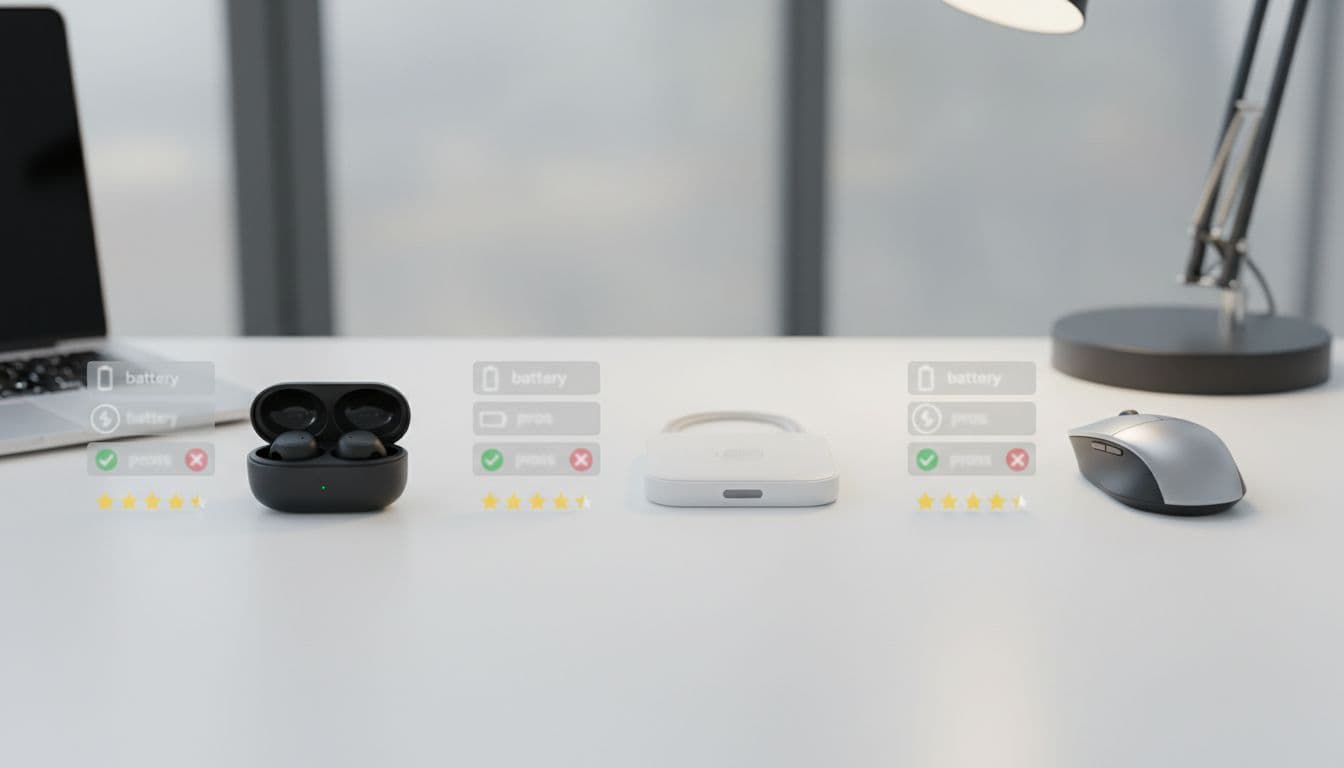
Here’s how to ship this image in a review post without hurting speed.
| Image detail | Recommendation |
|---|---|
| Placement | After your “Top picks” summary, before the first detailed product section |
| Purpose | Visual comparison that matches the reader’s buying intent |
| Dimensions | 1200 × 675 (landscape) for in-content, plus a 600 × 338 variant for smaller srcset |
| Format | WebP (fallback JPEG if needed), AVIF if your stack supports it cleanly |
| Compression target | 90 to 160 KB (aim for “sharp enough,” not perfect) |
| Example alt text | “Three wireless accessories side by side with feature callouts for battery, comfort, and value” |
Compliance note: If this block includes “Check price” buttons, place a one-line disclosure in the same box, above the first button.
Make every review image fast (Core Web Vitals friendly)
Images often cause the two problems that quietly tank review posts: slow load time and layout shift. Speed matters because buyers bounce when a page feels heavy, and Google measures that frustration.
Start with formats. In 2026, WebP is a safe default, and AVIF can cut size further when implemented well. Next, resize images to the maximum they’ll actually display. Uploading a 4000 px image “just in case” is like mailing a brick when an envelope would do.
A few rules that keep review posts stable on mobile:
Write width and height for each image so the browser reserves space, which reduces CLS. Use responsive images (srcset and sizes) so phones don’t download desktop assets. Lazy-load images that appear later, but don’t lazy-load the first meaningful image that sits above the fold.
Gotcha: lazy-loading the first comparison image can delay LCP. If it’s near the top, prioritize it instead.
For a solid refresher on performance-minded image handling (responsive images, intrinsic dimensions, and social sharing previews), see Image SEO in 2026: alt text, performance, and social sharing.
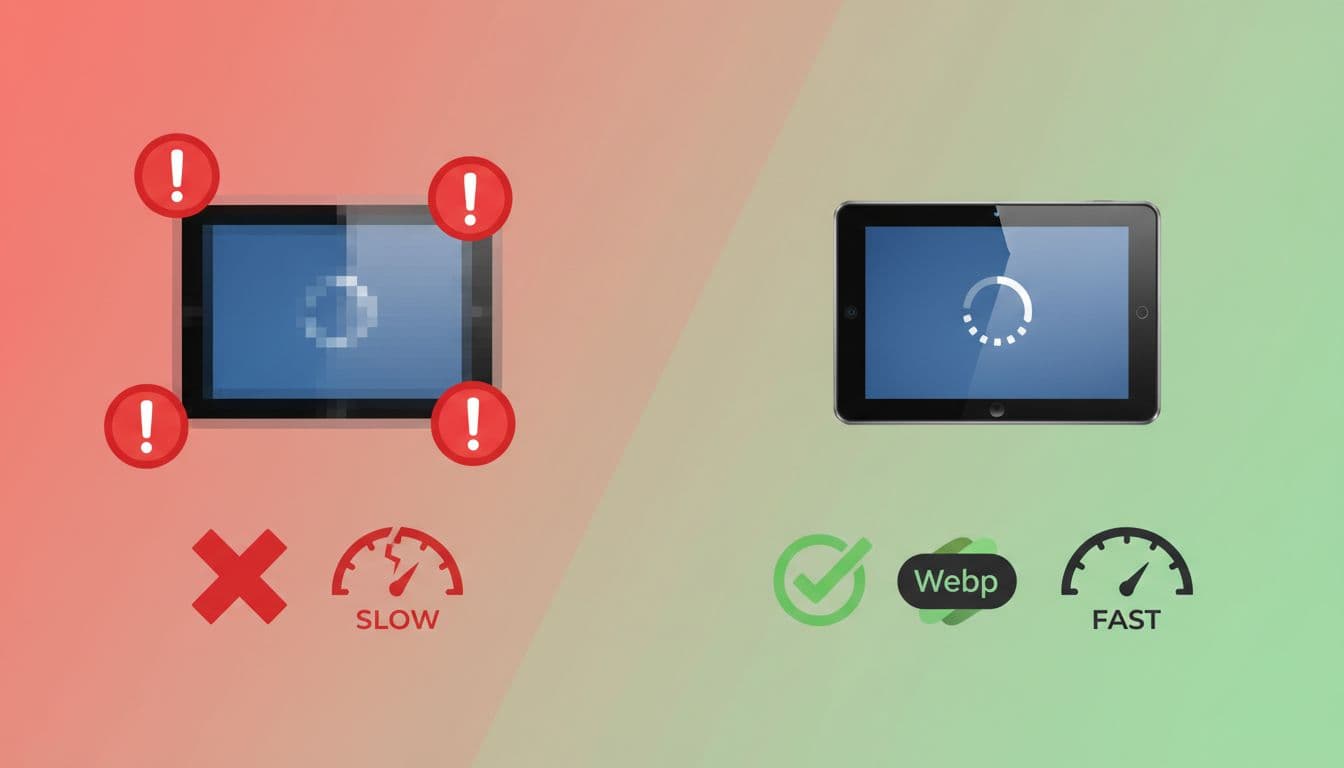
| Image detail | Recommendation |
|---|---|
| Placement | In your “Speed and user experience” section, or before your first product deep-dive |
| Purpose | Visual proof of why formatting and compression matter |
| Dimensions | 1200 × 675 in-content; consider 960 × 540 as a mid-size responsive option |
| Format | WebP (best compatibility), AVIF optional |
| Compression target | 80 to 140 KB (simple graphics compress well) |
| Example alt text | “Before and after example showing a slow image versus an optimized WebP image” |
On-page image signals that help rankings (and clicks)
Even a perfectly compressed image can underperform if search engines can’t understand it. Your goal is to make each image “readable” without stuffing anything.
Filenames that make sense later
Use human filenames that match the moment in the review. Keep them short and consistent.
A simple pattern works: product-name-review-feature.jpg
Example: acme-earbuds-review-battery-case.webp
Avoid camera defaults like IMG_1847.jpg, and avoid cramming every keyword variation into one name.
Alt text that serves humans first
Alt text is for accessibility first, and it also helps image understanding. Keep it one sentence. Describe what’s visible and why it matters in the review.
Good: “Earbuds in charging case showing LED battery indicator at 75%”
Weak: “Best earbuds image”
Also weak: “earbuds earbuds earbuds 2026”
If an image is purely decorative (rare in reviews), use empty alt text so screen readers skip it.
Captions and nearby context
A short caption can boost clarity and reduce pogo-sticking. It also helps you match the image to the exact claim in your paragraph (battery test, fit notes, size comparison).
If you want to align with visual search behavior, this Image SEO and visual search guide for 2026 is helpful background, especially for Google Images and Lens-style discovery.
Schema and indexing basics (don’t skip this)
If you use Product schema for review posts, make sure your primary product image is consistent across the page (hero image, schema image, and social preview). Also, consider an image sitemap if you publish lots of original visuals and want faster discovery.
Compliance and trust: put disclosures where the click happens
A disclosure that’s hidden in the footer isn’t doing its job. Review readers often scroll straight to tables, buttons, and “top pick” boxes. Put a short line there too.
For wording ideas that don’t sound awkward, use these affiliate disclosure examples and adapt one to your site voice.
Image-related compliance and safety rules to keep in your template:
- Disclosure near CTAs and image-heavy boxes: Add a one-liner above price buttons and under comparison tables.
- Brand and licensing caution: Don’t place third-party logos, badges, or “official” marks into AI images. Avoid copying branded product shots from merchants unless you have rights.
- Don’t mislead with visuals: If you didn’t test it, don’t illustrate it as tested.
- Accessibility requirements: Keep text out of images when possible. If you must include text, repeat the same info in normal page text nearby. Maintain readable contrast, and write alt text that describes the meaning, not just colors.
If you’re updating older reviews with new images and buttons, follow an SEO-safe workflow like this guide on adding affiliate links safely so you don’t accidentally change the page’s intent.
Your 2026 affiliate image SEO checklist (copy and save)
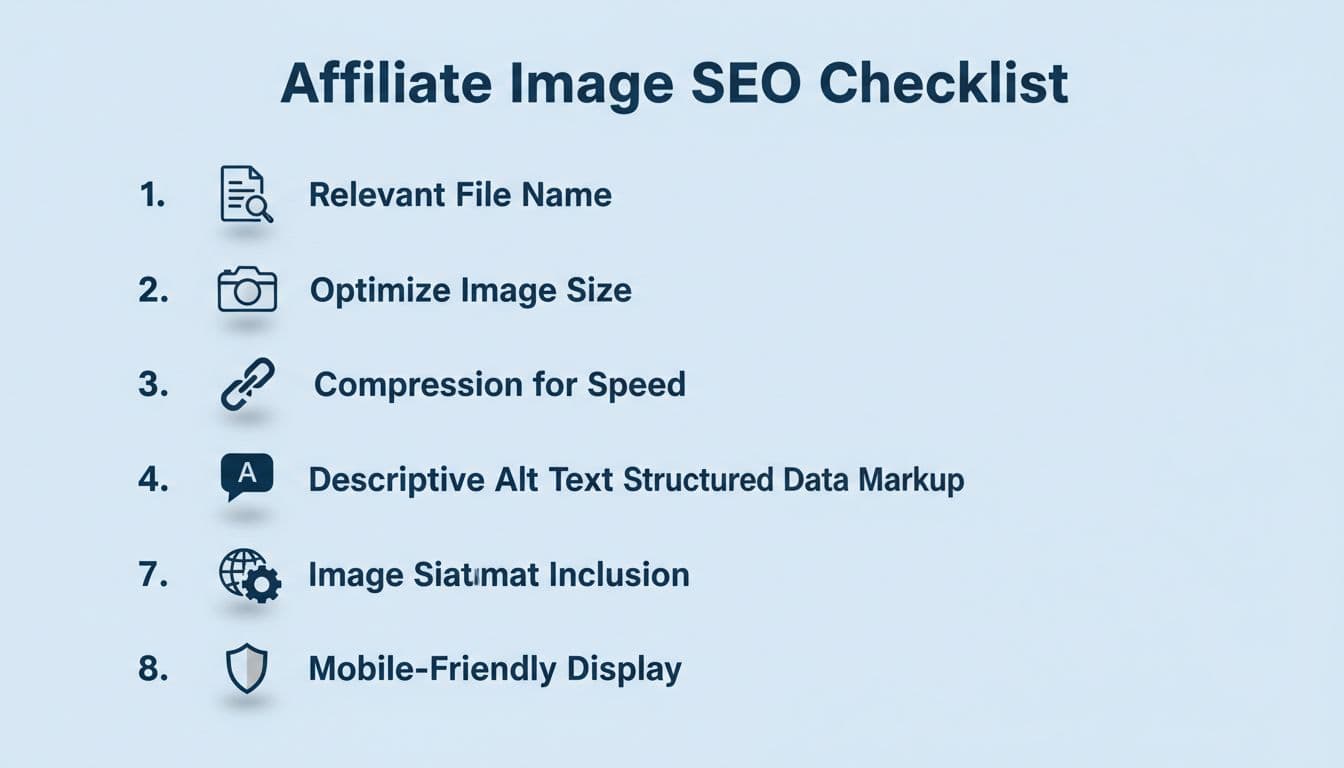
| Image detail | Recommendation |
|---|---|
| Placement | Near the end of the post, right before your conclusion or publishing QA |
| Purpose | Quick reference readers can screenshot, and you can reuse as a publishing standard |
| Dimensions | 1200 × 675 (and 960 × 540 for responsive delivery) |
| Format | WebP (AVIF optional), keep a JPG fallback for email or older tools |
| Compression target | 120 to 220 KB (infographic-style images need a bit more detail) |
| Example alt text | “Checklist graphic summarizing image steps for affiliate product reviews” |
Copy-friendly checklist summary (print this as your pre-publish QA):
| Check | What to confirm | Done |
|---|---|---|
| Image intent | Each image answers a buyer question | |
| Originality | No generic stock filler, no misleading AI claims | |
| Filename | Descriptive, short, consistent naming | |
| Format | WebP or AVIF served, fallback available | |
| Size | Resized to display max, not full camera resolution | |
| Compression | File size hits target without ugly artifacts | |
| Responsive | srcset and sizes used for main images | |
| Stability | width and height set to prevent layout shift | |
| LCP | Above-the-fold image not delayed by lazy-load | |
| Alt text | One sentence, descriptive, not stuffed | |
| Context | Image sits next to matching text and heading | |
| Disclosure | One-line affiliate note near tables and CTAs | |
| Licensing | No unapproved logos, labels, or copied product shots |
Strong review posts feel like a helpful friend, not a billboard. When your images load fast, read clearly, and stay honest, readers trust your recommendations more. Keep this checklist close, and your images will start doing real work for your rankings and conversions.