
Ever had that sinking feeling after sending real traffic, only to see zero sales credited? In 2026, affiliate link tracking and conversion tracking can break for reasons that have nothing to do with your content, like privacy limits, consent choices, or a checkout that hops across domains, even in marketing attribution software stacks.
A controlled test purchase is the closest thing to a fire drill for your commissions. You click your own link, buy a low-risk item (with approval), then verify the click, the conversion, and the attribution details match what the program promised.
Know what you’re testing (and what can break in 2026)
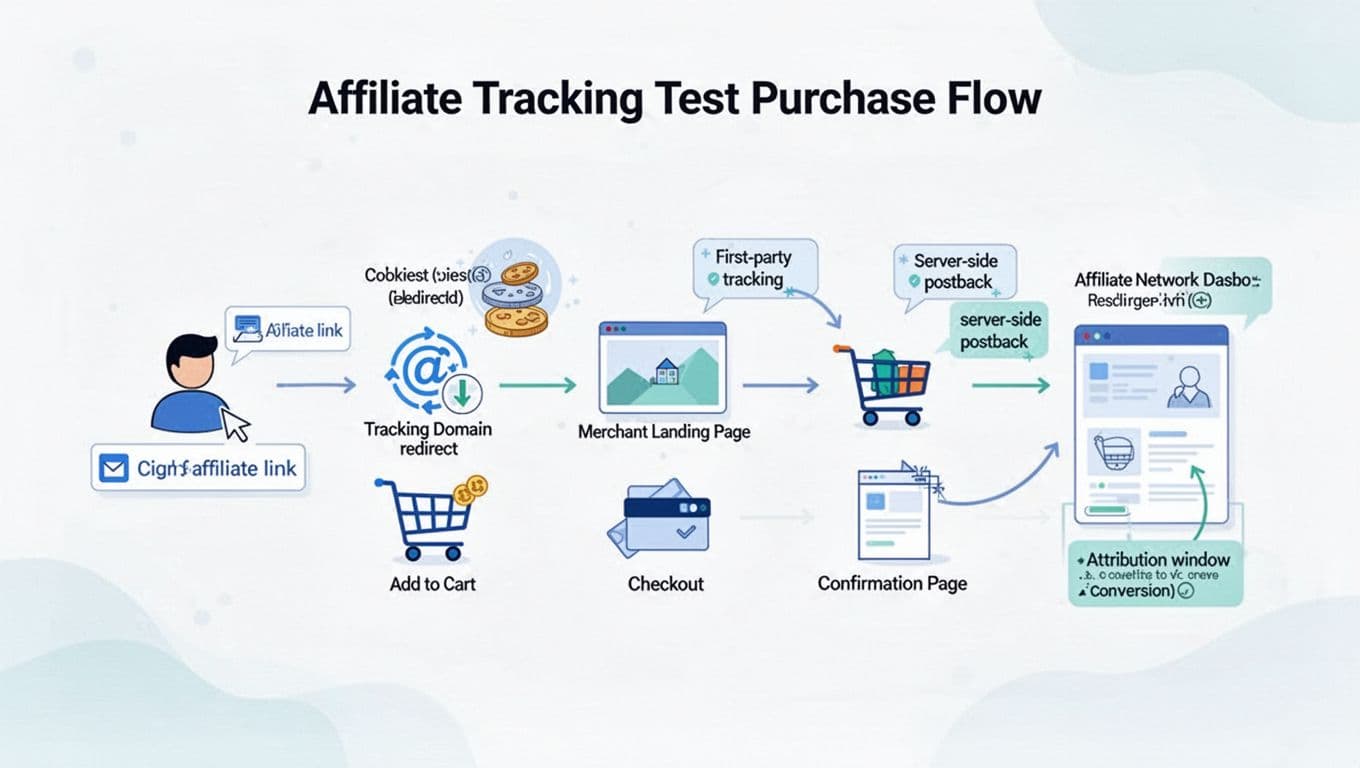
A clean test starts with a clear mental model of the tracking path. Most affiliate programs still follow the same basic chain: your link click redirects through a tracking domain, sets an identifier (cookie, first-party ID, or both), the shopper checks out, then the network records the conversion (often via a pixel or a server-to-server postback).
In 2026, the weak points usually show up in these spots:
- Browser restrictions like Safari ITP and Firefox ETP: They limit cross-site storage and can shorten cookie life or block it in some flows. That’s one reason many programs moved toward first-party cookies and server-side tracking (a helpful big-picture refresher is InfluenceFlow’s 2026 affiliate tracking programs guide).
- Consent requirements: If a user declines marketing cookies, some setups can’t store the affiliate ID, disrupting the attribution model. Others store a first-party ID but delay marketing tags.
- Cross-domain checkout: The “Add to cart” happens on Domain A, but payment or confirmation happens on Domain B, so the tracking ID doesn’t carry over, which tests cross-domain tracking.
- In-app browsers: Instagram, Facebook, Gmail, and other in-app browsers can behave differently than Safari/Chrome, and sometimes strip referrers or isolate storage.
Before you test, confirm the program’s conversion window and whether a later click can overwrite yours. If you need a quick plain-English refresher, keep this conversion window explained guide handy, because a “successful” test can still fail to credit if the window is too short or last-click overwrite happens.
The 2026 test purchase checklist (with screenshots to prove it)
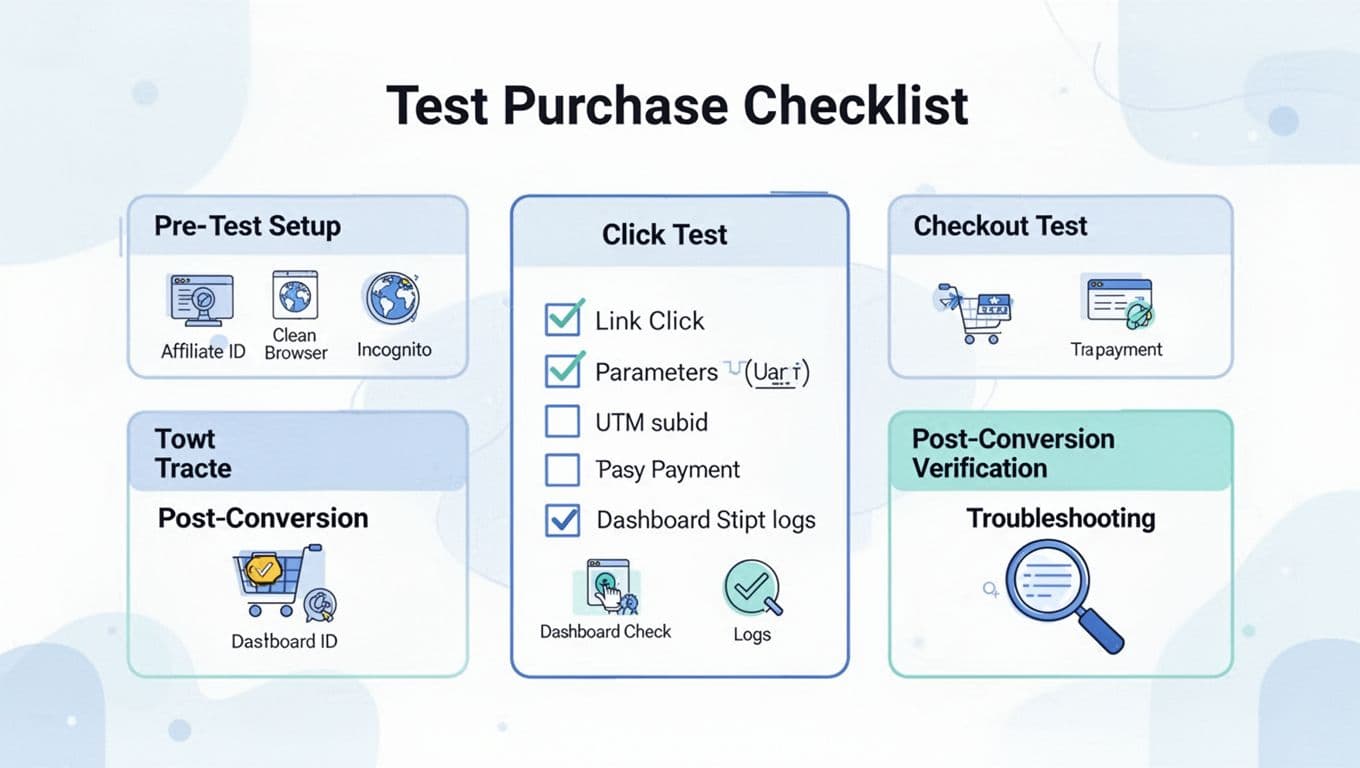
Important: don’t run surprise test purchases on programs that forbid self-referrals, internal orders, or “test transactions.” Ask the affiliate manager first, and use a sandbox or test mode when it exists. Also avoid patterns that look like abuse (repeated buys, repeated refunds, fake identities). Chargebacks and reversals can get your account flagged.
- Get written approval (or find the policy)
Screenshot: program terms, or the manager’s email.
Expected: test purchases allowed or a sandbox is provided.
Abnormal: strict “no self-purchase” clause, stop and ask for a test method.
- Pick a low-risk test product and one device per test
Log: product SKU, price, and device (desktop Chrome, iPhone Safari, etc.).
Tip: use a staging site if available to avoid polluting live data, and run separate tests for Safari (ITP) and an in-app browser if your audience uses them.
- Create a fresh test environment
Use an incognito window or a clean browser profile, and disable extensions like ad blockers. Check that Google Tag Manager and GA4 implementation are firing correctly.
Screenshot: extensions list (or confirm incognito).
Expected: no old cookies that could steal attribution.
- Build your tracking URL with IDs you can recognize
Example parameters to add using UTM parameters (only if the program supports them):utm_source=blog,utm_medium=affiliate,utm_campaign=tracking-test,aff_id=12345,subid=postA-cta1,click_id=test-20260210-01.
Screenshot: the full URL before you click.
- Click the link and capture the redirect chain
Screenshot: the address bar during redirect (or copy the final landing URL).
Expected: you see a tracking domain briefly, then land on the merchant page.
Abnormal: you land without redirect, or you get a warning page, or the URL loses yoursubidimmediately.
- Handle consent on purpose (test both paths)
First run: accept marketing cookies. Second run (optional): decline and note what changes.
Screenshot: consent banner choice.
Expected: with consent accepted, tracking is strongest. With consent declined, some programs still attribute via first-party IDs or server-side tracking, but reporting may be limited.
- Verify storage was set (cookie or first-party ID)
Quick check in browser settings or devtools storage.
Log: cookie name, domain, and expiration (if visible).
Expected: an affiliate or click identifier exists.
Abnormal: nothing is set, common with ITP/ETP issues or blocked scripts.
- Add to cart and reach the checkout page without changing channels
Don’t click coupon popups, cashback apps, or “apply code” extensions.
Expected: your click remains the last eligible touch.
Abnormal: coupon tools can overwrite last-click attribution.
- If checkout crosses domains, watch the URL and referrer behavior
Screenshot: the domain change (Domain A to Domain B), especially with a payment processor.
Expected: the program carries a click ID server-side, or passes an ID through safely.
Abnormal: domain hop with no shared ID, a classic cause of lost credit.
- Complete the purchase and save proof
Screenshot: thank-you page with transaction ID and timestamp.
Log: order ID, subtotal, total, currency, and any coupon used.
- Check the affiliate dashboard for the click, then the conversion
Screenshot: click log entry (subid/click_id should match), then the purchase event entry.
Expected: click appears quickly, purchase event appears within the program’s stated delay (sometimes minutes, sometimes hours).
Abnormal: click shows but no purchase event after the normal lag.
- Record final attribution details before you declare “pass”
Log: credited affiliate ID, subid, order value, commission, and status (pending vs approved).
Reality check: if the program’s window is short, a delayed purchase can fail even with perfect tracking.
- Get written approval (or find the policy)
Quick tip: Focus on data accuracy as the primary goal to ensure reliable test results.
Understanding the Importance of Affiliate Link Tracking
Troubleshooting: when the click tracks but the sale doesn’t credit
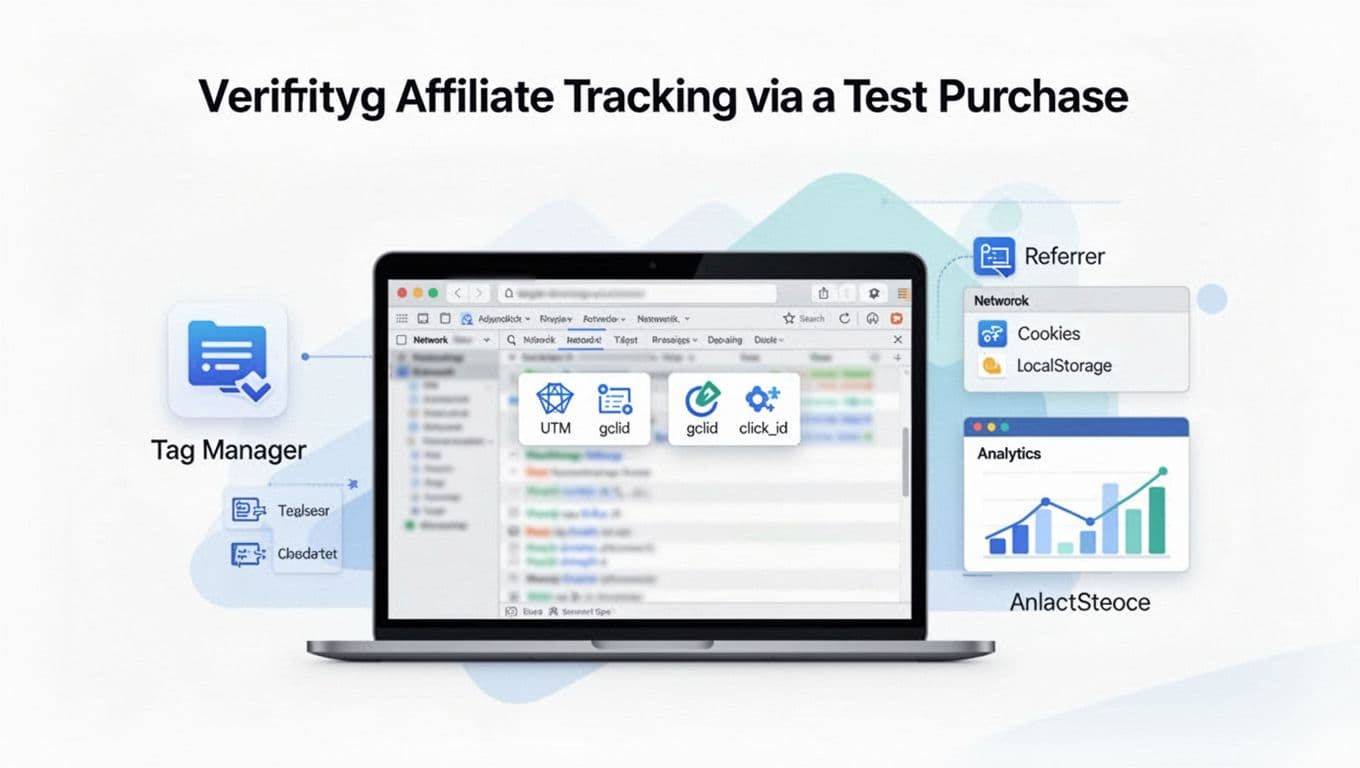
If your test fails, don’t guess. Use a pixel helper or Google Tag Assistant to pinpoint tracking code issues. Treat it like a broken receipt trail. Your screenshots and logs help the merchant or network fix the exact step that failed.
Here are the most common failure patterns in ecommerce tracking in 2026:
| Issue you see | Likely cause | Fix to try next |
|---|---|---|
| Click never appears in the affiliate dashboard | Link not mapped to your account, redirect blocked, wrong tracking ID | Re-generate the link inside the platform, test without extensions, confirm aff_id and destination URL |
| Click appears, conversion never appears | Tracking pixel blocked, GA4 implementation or Google Tag Manager misconfiguration, confirmation page not firing, postback not configured, conversion lag, payment processor rules | Ask for conversion delay expectations, request a postback check, share order ID and timestamps, compare affiliate results with CRM data |
| Conversion appears but no subid/click_id | Parameters stripped on redirect, cross-domain checkout lost the ID | Use the network’s supported subid field, verify redirects preserve query strings, ask about cross-domain handoff |
| Works in Chrome, fails in Safari | ITP limits, cookie shortened, third-party storage blocked | Ask if they support first-party tracking, server-side tracking, or cookieless methods for Safari traffic |
| Works in normal browser, fails in in-app browser | In-app browser storage/referrer limits | Test “open in external browser,” ask merchant for in-app compatible tracking or first-party redirect setup |
| Conversion credits someone else | Last-click overwrite by coupon/cashback, promo code attribution rules | Re-test with no coupon tools, ask if coupon partners override content affiliates, avoid “search for coupons” prompts |
When you talk to support, use their language. If they mention server-to-server confirmation, they’re talking about postbacks. This primer on postback URL tracking with examples can help you understand what to request and what “missing postback” means in practice.
If you’re evaluating new programs and want fewer surprises later, keep a simple screening process like this affiliate program checklist and confirm tracking details before you build content.
Conclusion
The Affiliate Program Tracking Test, via a test purchase, turns “I think tracking works” into proof. In 2026, privacy limits, consent choices, cross-domain checkouts, multi-touch attribution, and enhanced conversions can break attribution without warning, so keep a repeatable process and a tidy log. The goal is not to spam purchases; it’s to confirm affiliate links and conversion tracking hold up in real conditions. Run the test after major site changes, new landing pages, or a network migration, and you’ll catch tracking leaks before they undermine revenue validation and data accuracy, costing you months of commissions.