
If your site makes money from recommendations, your links are part of your compliance setup, not an afterthought. In 2026, the confusion usually comes from one question: should affiliate links use rel=”sponsored”, rel=”nofollow”, or both?
This guide breaks down the exact rules Google expects, how to choose the right rel values in real situations, and how to audit your whole site so you do it once and stop worrying. Choosing the correct attribute impacts search engine rankings, and this technical setup helps search engines understand the page content (similar to how a well-crafted meta description works for users).
The exact rules in 2026 (what Google wants, and what readers need)
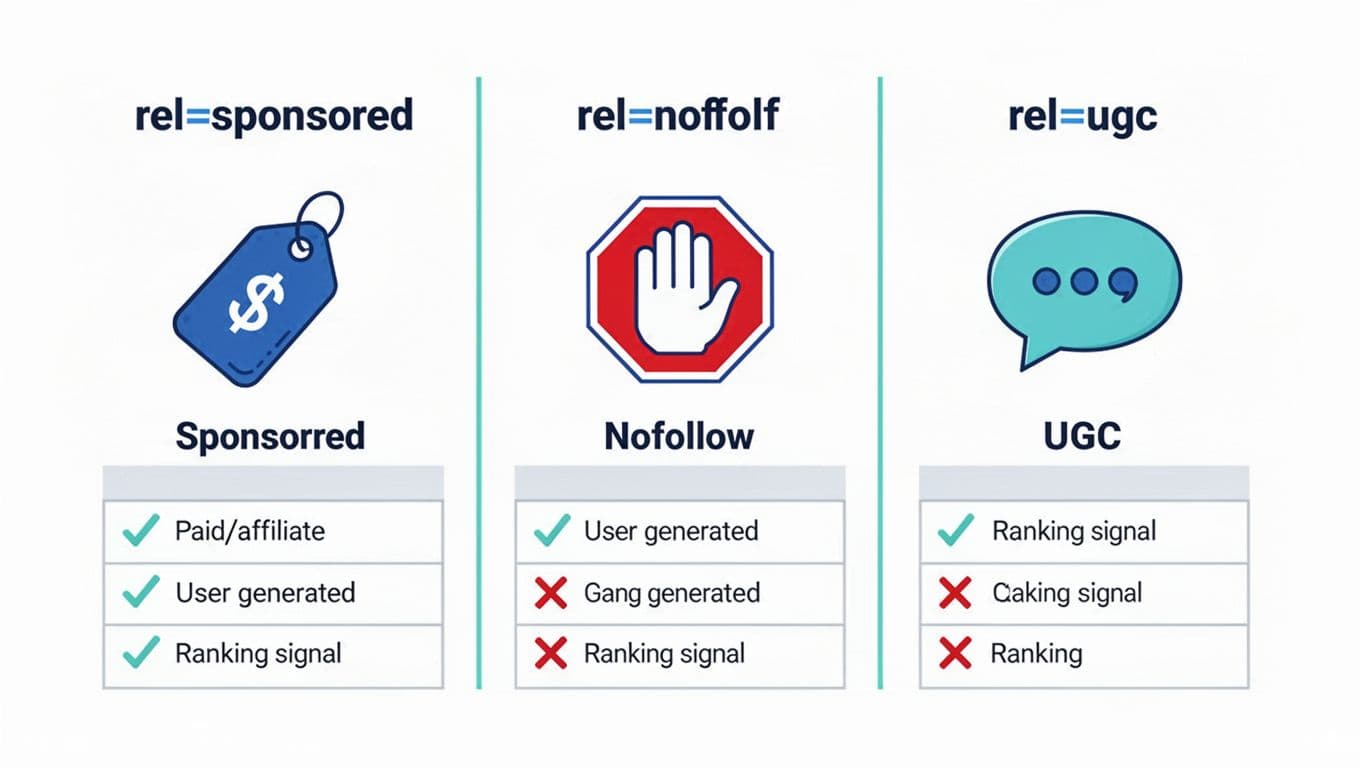
Google’s rule for paid links (affiliate counts as paid)
If there’s a “material connection” behind the link (commission, sponsorship, free product, paid placement), Google wants you to mark it so it’s not treated like an editorial vote. In practice, that means using rel="sponsored" for affiliate links and other compensated links. Properly marking affiliate links ensures you follow link spam policies and avoid unnatural links that could lead to a manual action penalty. Google introduced this to separate commercial links from normal citations, explained in Google’s rel attribute announcement.
rel values are hints, but the policy isn’t optional
In 2026, nofollow, sponsored, and ugc are treated as hints for crawling, ranking signals, and managing the flow of link equity, but failing to disclose paid intent can still put you at risk for manual actions tied to link spam patterns. Google’s long-running stance on spam and unnatural linking is reflected in reports like Google’s webspam report.
Reader-facing disclosure is separate from rel attributes
A rel attribute helps search engines interpret a link. It does not tell readers you may earn money, and it does not replace a clear disclosure near the recommendation, especially when readers interact with the anchor text. Clear communication like this aligns with the reader’s search intent and helps maintain search engine rankings. (This is where many sites slip: they “fix SEO” but still hide the disclosure in a footer.)
If you want copy that stays clear without killing clicks, use these affiliate disclosure examples.
A simple decision tree for rel values (affiliate, paid, UGC, and mixed cases)
Use this decision tree when you’re choosing between rel sponsored nofollow setups across a site. Proper categorization is vital for a healthy backlink profile and affects search engine rankings.
Step 1: Is there compensation or a commercial relationship?
If yes, use rel="sponsored".
This includes:
- Affiliate links (Amazon, SaaS referrals, course links)
- Sponsored posts and paid placements
- Guest posts or products from link building campaigns
- Links exchanged for free products, discounts, or “review access” if it affects coverage
Step 2: Is the link placed by a user (comments, forum, community posts)?
If yes, use rel="ugc" (and often add nofollow too).
Step 3: Are you linking to something you don’t want to vouch for?
Use rel="nofollow" to prevent passing page authority to untrusted sites (examples: untrusted sources, login-required pages, random tools you mention but don’t endorse).
Step 4: Mixed scenarios
You can combine values when it’s both true. Rel values are space-separated. Consider the anchor text in relation to the link destination when assigning these rel values.
| Situation | Recommended rel | Why |
|---|---|---|
| Standard affiliate link in your content | rel="sponsored" | Clear paid intent, aligns with Google’s preferred label |
| Affiliate link you also don’t endorse (edge case) | rel="sponsored nofollow" | Paid plus “not a vote” |
| User comment includes a link | rel="ugc nofollow" | User placed, and you don’t want to pass signals |
| You pay users/influencers to post links on your site | rel="sponsored ugc" (optionally add nofollow) | Paid and user-generated placement |
One practical rule: don’t use rel="ugc" for links you publish in your own articles. It makes your site look like it doesn’t control its own outbound linking. Also, check your internal links to ensure they don’t accidentally carry these commercial attributes.
Correct HTML examples (single link, button, image, table, and shortcode links)
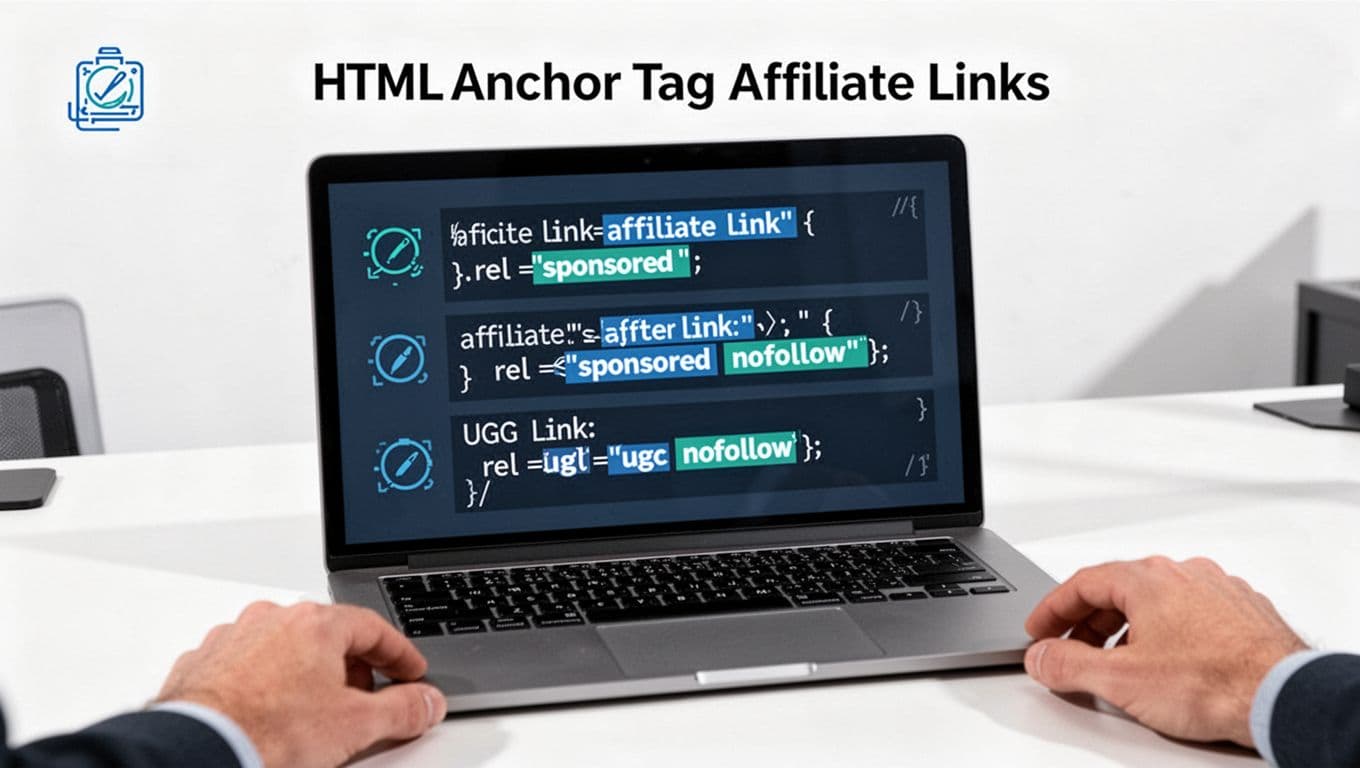
The rel attribute belongs on the <a> tag that users click for affiliate links, even if the click looks like a button or image.
Use these as copy-ready patterns (swap URLs and IDs).
| Use case | Correct HTML example | Recommended disclosure near it |
|---|---|---|
| Single text affiliate link (use descriptive anchor text for better user experience) | <a href="https://merchant.com/?ref=123" rel="sponsored">Try ToolName</a> | “Disclosure: This is an affiliate link, I may earn a commission.” |
| Button-style affiliate link (descriptive anchor text improves user experience) | <a class="btn" href="https://merchant.com/?ref=123" rel="sponsored">Get started</a> | Put one line directly above the button (mobile users tap fast). |
| Image affiliate link (descriptive alt text enhances user experience) | <a href="https://merchant.com/?ref=123" rel="sponsored"><img src="/images/tool.jpg" alt="ToolName"></a> | Short line right under the image or in the same product box. |
| Comparison table affiliate links | <a href="https://merchant.com/?ref=123" rel="sponsored">Check price</a> | Add a disclosure line above the table and again in any “Top Pick” row. |
| Cloaked/internal redirect affiliate link (example: /go/tool; use descriptive anchor text) | <a href="https://yoursite.com/go/tool" rel="sponsored">Visit ToolName</a> | Don’t use cloaking to hide the commercial intent, disclose it clearly. |
| Shortcode-generated affiliate links (WordPress) | Make the shortcode output include rel=”sponsored”: <a href="https://merchant.com/?ref=123" rel="sponsored">ToolName</a> | If your shortcode is used in many places, build the disclosure into the block/template too. |
What not to do (these mistakes create real risk)
- Hiding disclosures in footers, accordions, or tiny text that disappears on mobile.
- Inconsistent rel usage (half your affiliate links are sponsored, half are “clean”).
- Fake “review” layouts where only the buttons are affiliate links and the disclosure is far away.
- Cloaking that misleads (showing one destination to users and another to crawlers, or masking that a click is monetized). Simple redirect tracking is fine, deception is the problem; deceptive cloaking can hurt your click-through rate and overall search engine rankings.
If you publish reviews and roundups often, bake compliance into your content template. This pairs well with a consistent layout like this product review structure so disclosures and link blocks don’t drift over time. Consider using structured data or schema markup to further clarify product reviews for search engines.
A safe sitewide checklist (themes, plugins, old posts, audits, and technical SEO)
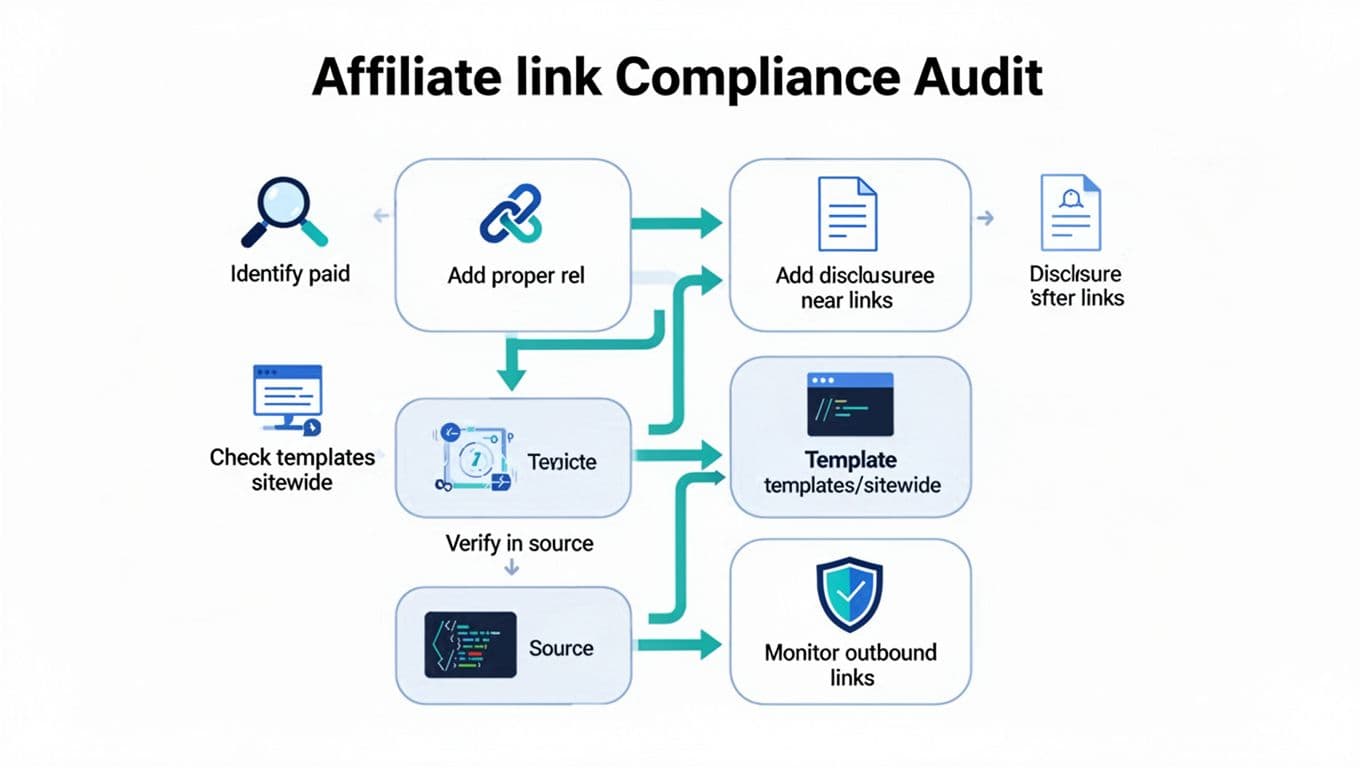
A single “fix” inside one post won’t protect you if your theme, plugins, old content, or technical SEO issues keep publishing affiliate links without the right attributes.
Here’s a safe, repeatable sitewide checklist:
- Templates first: Check your theme’s button blocks, CTA boxes, “featured tool” widgets, and table templates. Make sure any link fields for affiliate URLs add
rel="sponsored"by default. - Plugin settings: Review link cloakers, auto-linkers, and table plugins. Many can add rel attributes automatically, but only if configured.
- Shortcodes and reusable blocks: If you use shortcodes for offers, update the shortcode output once so it prints
rel="sponsored"everywhere. - Old post sweep: Start with your top traffic pages and money pages, then work backward. Old “best tools” posts are usually the messiest. While auditing, update internal links, meta descriptions, and title tags on those top pages to improve search engine rankings.
- Outbound link audit: Crawl your site monthly or quarterly and filter for external links, then spot-check that paid links carry
sponsoredand disclosures appear before the first monetized link. - Technical SEO checks: Use Google Search Console to monitor for manual actions or link issues. Identify toxic backlinks and use the disavow tool for legacy link problems that could harm domain authority and referring domains. Check canonical tags on pages with multiple affiliate variations to protect backlink profile integrity.
- Site structure review: Confirm a clean site structure that supports strong user experience and click-through rate.
- Verify in the rendered source: Don’t trust what the editor shows. View source on live pages to confirm the rel attributes are actually present.
Quick compliance self-audit (2 minutes)
Ask yourself:
- Can a reader see a disclosure before the first affiliate link on mobile?
- Do all affiliate buttons and images also have the disclosure nearby?
- Are affiliate links consistently marked
rel="sponsored"across posts, tables, and templates? - Do user comments use
rel="ugc"(and are they moderated)? - If you cloak links, are you still being upfront about commissions?
Conclusion
Mastering rel=”sponsored” and affiliate links is essential for protecting page authority and backlink profile. Link attributes are simple, but the sitewide details make or break compliance. In 2026, the safest default for affiliate links is rel=”sponsored”, paired with clear disclosures placed where people actually click (buttons, tables, and product boxes). This approach boosts user experience while prioritizing transparency.
Treat this like a system, not a one-time edit. These optimizations, along with a consistent title tag and meta description strategy, ensure long-term stability in search engine rankings, so your content can earn without the nagging worry that one plugin update or new template quietly removed the rules you rely on.