
If you’re writing posts that target affiliate pricing intent, your job is simple: help a reader who’s already comparing options feel confident about the cost. That means clear numbers (with context), honest caveats, and a clean path to the next step.
Use this fill-in-the-blanks template to publish pricing and cost posts fast, without sounding salesy or vague. Swap in your product details, add your proof, and keep the reader moving toward a decision.
Affiliate disclosure: This post may contain affiliate links. If you buy through them, I may earn a commission at no extra cost to you.
How to use this template (and why it converts)
Start by pasting this structure into your editor, then fill each bracketed field. Don’t guess pricing. Pull it from the official pricing page the same day you publish, because prices and plan names change often.
Next, write like a calm friend, not a brochure. Readers searching “[Product] pricing” want specifics: what it costs, what’s included, and what surprises to watch for. A few quick “proof blocks” help a lot, like screenshots of plan limits or a short test note (see proof blocks in affiliate posts).
Finally, place links where they match the reader’s mood. Pricing posts have obvious click zones: the pricing table, plan sections, and the FAQ. If you want a simple layout map, use this affiliate link placement map.
For content planning, it also helps to batch these posts around buyer intent, not random ideas. This 30-day affiliate content sprint is a solid example of how publishers schedule money pages alongside support content.
Pricing summary (copy, paste, and fill)
Before the plan breakdown, give skimmers a fast answer. Update this table when you refresh the post.
Pricing note to publish under the table: “Pricing can change. Verify current prices on the official [Product] pricing page before you buy.”
| Plan | Monthly price | Annual price | Free trial | Free plan | Key limit (users/usage) | Best for |
|---|---|---|---|---|---|---|
| [Plan 1] | [$] | [$] | [Yes/No, days] | [Yes/No] | [Example: 1 user, 5 projects] | [Solo, testing] |
| [Plan 2] | [$] | [$] | [Yes/No, days] | [Yes/No] | [Example: 5 users, 50k events] | [Small teams] |
| [Plan 3] | [$] | [$] | [Yes/No, days] | [Yes/No] | [Example: usage-based add-on] | [Scaling] |
| [Enterprise] | [Quote] | [Quote] | [Yes/No] | [No] | [Custom] | [Compliance, big orgs] |
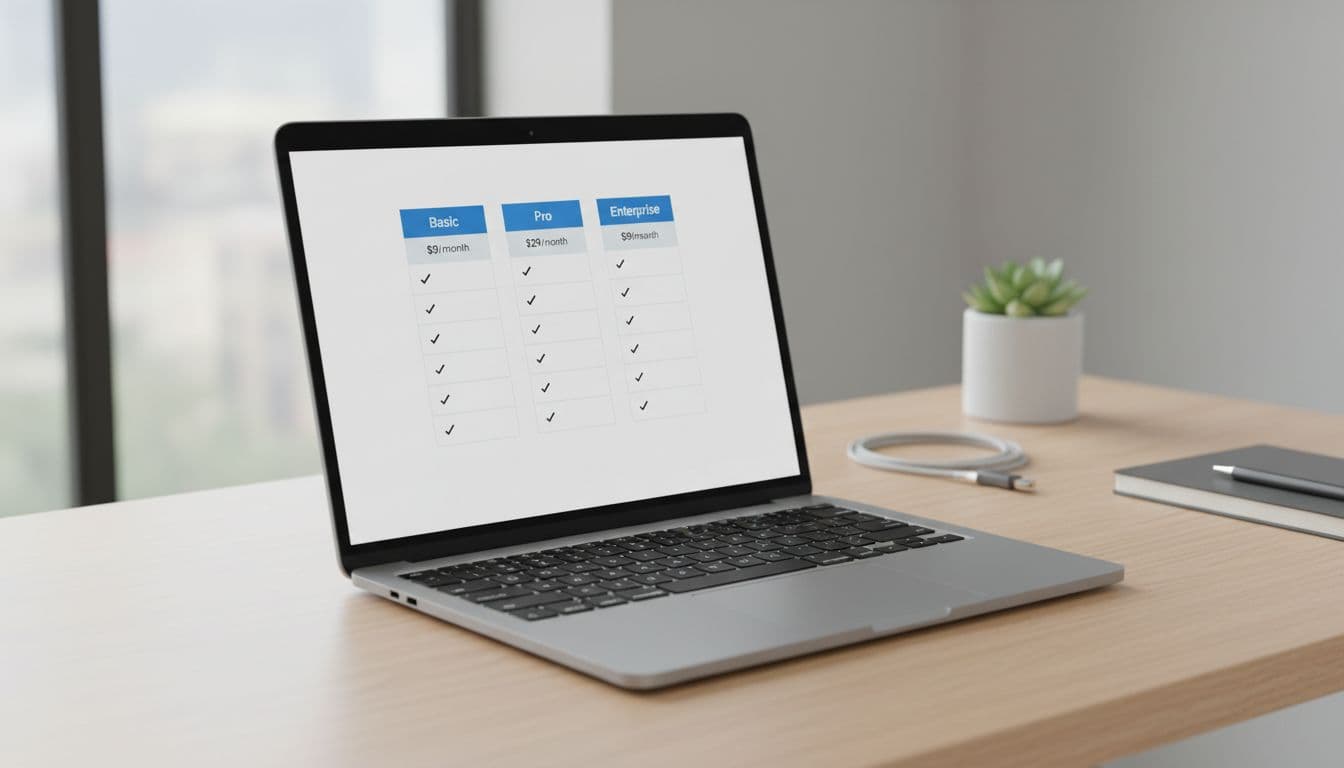
One more detail that matters in March 2026: many SaaS tools now mix base plans with usage charges, especially for AI features. So don’t just quote the starting price, also call out what triggers overages.
What affects cost (so readers don’t get surprised)
This is the section that builds trust. Think of it like reading the fine print out loud.
Fill-in template (edit to match the product):
“The real cost of [Product] depends on (1) how many people need access, (2) your usage volume (events, contacts, storage, minutes, credits), and (3) which features are locked to higher tiers, like [analytics, automation, integrations, API]. If you’re cost-sensitive, focus on the limits that force upgrades, not the feature list.”
Then add a short checklist of common add-ons and fees:
- Extra seats: [Price per seat/month] after [included seats].
- Usage overages: [What’s metered] and how billing works (hard cap vs overage charges).
- Premium support: [Email only vs live chat vs dedicated manager].
- Integrations: [Which integrations require a higher plan].
- Onboarding or implementation: [One-time fee? required on Enterprise?].
- Taxes and currency: VAT, GST, or exchange fees can change totals.

If you’re updating an older post with new pricing, do it carefully so the page intent stays consistent. This workflow helps: add affiliates to old posts safely.
Plan-by-plan breakdown (copy blocks that guide decisions)
Write each plan like it’s a fit test. Keep it concrete, and include one “watch out” line.
[Free / Starter Plan Name]
Price: [$0 or $X]
Includes: [1 to 3 biggest inclusions]
Limits that matter: [users, projects, usage cap]
Best for: “Pick this if you’re [testing, hobby use, very small workload].”
Watch out for: “[Most common upgrade trigger].”
[Basic / Personal Plan Name]
Price: [$X/month, or $X/month billed annually]
Includes: [core features]
Best for: “Good if you want [specific outcome] without [team features].”
Watch out for: “[missing integration/API/automation].”
[Pro / Team Plan Name]
Price: [$X/month]
Includes: [advanced features]
Best for: “This fits [small teams, growing businesses] who need [reporting, automation, permissions].”
Watch out for: “Costs jump if you add [extra seats, usage packs].”
[Business / Enterprise Plan Name]
Price: [custom quote]
Includes: [security, SSO, audit logs, SLA]
Best for: “Choose this if you need [compliance, dedicated support, custom limits].”
Watch out for: “Ask about [onboarding fees, contract length, minimum seats].”
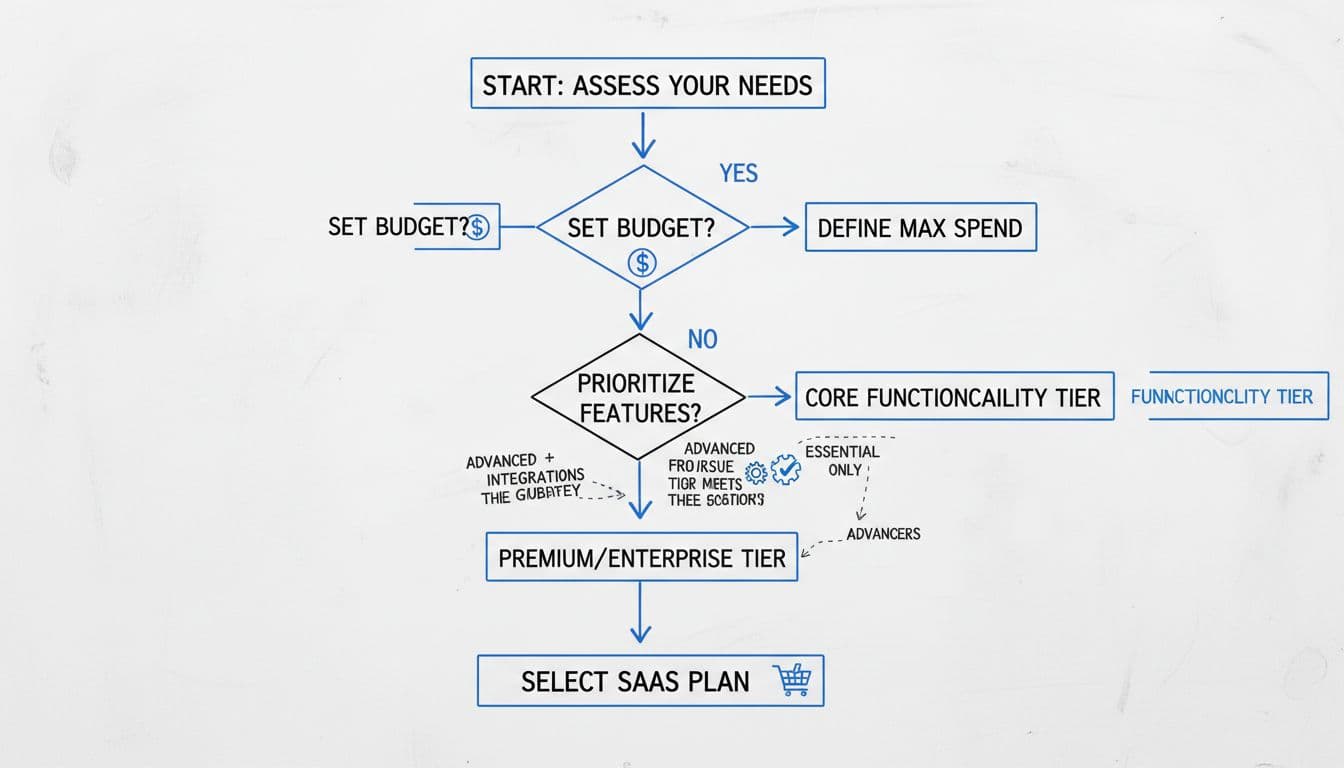
Quick line to include near your first CTA: “If you decide to try it, use the link in this post to check current pricing and plan details.”
Discounts, trials, alternatives, and pricing FAQs (ready-to-publish)
Discounts/trials/coupons template:
“[Product] sometimes offers [X% off annual billing / a free trial / seasonal promos]. I don’t list coupon codes here because they expire. Instead, check the official pricing page for current promos, trial terms, and refund rules. Also confirm whether trials require a card.”
If you build an email list, you can follow up when readers are ready to buy (without pushing). This guide on building an email list for affiliate marketing pairs well with pricing intent content.
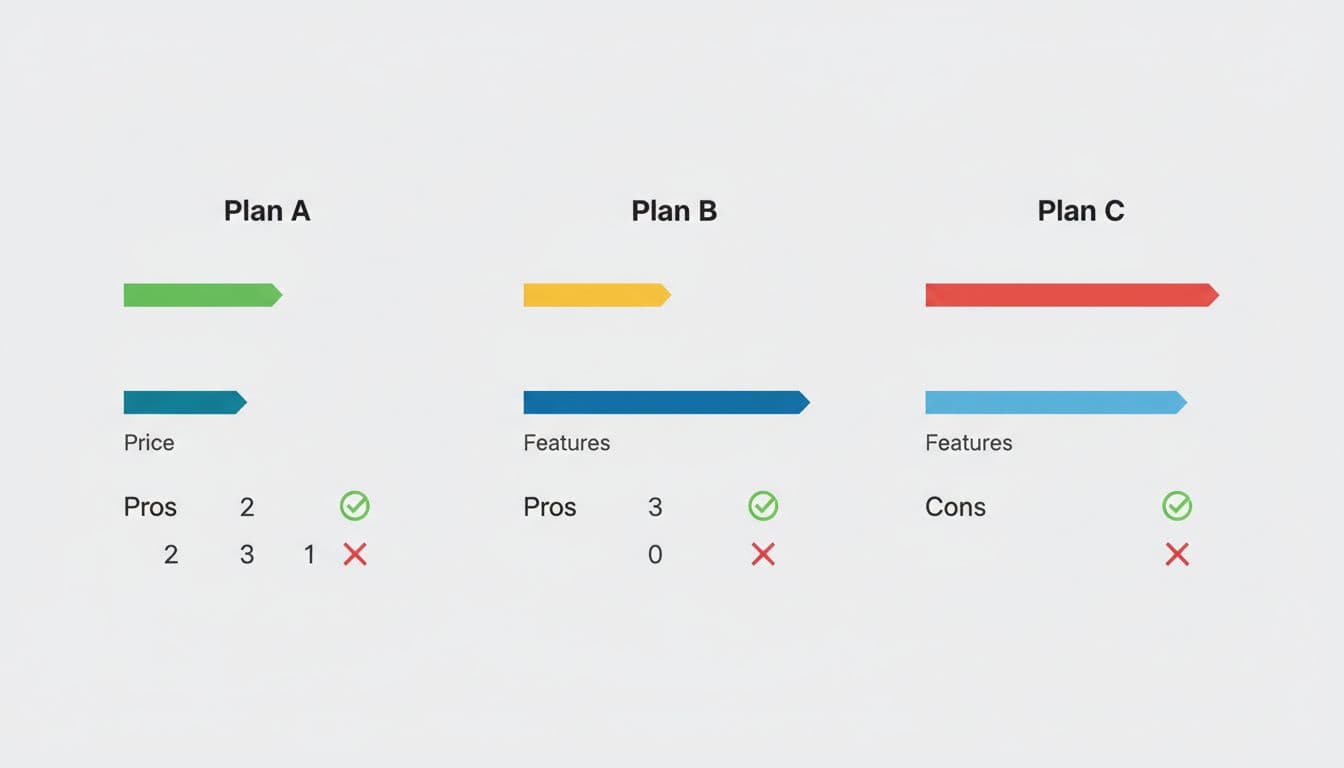
Alternatives mini-template (keep it short):
| Option | Starting price | Best for | Main tradeoff |
|---|---|---|---|
| [Product] | [$X] | [core use case] | [biggest limit] |
| [Alternative 1] | [$X] | [different priority] | [tradeoff] |
| [Alternative 2] | [$X] | [budget or advanced] | [tradeoff] |
Pricing FAQs (swap in answers)
Does [Product] have a free plan?
[Yes/No]. If yes, explain limits and the usual upgrade trigger.
Is [Product] pricing per user or per usage?
Explain the billing unit and what counts as “usage.”
Is annual billing cheaper than monthly?
Confirm the discount (or say it varies), and remind readers to verify current rates.
Are there hidden fees?
Call out the most common ones: overages, extra seats, paid onboarding, premium support.
Can I cancel anytime?
State cancellation terms, plus whether refunds apply.
What happens if I upgrade or downgrade?
Explain proration rules if listed, otherwise tell readers to check plan terms.
Compliant CTA options (pick 1 to 2):
- “Check current pricing for [Product] and compare plans.”
- “See what’s included in the [Plan Name] plan before you start a trial.”
- “If you try it, confirm the trial length and billing terms at checkout.”
Conclusion
Strong affiliate pricing intent posts don’t “sell,” they reduce regret. Give the pricing summary, explain what changes the bill, and match each plan to a real type of buyer. Then keep your CTAs calm and specific, so readers can verify today’s price and choose without pressure.