
In affiliate marketing, one broken redirect can wipe out a week of commissions and trigger serious revenue loss. In 2026, affiliate links fail more often because privacy filters, shopping extensions, geo routing, and plugin conflicts all touch the click before it reaches the merchant.
If your reports show clicks but sales fade, don’t guess. Strategic affiliate monitoring tackles broken links via a solid affiliate redirect audit, which shows where the path slows down, where parameters disappear, and who owns the fix.
Key Takeaways
- One broken redirect in affiliate chains can erase commissions; audit top 20 money-making links first using developer tools or affiliate link checkers to trace paths, status codes, and parameter survival.
- Test links across desktop/mobile, countries, and browsers—watch for stripped
subid/UTMs, slow hops, or errors, then assign fixes to your CMS/CDN or escalate to networks/merchants with full paths and screenshots. - Common issues like duplicate cloaking, geo mismatches, or brand bidding create messy chains; prioritize shortening to 2 non-essential hops max and switch to server-side tracking for mobile/privacy resilience.
- Retest after every plugin, CDN, or merchant change—consistent affiliate monitoring prevents hidden failures from fading sales despite clicks.
Why affiliate links break more often in 2026
In affiliate marketing, a single affiliate click rarely goes straight to the offer anymore. It often passes through link cloaking, shortened links, a caching layer, a tracking platform, geo-targeting or device split for mobile users, and then the merchant landing page. Every extra hop in the redirect chain creates another chance for lost subid, broken referrer data, or timeout errors.
Browsers are also less forgiving now. Private browsing, in-app browsers, ad blockers, and shopping extensions can interrupt or rewrite late-stage clicks, enabling affiliate fraud and attribution theft. Some programs rely more on server-side tracking, which can help match rates, but it can also hide failures until revenue drops.
That has a technical SEO angle too. Redirect chains slow link resolution, frustrate users, and create crawl waste if your redirect URLs can be indexed, diluting link equity to the landing page. A link can still “work” for the visitor while attribution breaks in the background. When high clicks don’t line up with revenue, review common last-click attribution traps before you assume the traffic is bad.
A step-by-step affiliate redirect audit workflow
Start with the links that make money first. Your top 20 links from blog posts, email funnels, comparison tables, and paid campaigns will usually reveal most broken links fast.

- Trace the full path. Open each link in browser developer tools and record every 301 redirect, 302 redirect, 307, and final 200 response using http status codes. For quick checks, an affiliate link checker or redirect tracer helps you confirm status codes and whether tracking tags survive the trip. For batches, a redirect chain checker can flag obvious chains and loops.
- Test more than one context. Run the same link on desktop and mobile for mobile users. Use device emulation and residential proxies for a second country if the offer uses geo routing. Mobile app opens and regional store redirects often behave differently from a normal desktop click.
- Watch the parameters. Check whether
subid,clickid, UTMs, coupon codes, and custom tokens survive each hop, especially for deep linking to the final landing page. If the final destination drops them, the visitor may reach the landing page but the sale may never map back to you. - Check speed and stability. Any hop that stalls, throws a 4xx or 5xx error indicating broken links, or takes too long needs attention. Intermittent failures often sit on the affiliate network or merchant side, not on your site.
- Assign an owner right away. If the extra hop starts on your cloaked link, fix it in the CMS plugin or your server rules. If the chain breaks after the network redirect, send the full path, timestamps, and device details to the affiliate manager.
Keep a simple sheet with link source, redirect path, final URL, parameters present, load time, and fix owner. In affiliate marketing, affiliate monitoring is essential; if a program can’t explain its tracking stack clearly, use this affiliate program vetting checklist before you build more content around it.
If a click needs more than two non-essential hops, treat it like a bug, not a feature.
Common redirect problems, with example paths and fix owners
A clean path looks like this: yoursite.com/go/tool → affiliate network click → merchant landing page. That’s short, clear, and easy to test with an affiliate link checker.
A messy path looks more like this: yoursite.com/go/tool → link cloaking plugin 302 redirect → cache rule 301 redirect → geo router 302 redirect → brand bidding detector → tracking domain → merchant landing page. In that redirect chain, one hop adds delay from affiliate fraud tactics like brand hijacking, one may strip query strings, and the last one may land the user on the wrong page amid marketing compliance checks.
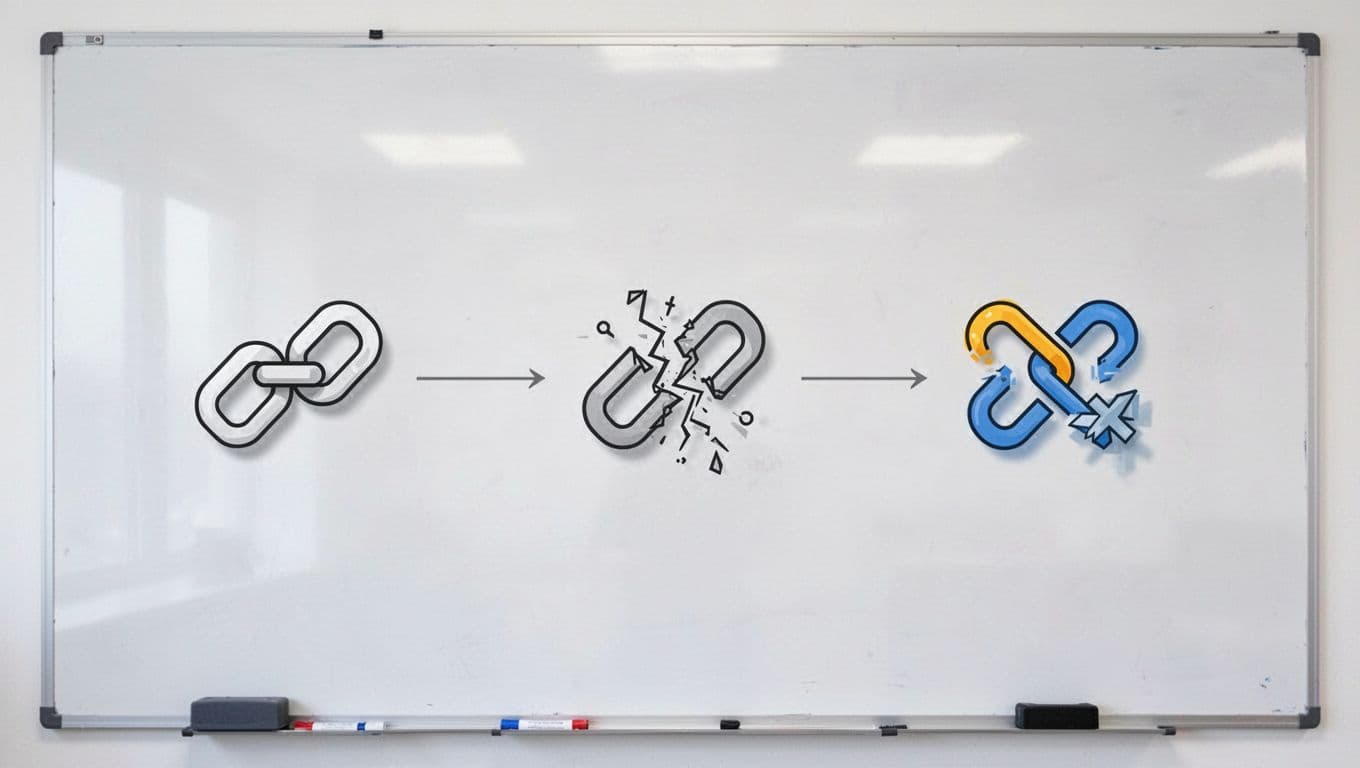
This quick table helps you stop the blame game in affiliate marketing, especially when brand bidding or affiliate fraud disrupts tracking.
| Problem | What you see | Best place to fix |
|---|---|---|
| Duplicate cloaking and redirect plugin rules | Two internal hops before the network click | CMS plugin settings, or remove overlapping redirect rules |
| Query strings stripped mid-chain | Clicks log, but subid or UTM data disappears | Server rules, CDN config, or geo tool settings |
| Geo redirect sends users to the wrong store | Users land on a generic homepage or wrong country page | Partner destination or geo routing provider |
| Mobile or in-app browser drops tracking | Desktop converts, mobile clicks don’t | Affiliate network, partner app flow, or server-side handoff |
| Tracking domain times out | Random failures, slow hops, or 5xx responses | Affiliate network or merchant infrastructure |
| Final destination changed after a migration | Link resolves, but page 404s or redirects to homepage | Partner destination |
| Brand bidding interference | Unexpected competitor pages or blocks before merchant landing page | Affiliate network policies or marketing compliance team |
| Brand hijacking via trademark violations | Links flagged or rewritten mid-chain, causing publisher compliance issues | Legal team, affiliate monitoring tools, or decloaking system to expose hidden rules |
The pattern matters more than the brand name on the tool. First fix the hops you control, prioritizing brand bidding risks that fuel affiliate fraud. Then escalate anything past the network click with a screenshot, full path, device type, and time of test to ensure marketing compliance.
How to reduce hops without losing tracking
Use one branded hop on your domain for cleaner shortened links that preserve link equity. After that, try deep linking to keep it to one network hop before the merchant. Stacked link cloaking plugins, CDN redirect rules, and geo tools often create chains of broken links nobody meant to build.
Also keep redirect folders out of the index, and mark affiliate links correctly with rel="sponsored" where it fits. That won’t fix tracking, but it keeps your site cleaner from an SEO standpoint.
In affiliate marketing, ask networks about first-party tracking and server-to-server postbacks via a tracking platform for mobile-heavy traffic. Those setups, combined with marketing compliance and decloaking systems, often hold up better when browsers block cookies or extensions meddle with the click during merchant migrations. Then retest with affiliate monitoring after every plugin update, CDN rule change, merchant migration, or network switch. Consistent affiliate monitoring prevents revenue loss, as most broken hops show up right after a “small” change.
One bad hop can hide in plain sight for days. The fix usually isn’t more cloaking or more scripts, it’s shorter paths and clearer ownership.
Audit your top affiliate links today with automated monitoring, not next month. If you can draw each redirect path from memory, your tracking is probably healthy. If you can’t, implement automated monitoring; that’s the first thing to fix.
Frequently Asked Questions
Why do affiliate links break more often in 2026?
Redirect chains now include cloaking, caching, geo-routing, and tracking layers, each risking lost parameters or timeouts. Browsers, ad blockers, and shopping extensions further strip tracking or enable fraud like brand hijacking. Server-side options help, but audit paths to spot attribution gaps before revenue drops.
How do I start an affiliate redirect audit?
Focus on top 20 revenue links from blogs, emails, or campaigns. Use browser dev tools or redirect chain checkers to log every hop’s status code, speed, and surviving params like subid or UTMs. Test desktop/mobile/geo contexts and log owners for fixes.
What are the most common redirect problems and fixes?
Issues include duplicate cloaking (fix in CMS), stripped query strings (tweak server/CDN), geo mismatches (update partner settings), and tracking timeouts (escalate to network). Brand bidding or hijacking needs policy checks. Always shorten chains and retest.
How can I reduce hops without losing tracking?
Use one branded domain hop for cloaking, then deep link directly—avoid stacked plugins or CDNs. Ask networks for first-party/server-to-server postbacks, especially for mobile. Mark links with rel="sponsored" for SEO and audit post-changes to keep paths under two non-essential hops.
When should I escalate redirect issues to affiliate networks?
After fixing your side (cloaking/CDN), send failures past the network click—like param drops or 5xx errors—with timestamps, device details, full paths, and screenshots. Vetting unclear programs via checklists prevents repeat issues. Automated monitoring flags problems early.