
Affiliate marketing reporting can feel like trying to follow footprints in the snow, until the wind shows up. One dashboard says Partner A “won,” your affiliate network credits Partner B, and you’re left guessing what to scale.
The fix is Google Analytics 4 affiliate tracking built on three pieces that play well together: clean UTM parameters, one consistent click event, and a naming system you can still understand six months from now.
What “the right way” looks like in Google Analytics 4 (and why it prevents messy data)
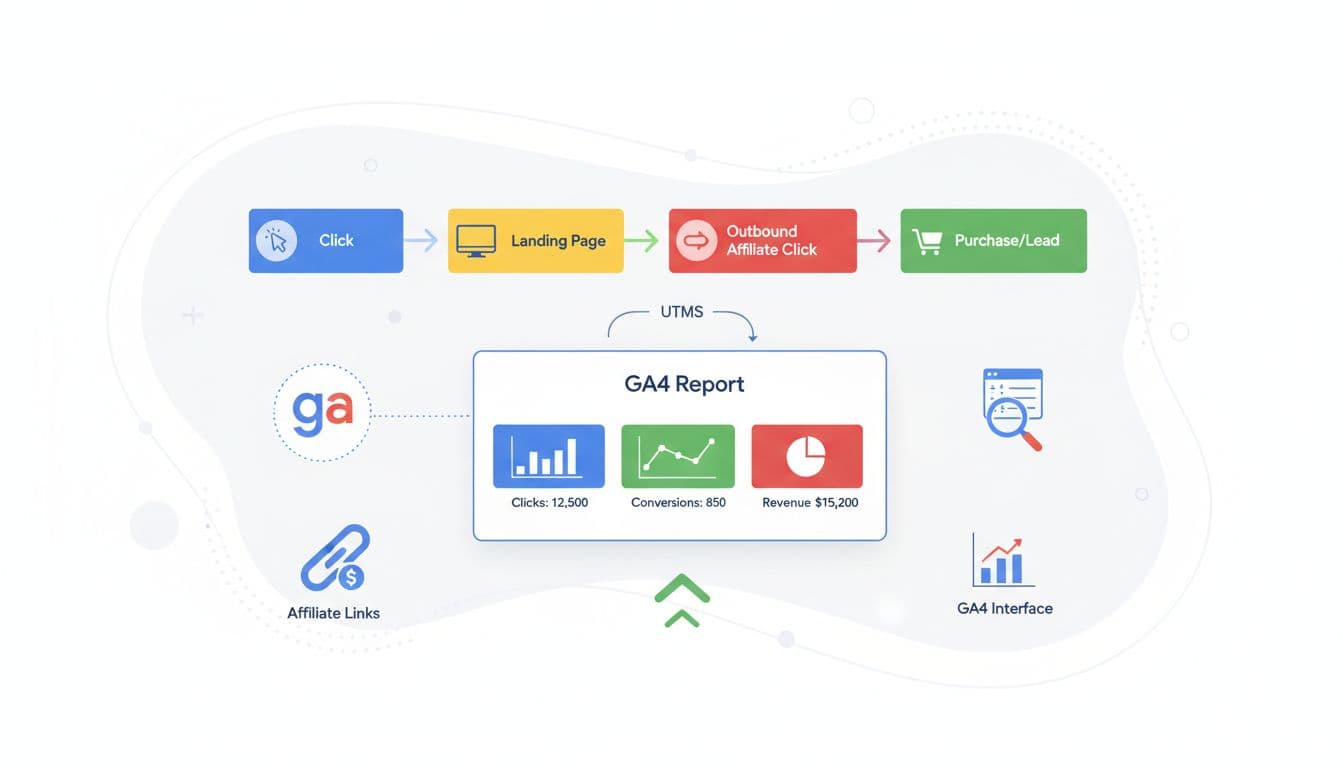
Here’s the simple model that stays reliable in 2026:
- UTM parameters tell GA4 who sent the session. This powers Source and medium reporting.
- A dedicated custom event (
affiliate_click) tells GA4 what the user did. This powers partner and offer comparisons, even when the outbound click happens from different pages and buttons. - A clean naming system stops “junk dimensions.” If you allow random partner spellings, you’ll end up with 40 versions of the same partner.
One important reality: GA4’s default attribution is often data-driven, which can split credit across channels. Affiliate networks commonly use last-click rules. That means GA4 can under-credit affiliates compared to your network totals. You can see affiliate marketing credit in the User Acquisition report, which affects how Default channel group data is categorized. Treat GA4 as your best view of on-site behavior and click intent, then compare it to network results for final payout logic. For more context on keeping GA4 tidy and useful, see GA4 best practices for 2026.
Also turn on enhanced measurement as a safety net (Admin, Data Streams, Web, Enhanced measurement). Outbound clicks can be auto-tracked, but don’t rely on that alone because it won’t carry your affiliate partner and offer details the way a custom event can.
UTM parameters and a naming convention you can stick to
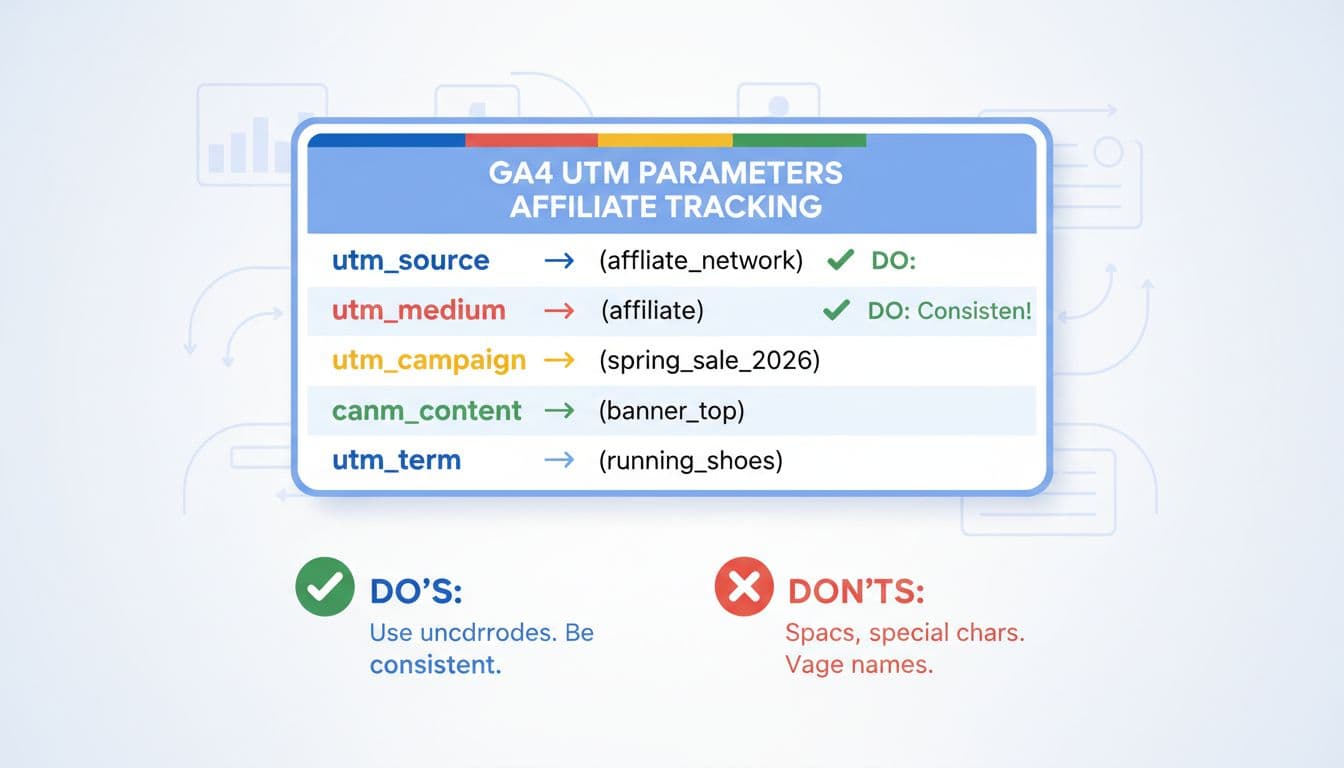
If your UTM parameters aren’t consistent, GA4 can’t be consistent. The goal is boring, repeatable tags with a reliable naming convention for campaign tracking.
Ground rules that prevent headaches:
- Case sensitivity: Use lowercase everywhere since GA4 treats
PartnerAandpartneraas different values. - Use underscores instead of spaces.
- Keep
utm_sourceandutm_mediumstable for source and medium consistency, keeputm_campaignstable for a promotion. - Don’t put personal data in UTM parameters (emails, names, phone numbers).
UTM naming convention table (copy this into your tracking doc)
| UTM parameter | Use it for | Format rule | Copy-paste example |
|---|---|---|---|
utm_source | Which partner or publisher sent the click | lowercase, partner slug | partner_a |
utm_medium | Traffic type | always the same word | affiliate |
utm_campaign | Promotion, funnel, or content theme | lowercase, underscore | review_page_2026 |
utm_content | Link placement or creative | describe placement | button_top |
utm_term | Optional, usually for keywords/variants | only if needed | best_budget_laptop |
Note: Manual tagging via query parameters is more reliable than auto-tagging for these links.
Copy-paste UTM parameters examples
- Basic affiliate link UTM parameters:
?utm_source=partner_a&utm_medium=affiliate&utm_campaign=review_page_2026 - With placement detail:
?utm_source=partner_a&utm_medium=affiliate&utm_campaign=review_page_2026&utm_content=table_row_1 - Full example URL:
https://merchant-site.com/offer?utm_source=partner_a&utm_medium=affiliate&utm_campaign=review_page_2026&utm_content=button_top
Tip: keep utm_medium=affiliate exactly. If you mix affiliate, aff, partner, and referral, your channel views get noisy fast. If you want a broader perspective on structuring affiliate attribution in analytics, the Post Affiliate Pro guide to GA tracking is a helpful reference.
Google Tag Manager event tracking that makes partner reporting easy (events, parameters, dimensions, key events, and an Exploration)
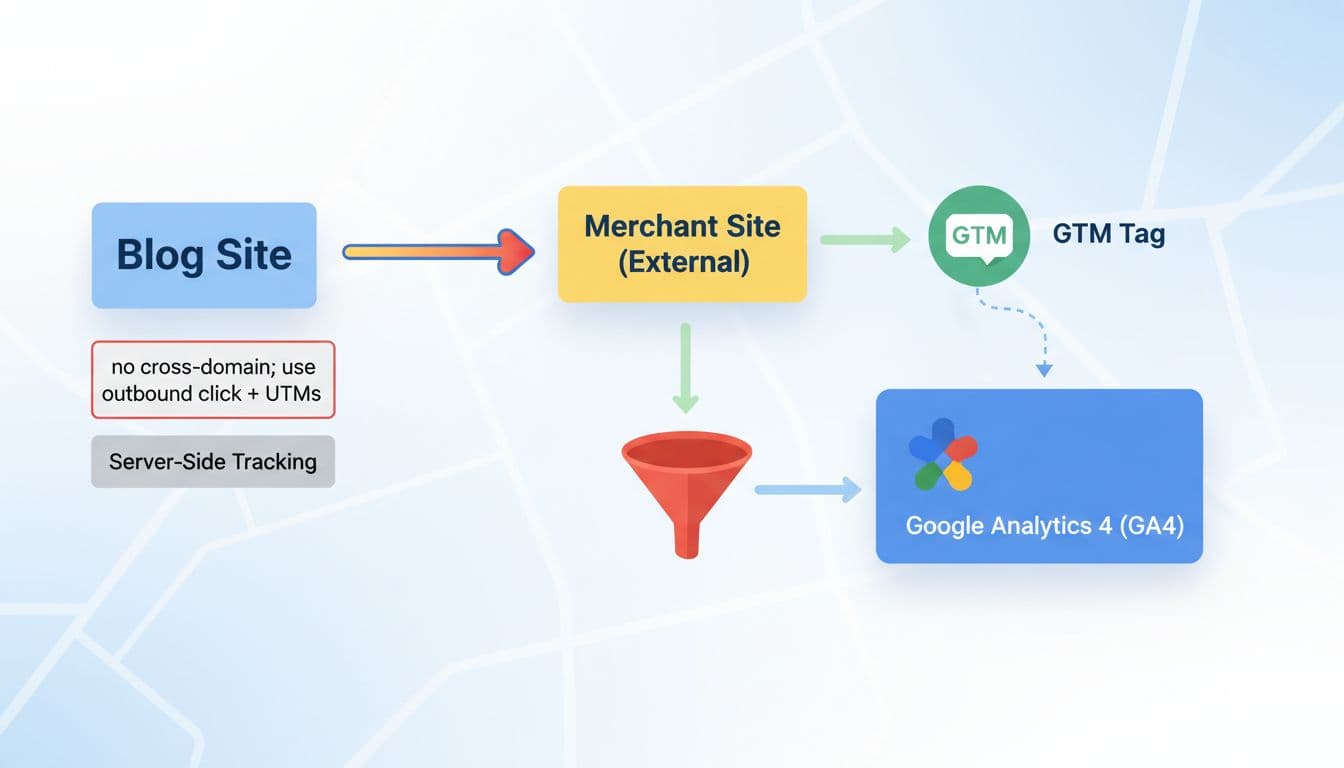
UTMs cover session attribution, but you still need a consistent way to count outbound affiliate clicks, with details. Google Tag Manager is the cleanest path.
Event and Event parameters spec for affiliate_click
| Item | Type | Required | Example value (copy-paste) |
|---|---|---|---|
| Event name | event | Yes | affiliate_click |
affiliate_program | parameter | Recommended | impact |
partner | parameter | Yes | partner_a |
offer_id | parameter | Recommended | laptop_x13 |
affiliate_id | parameter | Recommended | aff_id_123 |
destination_url | parameter | Yes | https://merchant-site.com/offer |
link_position | parameter | Recommended | button_top |
Keep parameter values short and consistent. Avoid sending full page titles if they change often.
Google Tag Manager setup steps (simple and durable)
- Decide how you’ll identify affiliate links. Best option: add a CSS class like
affiliate-linkto every outbound affiliate link. Backup option: match known domains with a regex. - Create Variables (Google Tag Manager):
- Click URL (built-in)
- Click Text (built-in, optional)
- Page Path (built-in)
- A constant variable for
affiliate_programif you have one main network (optional)
- Create a Trigger:
- Type: Click, Just Links
- Fire on: Some Link Clicks
- Condition example (CSS class): Click Element matches CSS selector
a.affiliate-link - Condition example (domain regex): Click URL matches RegEx
(merchant-site.com|another-merchant.com)
- Create a Tag: GA4 Event
- Event Name:
affiliate_click - Event Parameters:
destination_url= {{Click URL}}partner= set from dataLayer, or a lookup table, or a hard-coded value per page when neededoffer_id= set from dataLayer, or a short code you controlaffiliate_id= use the Data Layer for more advanced tracking of the Affiliate IDlink_position=button_top(or use a variable if you can)
- Event Name:
- Test before publishing:
- Use Google Tag Manager Preview, click an affiliate link, confirm the event fires
- In GA4, check DebugView for
affiliate_click
If you want a deeper walkthrough of affiliate click tracking approaches, including alternatives, see two methods for affiliate click tracking.
Register custom dimension for your parameters (so you can report on them)
In GA4:
- Admin, Custom definitions, Create custom dimension
- Scope: Event
- Event parameter (repeat for each):
partner,offer_id,link_position,affiliate_program,affiliate_id
GA4 won’t populate these in standard reports until they’re registered.
Mark key events (so “important clicks” stand out in your conversion tracking strategy)
If an affiliate click is your main goal, mark it:
- Admin, Events, find
affiliate_click, toggle Mark as key event
This doesn’t magically create sales data, but it makes your click goal visible across reports and ties into your overall conversion tracking strategy.
Build a simple GA4 Explorations to rank partners and offers
In GA4:
- Explore, Free form
- Add Dimensions:
partner(custom),offer_id(custom), Session source, Session campaign, Page path - Add Metrics: Event count, Users, Key events
- Filter: Event name equals
affiliate_click - Rows:
partner, thenoffer_id - Values: Event count, Users, Key events
- Sort by Event count descending
Now you can answer the question that matters: who gets clicks, from which pages, for which offers. For comparison, check the Traffic Acquisition report.
Align GA4 data with your affiliate network (and avoid false “mismatches”)
Expect gaps, and don’t panic.
- Click-to-sale delay: a click today might become a sale next week. Compare date ranges with a lag window.
- Attribution model mismatch: GA4 may split credit, affiliate networks often pay last click.
- ID matching limits: if the purchase happens on the merchant site, GA4 usually can’t see the sale unless you run tracking there too. Treat GA4 as your “pre-click truth,” then validate revenue in the network UI. Note the differences: GA4 excels at click tracking, while networks handle the purchase event, ecommerce tracking, revenue reporting, and attribute sales based on their rules.
Troubleshooting checklist (quick fixes):
- UTMs missing in GA4? Check the final redirected URL, some link shorteners strip parameters.
- Seeing
(not set)for source/medium? Confirm UTMs useutm_sourceandutm_medium=affiliate; distinguish referral traffic vs. affiliate traffic tagging. affiliate_clicknot firing? Verify GTM trigger conditions and that you’re using “Just Links.”- Parameters empty? Make sure your tag maps the right variables (especially Click URL).
- No custom dimension data? Confirm you registered the event parameter and wait for new data. Consider first-party cookie limitations.
- Counts too low? Ad blockers and browser privacy can block tags, use trends, not perfect totals.
Tracking is only “right” when you trust it. Set the naming rules once, fire one clean event, and review your GA4 Explorations weekly. When your GA4 click data and your network sales report start telling the same story, scaling gets a lot less stressful, and a lot more repeatable.