
When affiliate posts experience organic traffic loss from content decay, it’s easy to panic-edit everything. That usually makes it worse. A better approach is a simple Google Search Console Routine you can repeat, so you only fix what actually changed.
This guide gives you a fast triage, a deeper audit, and a clean way to track results. You’ll also see examples for review, comparison, best-of, and alternatives posts.
Set a clean baseline (so you don’t “fix” the wrong problem)
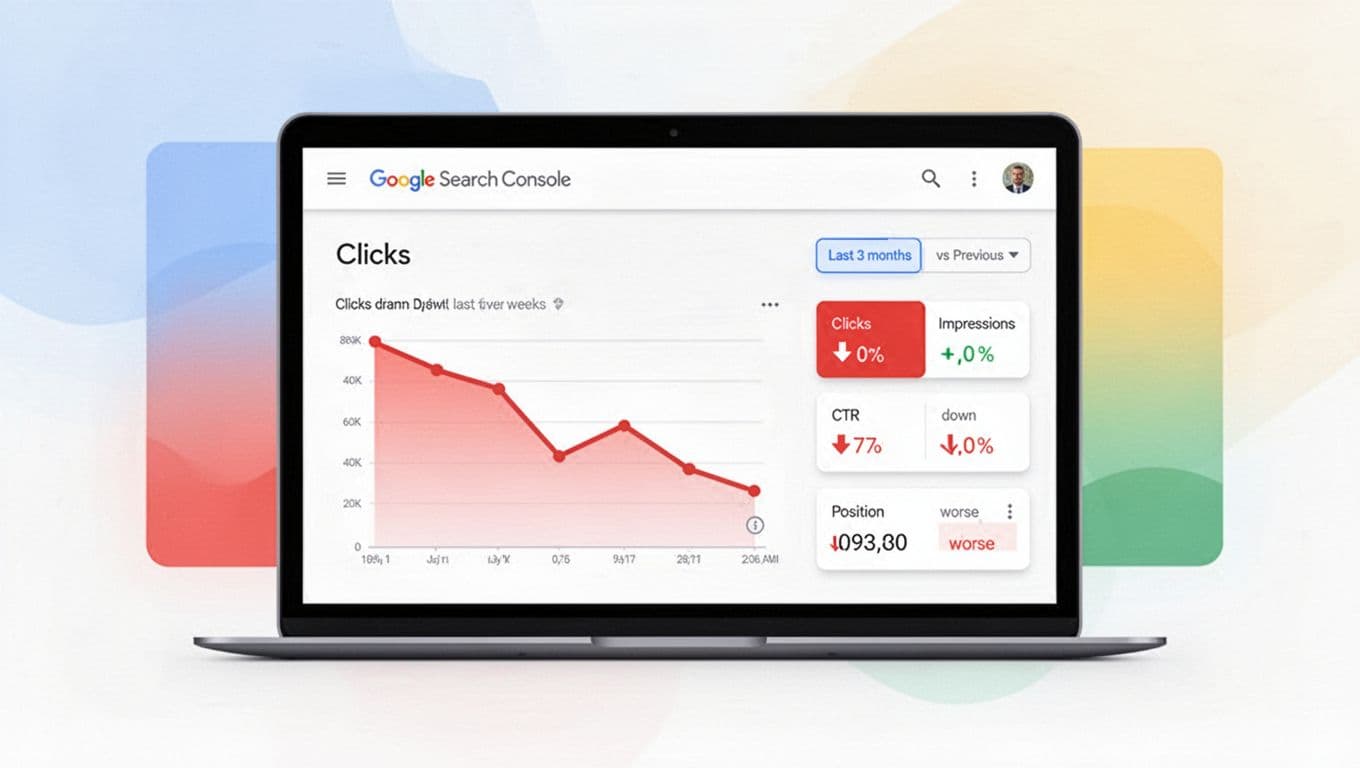
Start by deciding what “lost clicks” really means. In Google Search Console, open Performance, then set a comparison that matches your situation:
- If the drop was sudden, use a comparison date range of last 7 days vs previous 7 days.
- If it’s a slow slide, compare last 28 days vs previous 28 days.
- If the topic is seasonal, also compare vs same period last year (same dates), so you don’t chase normal demand shifts.
Now add a basic change log. Google Search Console doesn’t give you reliable on-chart annotations, so keep it simple: a Google Sheet with dates for title edits, affiliate link changes, template updates, hosting issues, and content refreshes. This one habit prevents most false alarms.
Also sanity-check the obvious stuff before you go deeper, such as a data anomaly or a recent algorithm update that might explain the dashboard changes. If you recently changed tracking, consent tools, or redirects, confirm you’re still measuring the same URL and the same canonical page. Google’s own guidance on diagnosing drops is worth keeping bookmarked: debugging search traffic drops and why site traffic can drop.
Treat GSC like a crime scene. First preserve the timeline, then look for the one thing that changed.
10-minute triage: confirm the “drop type” and the right report to check
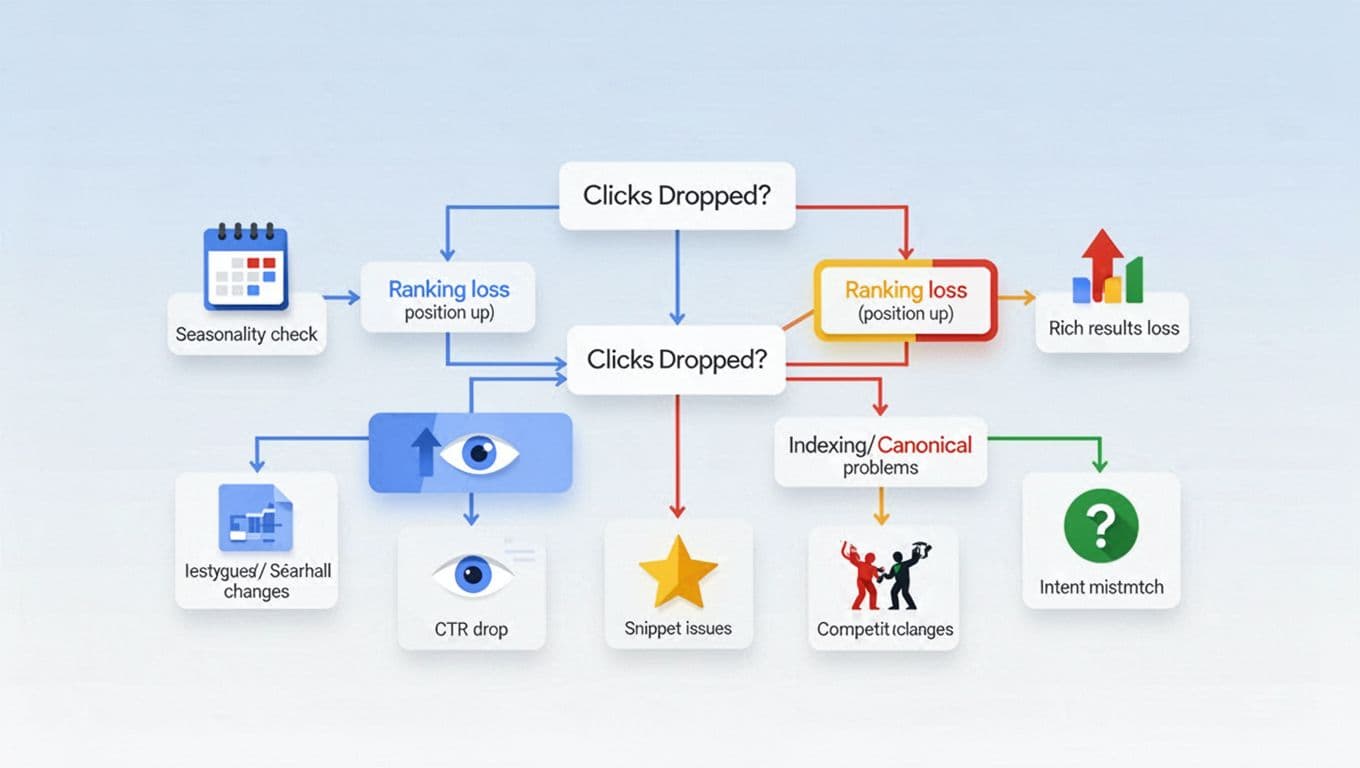
Do this with one post at a time in Google Search Console. You’re trying to label the issue, not solve it yet.
- Performance, Pages tab: filter to the exact URL, then compare dates.
- Check the four main metrics: clicks, total impressions, click-through rate, average position.
- Switch to Queries tab: sort by biggest click drop, note the top 3 queries.
- Search appearance filter (if available): look for changes like losing rich results.
- Page indexing: confirm the page is indexed, and the canonical is yours.
- Manual actions: a quick glance saves hours later. See Manual Actions report help.
Use this table to jump to the right “next report” and the safest fix.
| Symptom in GSC | Likely cause | GSC report to check | Fix (white-hat) |
|---|---|---|---|
| Clicks down, impressions down, position worse | Ranking loss, competitor upgrades, intent mismatch | Performance (Queries + Pages), compare dates | Refresh content to match current search intent, improve sections that answer buyer questions, strengthen internal links to the page |
| Clicks down, impressions flat, position similar | Organic click-through rates problem (title, snippet, SERP features crowding) | Performance (Search appearance, device split) | Rewrite SEO title tags for clarity, improve meta descriptions, add missing proof points (pricing, pros and cons, who it’s for) |
| Impressions down, position similar | Demand drop or indexing visibility reduced | Performance (year-over-year compare), Page indexing | Confirm seasonality, confirm canonical and index status, update content for freshness if it’s dated |
| Position worsens only on mobile | Mobile UX issues, layout shifts, slow page | Performance (Device), Page Experience signals (if surfaced) | Fix intrusive elements, simplify tables, compress images, reduce heavy scripts |
| Only certain queries drop (brand + “review”) | SERP intent shifted, Google prefers different page type | Performance (Queries), manual SERP check | Reframe page to the dominant intent (hands-on review vs “best-of”), add the missing sections competitors have |
| Page disappears or shows wrong URL | Canonical, redirects, or noindex | Page indexing, URL inspection | Fix canonicals, remove accidental noindex, correct redirects, request re-index after fixes |
If the click drop happened right after monetization edits, use a controlled workflow next time. This helps prevent “we changed five things” mysteries: add affiliates to old posts safely.
60-minute deep dive: query and page analysis that fits affiliate post formats
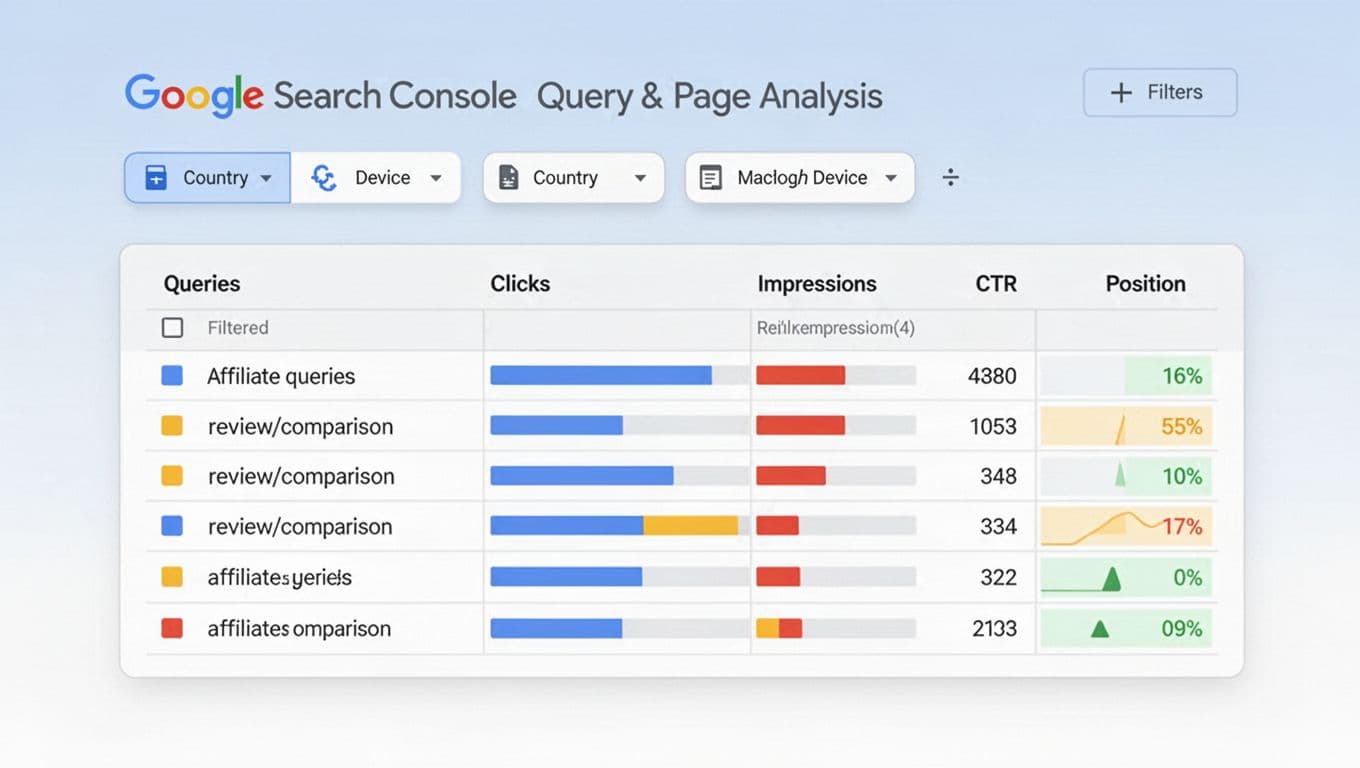
Now you earn your win. The goal is to find what changed for the search queries that used to send money traffic.
First, in Performance, keep the URL filter on. Then:
- Check Queries and export the comparison. Look for long-tail queries where position fell versus search queries where CTR fell.
- Split by Device and Country. A drop in one country can be a localization issue, not content quality.
- If you run multiple similar posts, also check Performance, Search results without the URL filter, then filter by a query. Review page-level data in the content performance report to see if the loss is page-specific or site-wide.
Next, match your fixes to the post type.
Review posts (“Product X review”)
Perform a SERP analysis in Google Search Console to see how competitors are winning. Review SERPs often reward proof. If your clicks dropped but impressions stayed steady, check Google Search Console data to confirm you probably lost the click, not the rank. Tighten the snippet and the top section. Add a short “Who it’s for” and “Who should skip it” near the start. Also make sure your affiliate disclosure is clear and close to the first recommendation. Use examples that stay natural: affiliate disclosures that don’t kill clicks.
Comparison posts (“A vs B”)
These posts can lose clicks when Google starts showing its own comparison modules. If your position is stable but CTR drops, improve scannability: quick verdict, then a simple comparison table, then deeper sections. After that, check whether readers still click out. If outbound clicks dropped too, your issue might be on-page behavior. Set up clean tracking in Google Analytics so you can separate traffic loss from conversion loss: track affiliates properly in GA4.
Best-of posts (“Best X for Y”)
These pages get hit when they look stale. If queries shift from “best budget” to “best for beginners,” your headings can fall out of sync. In GSC, look for new queries gaining impressions but not clicks. Then add one new section that answers that newer angle, without stuffing in extra products.
Alternatives pages (“X alternatives”)
These are sensitive to intent. Some searchers want “cheaper,” others want “no-contract,” others want “open-source.” In GSC, filter queries containing “free,” “cheap,” or “open source,” then see which cluster dropped. Update the page with a clear set of alternatives for that cluster, and keep link placement calm and helpful. If you need a layout that earns clicks without looking pushy, see affiliate link placement strategies.
Fix, annotate, and monitor without creating new problems
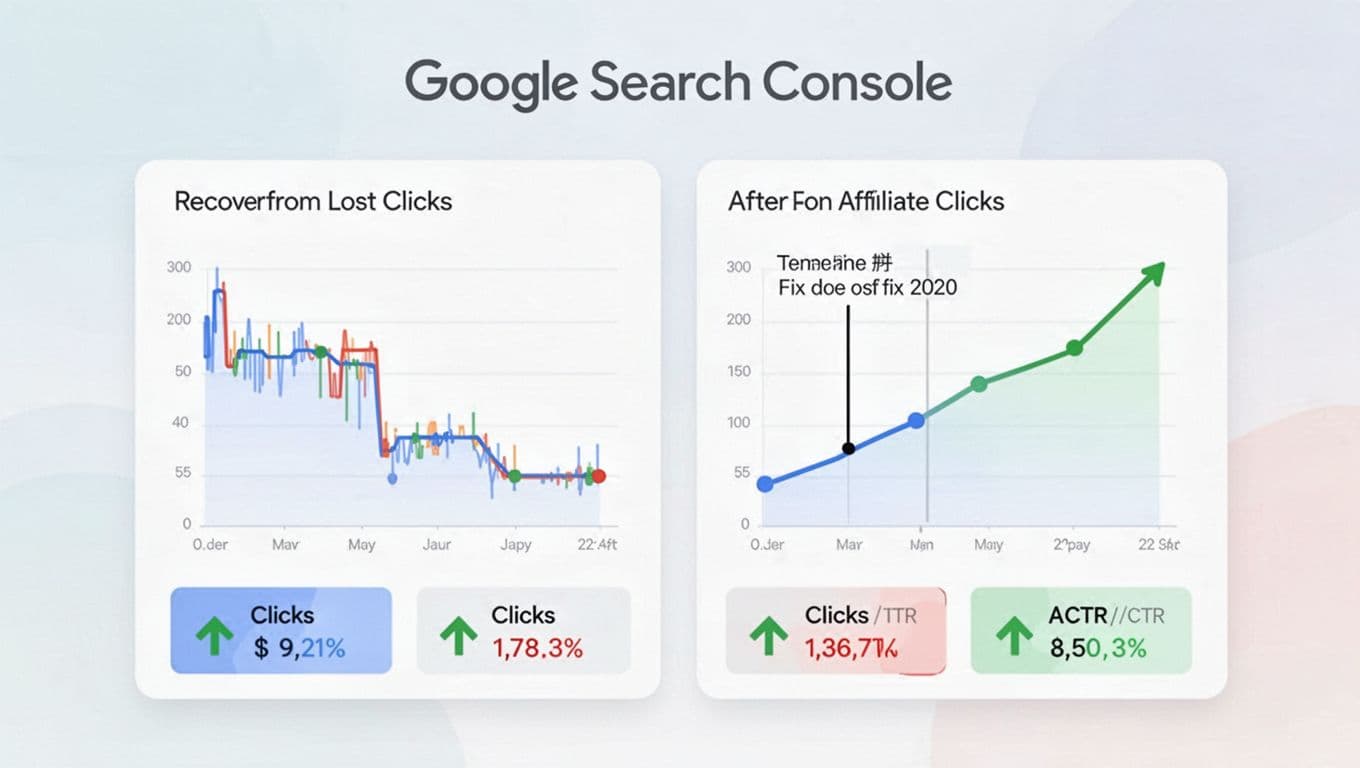
Follow this content refresh strategy: make one meaningful change per page, then wait long enough to read the signal. For most affiliate posts, that means 7 to 14 days, unless indexing is broken.
A safe order of operations usually works best:
- If indexing or canonical is wrong, fix that first, then request indexing.
- If rankings fell, consult a keyword rankings report to verify GSC data, update content to match the current top results, run a broken link checker, and improve internal links from related posts.
- If CTR fell, rewrite the title to be clearer, not louder, then improve the opening to match the promise.
Keep your change log tight. Write down: date, what you changed, and why. Then compare the same date ranges again later. If numbers look strange, check for bot traffic or high bounce rate.
Don’t “celebrate” a 2-day bump. Compare full weeks, and always check year-over-year on seasonal niches.
Finally, stay white-hat. Skip spammy link tactics and sudden anchor-heavy link blasts. For affiliate posts that cannot be saved, content pruning is a solid alternative. If you want context on why some affiliate sites swing hard after updates, this discussion can help you stay calm and focused: how algorithm updates hit affiliate sites.
One extra note: if GSC clicks are steady but affiliate revenue fell, your problem might be attribution, not SEO, and user privacy can be a factor in tracking changes. In that case, look for common last-click traps in affiliate programs.
Conclusion
Lost clicks feel personal, but they’re usually a pattern: demand shifted, rankings moved, or your snippet stopped winning. Use this Google Search Console Routine to label the drop first, then fix the right lever. Keep a change log, compare the right dates, and give each edit time to play out. While this manual process in Google Search Console is vital, pair it with automated rank tracking tools for long-term monitoring. Save this page as your template, then run it every time an affiliate post starts slipping.