
When handling out-of-stock products, nothing stings like sending a reader to a product you recommended, then watching them hit an out-of-stock wall. It’s like handing someone the exact address to a store, then finding a “Closed” sign taped to the door.
For an out of stock affiliate situation, the fix isn’t panic edits or deleting half your links. You need a repeatable swap rule, clear reader messaging, and updates that protect your ecommerce SEO while preserving search traffic.
What follows is a practical SOP you can run every time a product goes unavailable, prioritizing user experience whether you publish single reviews, roundups, or comparison posts.
Decision framework: temporary out-of-stock vs discontinued (swap rules that don’t break intent)
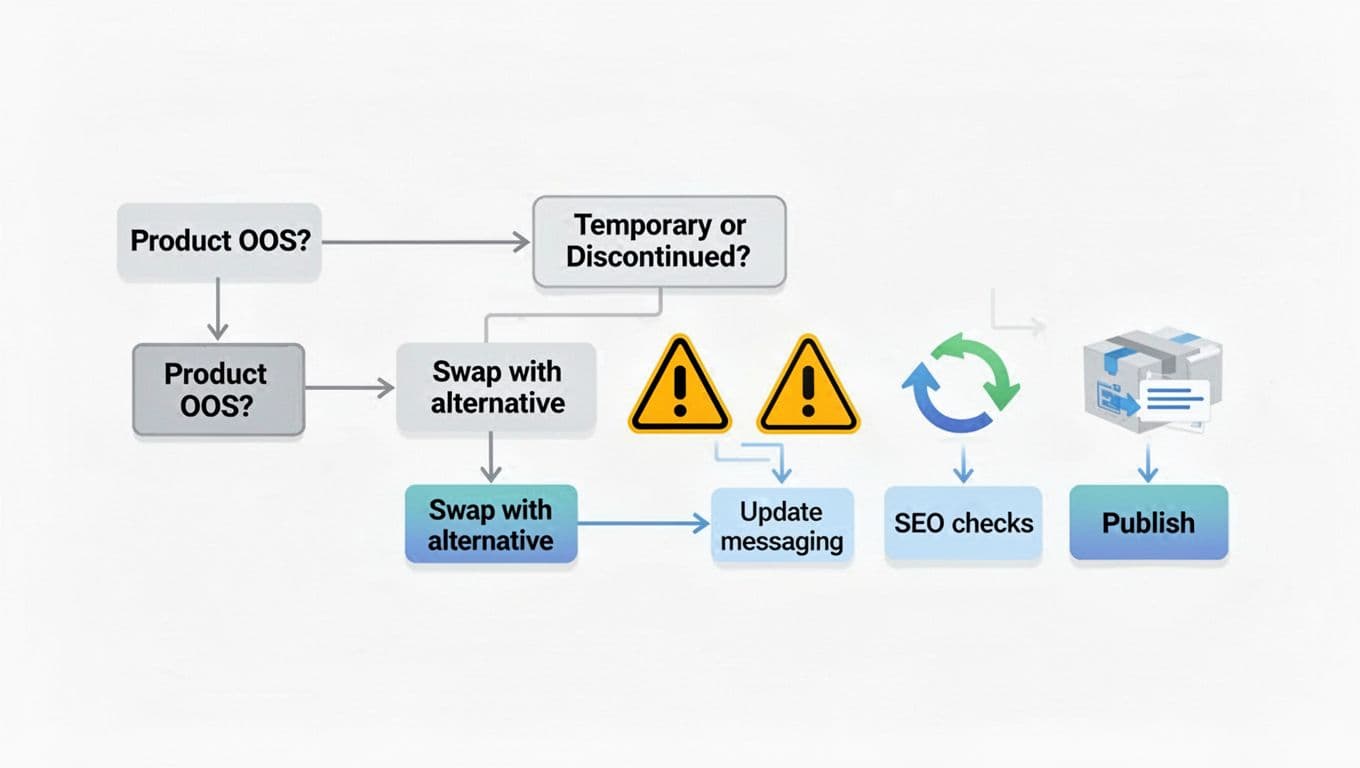
In handling out-of-stock products, start with one decision: is this stock issue temporarily out of stock, or is the product effectively gone? You don’t need perfect info, just a consistent rule for what “temporarily out of stock” means on your site (example: restock expected within 30 days). Here’s a simple decision table you can keep in your editorial checklist for handling out-of-stock products:
| Status | Your trigger | What to do on the post | What to do with the link |
|---|---|---|---|
| Temporarily out of stock | Seller says restock is coming, or other retailers still have it | Keep the product, add a notice, add 1 to 2 alternative products | Keep the same destination if it’s a waitlist page, otherwise swap to in-stock retailer |
| Permanently discontinued | Listing removed, “no longer available,” or 60+ days without restock | Replace the product in the lineup, update headings and tables | Replace affiliate link, consider redirect only if page is product-specific |
| Seasonal products or limited drops | Known cycles (holiday, annual launch) | Keep it, add timing expectations and alternatives | Link to brand page or email capture when possible |
Two guardrails keep you out of trouble:
First, don’t change the product page’s purpose. If the post targets “best budget espresso grinders,” your replacements must still be budget grinders, not a random “best espresso machines” pivot.
Second, avoid a chain of swaps that turns the product page into a patchwork. If you’re constantly swapping the same slot, it may be time to revise your criteria, or pick offers with steadier inventory management. Your affiliate program checklist helps here, because weak tracking and shaky merchants often come with unstable listings too.
If you want a deeper look at how SEO choices differ for temporary vs discontinued, this guide on SEO best practice for discontinued products frames the same decision in a search-friendly way.
Reader-first messaging that keeps clicks (copy-and-paste templates)
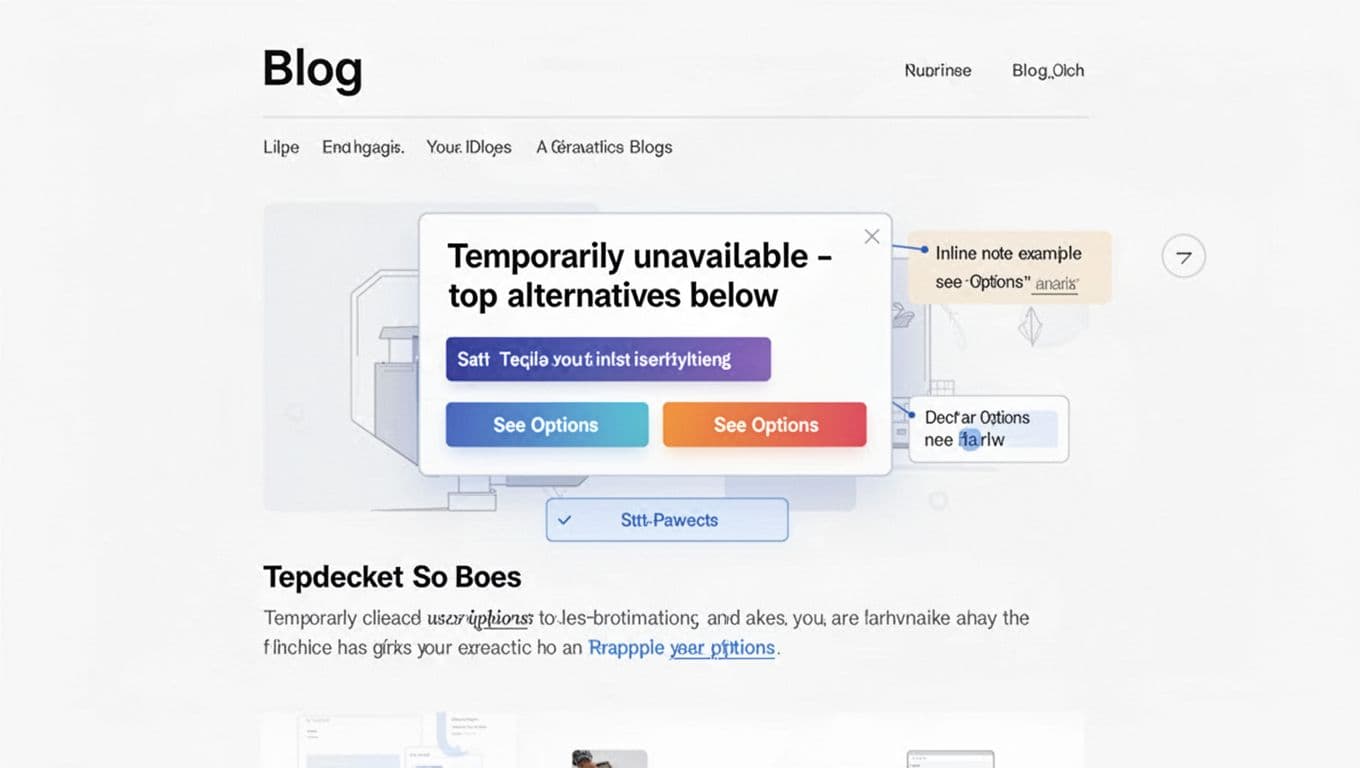
A stockout message improves user experience by doing three things fast: confirm the stockout event, protect trust to support customer retention, and give a next step. Keep it plain. No drama, no fake urgency.
Above-the-fold notice (paste near your first “top pick”)
Stock update (Feb 2026): [Product Name] is temporarily out of stock at the main retailer. I’ve added the best in-stock alternative products below so you can still choose the right option today. (This post contains affiliate links.)
Inline note for the specific product section
Availability note: If [Product Name] is sold out right now, check [Alternative A] for the closest match (one of our top alternative products), or [Alternative B] , another strong alternative product if your budget is tighter. I’ll update this section when stock returns.
Email notifications or social post (short, non-salesy)
Quick update: [Product Name] sold out after my last recommendation (or is on backorder). If you need something you can buy today, here are two solid alternative products: [Alt A link] and [Alt B link]. I’ll post again when it’s back.
A few style rules make these work better:
Keep the reason neutral (“out of stock” beats “supply chain disaster”). Avoid price promises you can’t prove. Don’t hide the affiliate relationship; use your standard disclosure line, or pull from these affiliate disclosure examples.
Finally, match the message to the post type. A single review should steer to 1 to 2 closest substitutes. A roundup can simply replace the entry and move on, because readers came to this product page to compare.
For more context on why stockout handling affects user experience (and rankings), this explainer on handling out-of-stock products without hurting SEO connects the UX side to search performance.
SEO-safe update process (tables, schema, internal links, redirects, and QA)
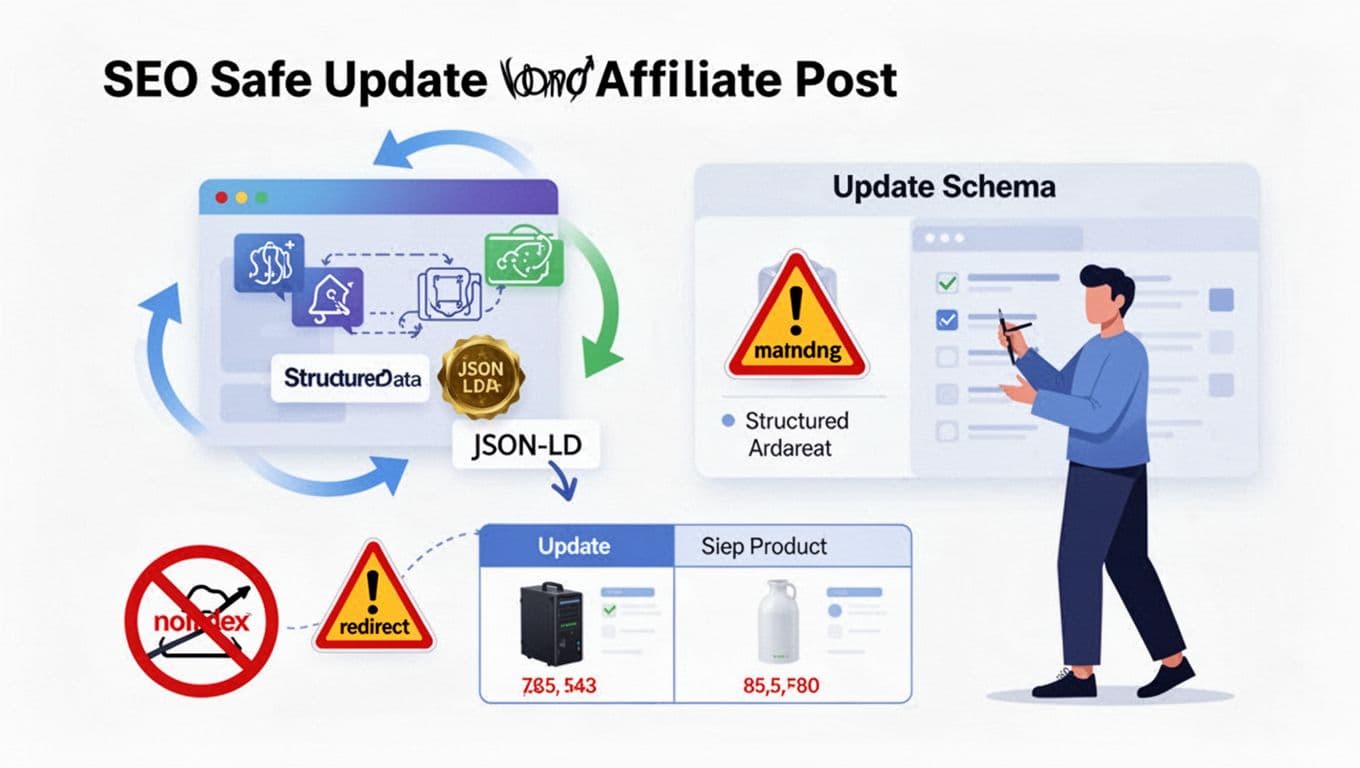
When handling out-of-stock products in affiliate content, the biggest SEO risk usually comes from overreacting with mass URL changes, unnecessary redirects, or turning a helpful page into a 404 error page or soft 404 that hurts search engine rankings and search results. Use this step-by-step process instead to protect search engine rankings and maintain value in category pages:
- Confirm the status (temporary vs discontinued) and note the date, source, and retailer.
- Choose the replacement using “same intent” rules: same category, similar use case, similar price band, and available from a stable merchant with a reliable product page.
- Update the comparison table first, because most readers scan it. Keep the same column order so the page still reads the same.
- Swap links and track placements (buttons, tables, text links). Don’t leave old “Check price” buttons pointing to a sold-out product page.
- Refresh on-page signals: update the product name mentions, image, pros/cons, and any “best for” labels that no longer fit on the product page.
- Schema cautions: if you use schema markup or structured data, don’t keep marking up a product you removed. For roundups, be careful with ItemList and any Product markup for items that are no longer present. Validate after publishing, and avoid adding a noindex tag that could block the page from search results.
- Internal link updates: if other posts link directly to the out-of-stock section via internal links, update those internal links to the new best pick. (If you build posts using a consistent layout, your product review post structure makes these swaps quicker.)
- Publish and monitor: check rankings, clicks, and conversions for the updated slots over the next 7 to 14 days, watching HTTP status codes to ensure no soft 404 issues arise.
Redirects only when they’re truly needed
Redirects can help, but they’re not a default move and should align with proper HTTP status codes.
Use a 301 redirect when the URL is a product-specific review (Example: “Brand X Model Y Review”), the product is discontinued, and you have a clear successor that matches intent and preserves link equity. For category pages like roundups (“Best cordless drills”), keep the URL and update the picks to avoid losing link value or dropping to a generic 404 error page.
If you want a grounded summary of options for out-of-stock pages, this guide on managing discontinued and temporarily out-of-stock products for SEO mirrors the same “keep value, avoid dead ends” logic.
QA checklist (run this every time when handling out-of-stock products)
- Links: no out-of-stock destination links or broken buttons to old product pages, no old retailer IDs.
- Pricing claims: remove exact prices unless you’re updating them often, keep language like “typically” or “often” when appropriate.
- Disclosures: disclosure visible before the first affiliate link, and near tables or CTA blocks.
- Structured data: validate after edits, confirm removed products are not still marked up.
- Mobile scan: top pick, table, and buttons still make sense without extra scrolling.
Log changes for compliance and audits

Keep a simple change log in a sheet or doc. Track: URL, date, what changed (Product A replaced by Product B), why (discontinued, temp OOS), and who approved. Include notes on link equity preserved or internal links updated. If you ever get a complaint about “bait and switch,” your log shows you acted in good faith and kept the post accurate during a site audit.
Conclusion
Out-of-stocks will keep happening, so the goal is a system for handling out-of-stock products, not a scramble. Classify the issue, swap based on intent, message it clearly, then update the page in a controlled way with a quick QA pass. Do it right and an out of stock affiliate moment becomes a trust-building update that enhances user experience and search engine rankings, not a leak in your income. What product on your site would hurt most if it went unavailable tomorrow, and is your swap rule written down for it?