
A review page can send thousands of shoppers to a merchant while its affiliate dashboard reports far fewer clicks. If you treat either number as the whole story, you may misjudge the page, the offer, or the traffic.
Affiliate log analysis helps you separate on-site behavior from network attribution and payable commissions. For a large review site, that means tracing outbound clicks through redirects, checking traffic quality, and reconciling results without claiming certainty the data can’t support. Start by defining what each source can actually see.
Key Takeaways
- First-party logs show requests and outbound click activity; network reports show what a program recorded and credited under its rules.
- Keep stable click and placement IDs where permitted, but don’t assume a network accepts or returns them.
- Preserve raw events, then build separate tables for valid clicks, suspicious traffic, conversions, and commission status.
- Investigate mismatches by date basis, tracking path, attribution rules, and reversals before changing a page or offer.
- Report approved and paid commissions separately from pending amounts.
What Affiliate Log Analysis Can and Cannot Tell You
Your logs stop at the handoff
Your CDN, application, or redirect service can record a request to an affiliate link. That record can identify the review page, placement, destination, and response your site returned. A 302 response shows that your server sent a redirect; it doesn’t prove the merchant received the visit.
Page views are a weaker substitute. A cached page may never reach your origin server, and an outbound button can fail to trigger a browser analytics event. For the strongest first-party click record, log the redirect itself or another controlled outbound-click endpoint.
Network reports answer a different question
A network may report tracked clicks, attributed orders, pending commissions, reversals, and payments. Available fields vary by program and export. Your reporting design should start with the fields each partner actually supplies, rather than a presumed universal schema.
In affiliate marketing, publishers use these affiliate tracking methods to answer different questions, so each source needs a clear label in every dashboard:
| Source | Useful for | Cannot establish alone |
|---|---|---|
| First-party redirect log | Outbound requests and placement detail | Merchant receipt or sale credit |
| Google Analytics 4 (GA4) click event | On-site engagement and campaign context | Final payable commission |
| Network report | Credited actions and commission status | Every click that occurred on your site |
A sensible comparison starts with a shared definition of “click.” If one system counts button events and another counts accepted redirects, their totals won’t match exactly.
Capture Fields That Make Clicks Traceable
Record the click before redirecting
Give each outbound event an immutable event ID and a timestamp with an explicit timezone. Add the normalized page path, link or placement ID, offer ID, merchant, destination identifier, response status, and application or redirect version. A session identifier can help with debugging when your privacy rules permit it.
Keep campaign labels consistent. “Top comparison table” should have one placement code across pages, not several spellings chosen by different teams. Goho Money’s GA4 affiliate click tracking guide offers a practical naming approach for browser events alongside these server records.
Separate identifiers by purpose
A first-party event ID deduplicates your own records. A partner-approved SubID can support subid tracking by carrying a placement code into network reporting. A network click ID, when provided, is a different identifier. Store each in its own field rather than treating them as interchangeable.
Avoid putting personal details or full, unfiltered URLs into SubIDs. Query strings can contain email addresses or other sensitive values. When the network won’t return a usable identifier, retain placement-level comparisons and mark order-level matches as unavailable.
Build a Pipeline That Keeps Raw Evidence

Land, validate, then model
At high volume, ship CDN and redirect logs to durable storage before building dashboards. Keep an immutable raw layer with restricted access. Parse timestamps, standardize merchant and placement names, deduplicate by event ID, and quarantine malformed rows instead of silently dropping them.
Then create analysis tables with clear meanings: all outbound requests, qualified clicks, suspected automation, and network transactions. Maintain a versioned rule set so a new bot rule doesn’t silently rewrite last month’s results. If events arrive late, record both event time and ingestion time.
Query only the detail you need
Partition click tables by event date and cluster or index by fields used often in investigations, such as merchant and placement. Run daily aggregations for routine reporting; reserve raw-event queries for incidents and reconciliation. BigQuery’s analytics documentation describes the query tools available if BigQuery is your warehouse.
Monitor the pipeline itself. A sudden drop in received log files, a spike in rejected rows, or a missing network export can look like a performance decline. Keep ingestion counts beside business metrics so the team spots broken measurement first.
Filter Bots Without Losing Real Shoppers
Use several signals together
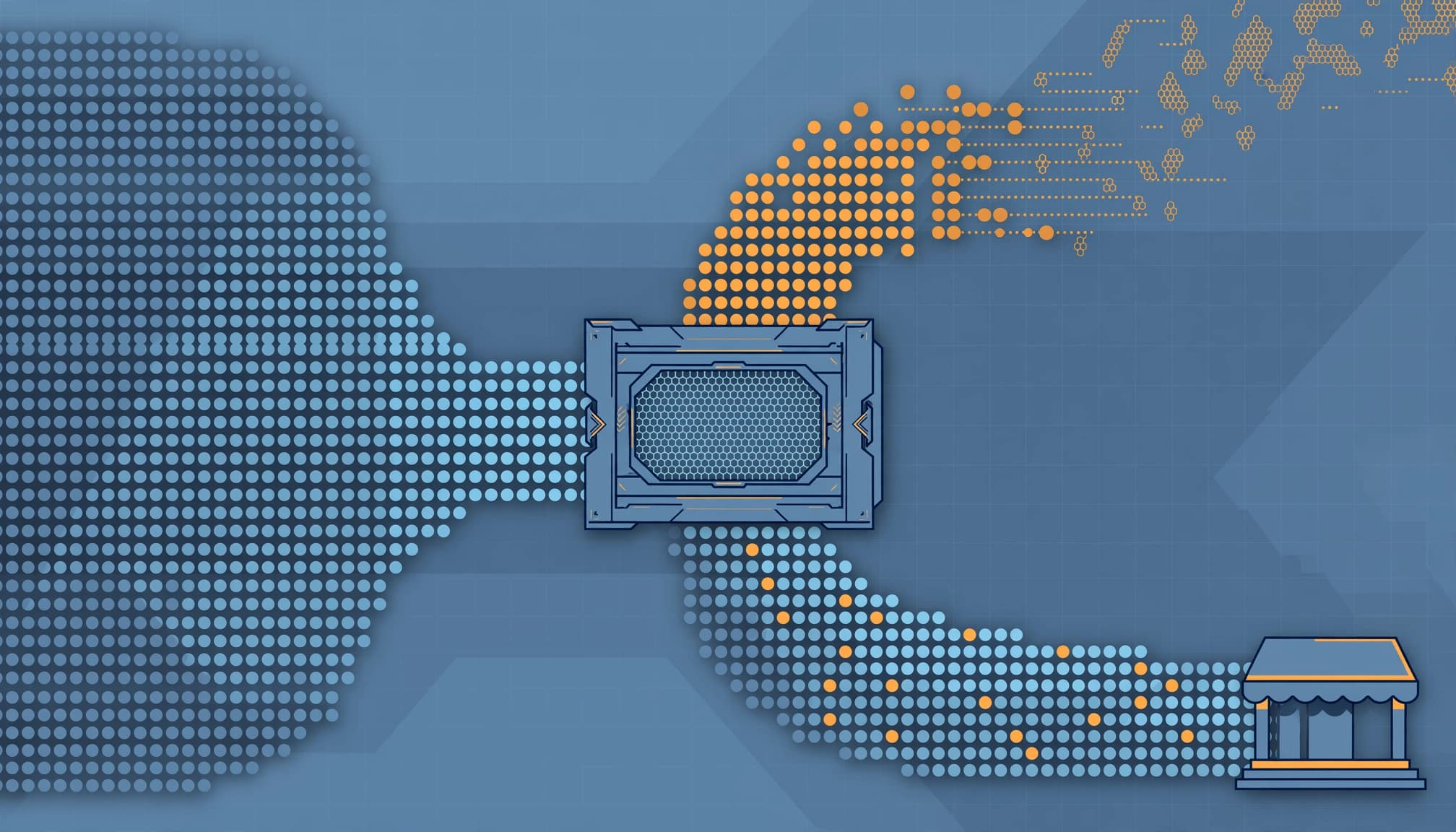
For fraud detection, combine request rates, repeated paths, referrers, user-agent patterns, country shifts, and response codes. Also check for known internal testing traffic. If your site uses Cloudflare Bot Management, its HTTP request log fields can include bot-related scores and detection IDs, depending on the product and fields available to your account.
A score isn’t proof of fraud. Crawlers, link preview services, monitoring systems, and real shoppers can all create unusual patterns. Keep a separate “under review” category until you’ve checked samples and the surrounding traffic.
Apply exclusions where they belong
Remove confirmed internal tests from performance views, but retain their raw records under your retention policy. Google’s GA4 internal traffic guidance covers filtering activity from defined IP addresses or ranges in Analytics. That setting doesn’t clean historical server logs or network totals.
A surge in outbound redirects can reflect automation, a popular review, or a tracking change. Check the pattern before calling it growth or fraud.
Reconcile Clicks, Orders, and Commissions
Match windows before matching records
Pull first-party clicks and available network exports for the same merchants and reporting period. Confirm whether each report groups by click date, conversion date, approval date, or payment date. Convert timestamps to a common timezone while retaining their originals.
Match permitted IDs across systems first. Server-to-server tracking is an option only when a program supports an appropriate postback or transaction-level export. Next, compare placement, offer, and time windows at an aggregate level. Don’t treat a plausible match as proof of order-level revenue attribution. A merchant may credit another publisher after a later coupon click; promo code tracking may help explain the credit, while your redirect remains a valid first-party event.
Keep the commission life cycle intact
Store pending, approved, reversed, and paid amounts separately. A refund, ineligible order, duplicate action, or advertiser correction can change an earlier estimate. Your monthly payable view should draw on approved or paid commissions, not the initial pending total.
When clicks look healthy but credited orders fall, inspect redirect changes, missing parameters, consent effects, program eligibility, and attribution windows. If orders remain steady while approvals fall, look at reversal reasons and validation delays. The affiliate revenue audit workflow goes further into comparing device, country, and traffic source.
Ask each program how its attribution models handle cookie overwrites, cross-device purchases, coupon partners, and deduplication against other channels. Cross-device tracking may clarify some purchases, but first-party click logs alone can’t establish whether a shopper converted on another device. These rules, including commission structures, determine what a report means; first-party logs can’t override them.
Find Anomalies That Lead to Decisions
Compare like with like
Track clicks, credited orders, approved commission, reversal rate, and earnings per qualified click by merchant, offer, page, placement, and traffic source. Include average order value when the program reports it. Define conversion rates as credited orders per eligible click, comparing them only when click definitions and reporting windows align. Use cohort analysis to compare each segment with its recent history, accounting for promotions and seasonal demand, to assess affiliate program performance. A site-wide average can hide a broken button on one high-traffic review.
Use click-level diagnostics to investigate abrupt changes in the click-to-network-click gap when network data exists. Track click-through rates as page visits to outbound clicks, not as a network click rate. Watch for a surge in one redirect route, unusually fast repeat requests, or a cluster of reversals tied to one offer. Alerts should identify the affected segment and event counts, not merely announce that a percentage changed.
Give every alert an owner
A data engineer should check missing files and duplicate events. An SEO or editorial lead can inspect changed links and placements, then consider link-level optimization after validating an issue. A program manager can ask the merchant about attribution or approval changes. Record the cause and resolution so the next alert doesn’t restart the investigation.
A useful weekly dashboard keeps traffic-quality flags visible beside commissions. For a starting layout, Goho Money’s affiliate revenue dashboard template covers clicks, conversions, and earnings. Add data freshness and reconciliation status before using those figures to move budget.
Protect Reader Data in the Logs
Affiliate redirects can expose IP addresses, user agents, referral URLs, and tracking parameters. Cookie tracking may also collect related data through first-party cookies, though server-side redirect logs don’t require them. Collect fields for a defined measurement or security purpose, restrict raw-log access, and avoid sending personal information to partners through link parameters.
Hashing an identifier doesn’t automatically make it anonymous if your team can still connect it to a person. Limit who holds the mapping, rotate secrets where appropriate, and set deletion schedules for raw events and derived tables. The GDPR’s data-minimisation and storage principles are relevant when you process personal data covered by that law.
Review consent requirements and regulatory compliance obligations for each region and tracking method. Also document who can export logs, how incident evidence is retained, and how deletion requests affect joined datasets. A useful report rarely needs permanent access to every raw request.
FAQ
Why do my server clicks exceed network clicks?
Your redirect log records activity at your end of the link. The network may count only requests it receives and accepts, using its own filtering and reporting window. Check timestamps, repeated requests, broken redirects, bot activity, and any available network click definition before interpreting the gap.
Can logs prove which review caused a sale?
They can support a match when approved tracking identifiers survive into a network transaction export. Without that connection, logs show a click or placement contribution, not proof of sale attribution. Even a matched transaction remains subject to the program’s credit and commission rules.
Should I replace GA4 with server logs?
Keep both if they answer useful questions. GA4 helps teams study on-site behavior and campaign context, while redirect logs offer request-level evidence under your control. Google Tag Manager can deploy or manage browser tags, but it doesn’t replace first-party redirect logs or network approval and payment records. If you’re aligning browser and server events, use consistent definitions to avoid double-counting; Goho Money’s server-side affiliate tracking guide discusses that setup.
Make Each Number Answer One Question
When a network total looks wrong, the first useful step is to identify which part of the journey it measures. Preserved click evidence lets you test the handoff. Network records explain credited actions and commission outcomes.
Keep those views separate, reconcile them on a schedule, and label uncertain matches honestly. Then a disappointing payout becomes a question you can investigate, rather than a guess about whether the review worked.