
A merchant’s rebranding can wreck an affiliate post faster than most site owners expect, hurting your affiliate marketing brand and brand awareness. One day the page converts, the next day it shows old screenshots, broken links, and a brand name readers can’t even find.
The good news is that you usually don’t need a full rewrite. If you treat the update like a repair job, you can keep search equity, protect commissions, and make the post clearer for 2026 readers.
If you’re also tightening disclosure and partner-rule issues during the update, this quick refresher is useful:
Key Takeaways
- Prioritize pages that rank or earn via Search Console, analytics, and affiliate dashboards; keep the URL the same unless the topic changed.
- Update every conversion point for consistency: brand mentions, affiliate links, visuals, screenshots, tables, anchor text, and schema markup.
- Handle renamed products by direct linking and explaining the change; for discontinued ones, recommend replacements without deleting the page.
- Run a QA pass checking links, disclosures, visuals, and speed before republishing, then monitor Search Console for two weeks.
- Done right, the update preserves rankings, protects commissions, and makes the post feel timeless for 2026 readers.
Start with the pages that already rank or earn
Don’t open your editor first. Start with Search Console, analytics, and your affiliate program dashboard.
Look for posts that already get clicks, rank for the old brand name, or bring steady sales. Those are the pages where an affiliate post rebrand fix matters most, since keeping these rankings ensures you stay relevant to your target audience in the niche market. In 2026, fresh content helps, but only when the update makes the page more useful. This process is part of a broader marketing strategy and SEO optimization effort.
Keep the post URL the same unless the page topic changed. If the slug includes the old brand, leave it alone in most cases. A new name doesn’t automatically mean a new URL.
If the brand change created two near-duplicate posts on your site, fix that before anything else. For example, if you have one post for OldBrand and another for NewBrand (its updated brand identity), but both answer the same intent, run an affiliate content cannibalization audit before you merge, re-angle, or redirect.
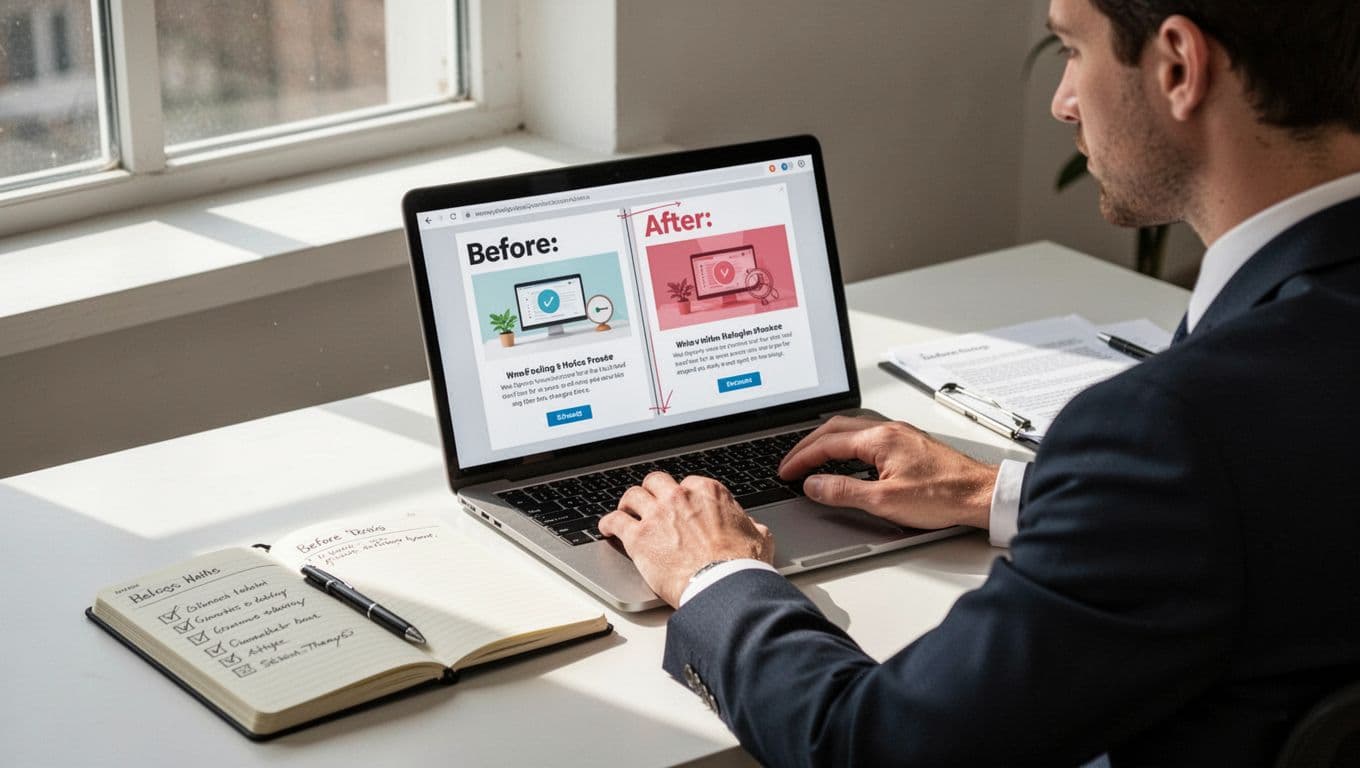
A fast audit should catch these items:
- Title tag, H1, intro, and subheads
- Brand mentions in body copy and image alt text
- Affiliate links, buttons, and redirect links
- Tables, FAQs, schema, and screenshots
Keep the URL unless the page topic changed. A rebrand alone isn’t a reason to move the post.
Also, add one plain line near the top such as “NewBrand, formerly OldBrand.” That helps readers connect the dots, and it also keeps old-name search demand tied to the updated post.
Update every conversion point, not just the brand name
A sloppy rebrand edit looks fine at first glance, then falls apart on click. That is why the main goal is consistency across the whole page. Outdated promotional materials and affiliate creatives can tank your conversion rate and EPC, so address them fully.
Start with the obvious copy changes. Replace stale brand mentions in headings, body text, image captions, and FAQs. If a website redesign accompanies the rebrand, adapt your brand voice and brand messaging too. Still, don’t erase the old name everywhere. Keep one or two references where they help readers understand the switch, especially near the top.
Next, swap every affiliate link. That includes text links, buttons, comparison boxes, and any cloaked or redirected URLs. Coordinate with affiliate partners for updated marketing materials to ensure smooth transitions. After that, test the final landing page and the affiliate tracking. If you want a clean process for edits on aging money posts, use this guide to add affiliate links to old posts safely.
Anchor text often gets missed. If your old anchor says “OldBrand pricing,” update it to the new name or use a natural phrase like “current plans and pricing.” Repeating outdated anchor text sends mixed signals to both readers and search engines.
Then fix the visual proof. Old screenshots make a post feel abandoned. Update product shots, dashboards, pricing panels, and comparison graphics. The same applies to tables. If the rebrand changed plan names, positioning, or target users, update the “best for” notes too.
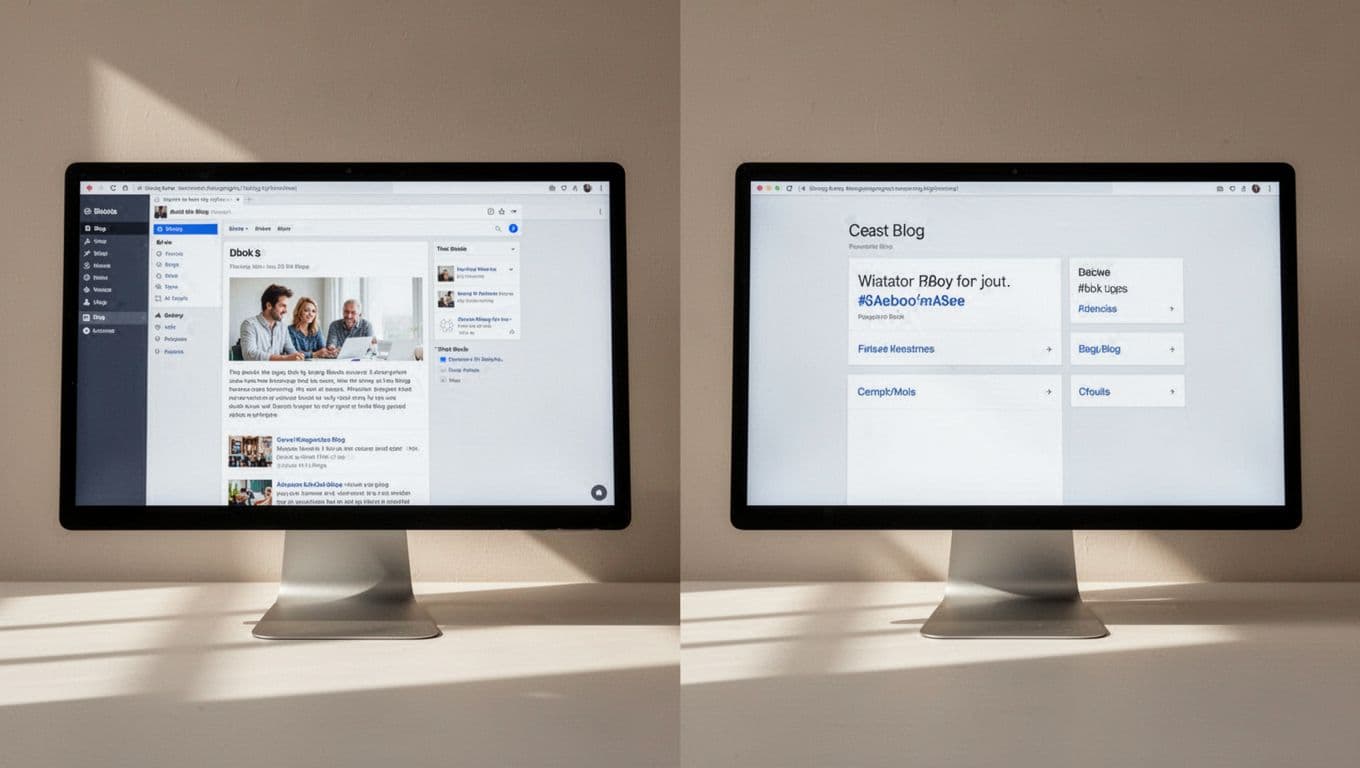
Don’t forget markup. If your page uses review, product, or FAQ schema, sync the product name, image, URL, and offer details with the visible copy. If a product is gone, remove markup that no longer matches. Also confirm your affiliate links still use your normal sponsored setup, such as rel="sponsored".
For large-scale link swaps, this guide on replacing links while minimizing SEO risk is a good technical backup. If you use reusable feed blocks or shopping modules, update the shared source once, much like product feed snippets are managed across multiple placements.
One more fix matters in 2026: add a short “What changed after the rebrand?” section. Clear answers help skimmers, and they also fit how AI-driven search summaries pull facts from a page.
Handle redirects, renamed products, and dead pages carefully
A renamed product is usually the easy case, especially as a critical piece of content marketing during a brand’s relaunch campaign. Check the merchant panel for an updated rebrand PDF or replacement variables that can simplify the update. Point your affiliate links to the new destination, explain the former name once, and keep the post focused on the same intent.
If the merchant already sends the old product page to the new one with a 301, don’t stop there. Update your affiliate links anyway. Redirect chains waste time, and they can break tracking.
Discontinued products need a different approach. If the page still ranks, don’t delete it. Keep it live, add a short note that the original product was retired, and recommend the closest replacement. Then remove any CTA that points to a dead page or a vague homepage.
If you must change your own article URL, use one clean 301 and update internal links, canonicals, and sitemap references right away. For teams working through a backlog, this affiliate content refresh system is a simple way to batch updates without rushing.
Frequently Asked Questions
Should I change the post URL for a rebrand?
No, keep the URL the same unless the page topic fundamentally changed. A rebrand alone isn’t reason to move it, as this preserves search equity and rankings.
Do I need to erase all old brand mentions?
Not everywhere—keep one or two references near the top, like ‘NewBrand, formerly OldBrand,’ to connect old search demand and help readers.
What about discontinued products in ranking posts?
Don’t delete the page; add a note it’s retired and recommend the closest replacement. Remove dead CTAs to maintain trust and utility.
Should I update affiliate links if the merchant uses redirects?
Yes, point directly to the new page to avoid slow redirect chains and tracking issues. Coordinate with partners for updated creatives.
How do I know if the update worked?
The page should feel boringly seamless to readers, with no outdated elements. Watch Search Console for normal minor fluctuations over two weeks.
Run a short QA pass before you republish
Before you hit update, run one last check as part of your overall brand strategy. Small mistakes here cost both trust and revenue.
- Click every affiliate link on mobile and desktop.
- Confirm the disclosure appears near the first monetized link.
- Check that buttons, tables, and screenshots use the same name.
- Make sure schema matches the visible page.
- Leave the old brand name in a few helpful spots for historical context and trademark protection.
- Test page speed and layout after new images.
Watch Search Console for the next two weeks. Some movement is normal. A sharp drop usually means the page intent changed, not that the rebrand itself caused the problem.
A good affiliate post rebrand update feels boring to the reader, and that’s the point. The page should read as if it was always meant to point to the current brand.
Keep the URL steady, fix every trust signal, and explain the name change without overdoing it. Done well, the post keeps its rankings, keeps its clicks, and sets up future affiliate recruitment and social media engagement for the new brand, while making sense long after the old brand disappears.