
A bad migration can wipe out traffic fast. For affiliate sites, the hit is worse because rankings, clicks, and affiliate attribution can all break at once.
The good news is that most losses come from small misses, not bad luck. If you keep page intent stable, map redirects cleanly, and test tracking before launch, your affiliate site migration has a much better shot at landing safely.
Start by classifying the migration risk
Not every migration carries the same danger. A hosting move is not the same as a domain change, and a redesign is not the same as moving from HTTP to HTTPS.
This quick table helps set priorities:
| Migration type | Main ranking risk | Main revenue risk |
|---|---|---|
| Domain migration | Lost signals from weak redirects | Affiliate platforms may not recognize the new domain |
| HTTP to HTTPS | Mixed content, bad canonicals | Tracking scripts or links can break |
| CMS rebuild or redesign | Content intent drifts, schema disappears | Money pages lose affiliate links or disclosures |
| Subfolder or subdomain change | Internal links point to old paths | Attribution breaks on moved link paths |
| Hosting or CDN change | Crawl issues, 5xx errors, slower pages | Geo-routing or cache rules block offers |
The takeaway is simple, change the infrastructure if you must, but don’t change the page’s job at the same time. That matches the “less change, less loss” approach highlighted in Omega Digital’s 2026 migration checklist and Prospelle’s website migration SEO checklist.
If you’re also merging thin or overlapping pages, do that work before the move. This is a smart time to audit competing posts on affiliate sites so you don’t redirect the wrong URLs and blur search intent.
The safest migration keeps structure changes separate from major content rewrites.
Build the pre-launch map before touching production
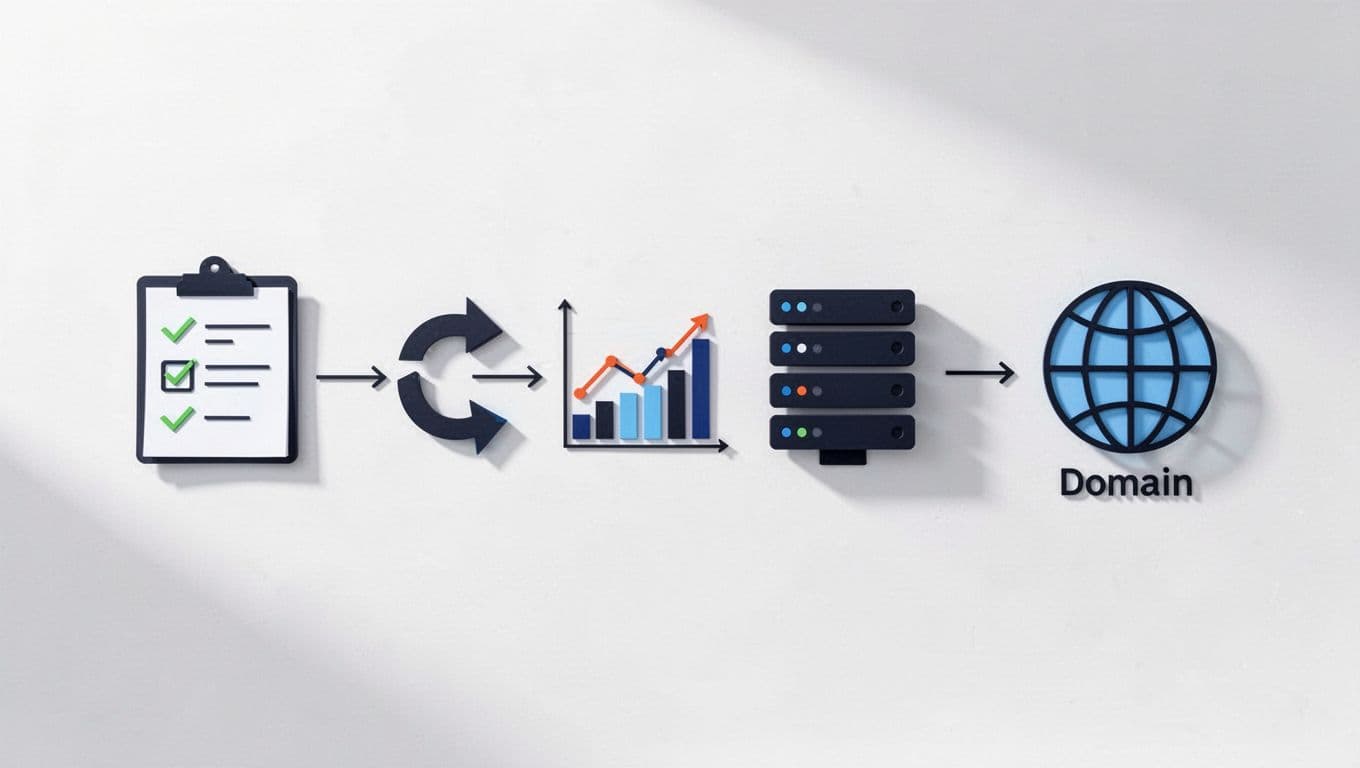
Pre-launch work decides whether recovery takes days or months. First, export every indexable URL from your crawler, Search Console, analytics, and CMS. Then flag pages that drive clicks, revenue, backlinks, and top affiliate conversions.
Your pre-launch checklist should cover these points:
- Map each old URL to one final destination, page by page.
- Preserve titles, H1s, core copy, schema, and internal anchors on pages with the same intent.
- Keep separate XML sitemaps for the old URLs and the new URLs during a domain move.
- Set up the new Search Console property before launch, then keep the old property active.
- Fix mixed content, hard-coded canonicals, and insecure assets for HTTP to HTTPS moves.
- Freeze major design and copy experiments during CMS rebuilds and redesigns.
- Match cache rules, image handling, robots directives, and headers when changing hosting or CDN.
Affiliate sites also need a tracking audit. If you use /go/, /recommend/, or pretty links, preserve those slugs one-for-one where possible. Test your sub IDs, click parameters, and merchant redirects on a staging site. If a network requires domain approval, handle that before launch, not after.
Also, keep monetization edits separate from migration edits. If you need a process for that, this guide on how to safely add affiliate links to old posts is a useful model.
Launch day is about one clean path

On launch day, think like a courier. Every URL needs one direct route to the right place. That means one-hop 301 redirects, not chains, loops, or vague homepage redirects.
Check every version of the site, including HTTP, HTTPS, www, non-www, trailing slash, and old uppercase URLs if they exist. For a domain migration, submit the Change of Address in Search Console after redirects are live. Then update canonicals, navigation links, breadcrumbs, and XML sitemaps so they point straight to the new URLs, not to redirected ones.
Affiliate tracking needs the same discipline. Click through your top money pages on mobile and desktop. Confirm the merchant page loads, tracking parameters stay in place, and no consent banner, region rule, or CDN setting strips the click.
Keep schema intact too. If the page still contains the same review, product, FAQ, or breadcrumb content, keep the same schema types. Don’t let a CMS rebuild quietly delete them.
A practical cross-check from MigrateWebsite.ai’s 2026 migration checklist makes the right point, traffic drops often show up after recrawling, not on day one.
The first 30 days are where migrations succeed or fail

After launch, watch data daily for the first week, then every few days after that. Google still recommends keeping redirects in place for at least a year, and that matters even more when old affiliate pages have links and history.
Focus your QA on these checks:
- Crawl the top 100 old URLs and confirm they land on the right final pages.
- Submit the new sitemap in Search Console, then watch indexing, coverage, crawl stats, and rich result reports.
- Validate affiliate links and compare click counts against your network dashboard.
- Review server logs for repeated hits to old URLs, 404s, 5xx errors, and bot traps.
- Check Core Web Vitals after hosting or CDN changes, especially LCP, INP, and CLS.
- Compare clicks, impressions, average position, CTR, and revenue per session against your baseline.
If traffic is down and revenue is down, check tracking before blaming rankings.
One more 2026 note matters here. Affiliate sites are getting less room for templated content and shaky review pages. So if a redesign also changed copy, keep an eye on intent drift, thin sections, and missing disclosures with rel="sponsored" where needed.
An affiliate site migration usually doesn’t fail because one redirect broke. It fails because redirect gaps, tracking bugs, missing schema, and weak monitoring stack up.
Protect the page’s purpose, keep attribution intact, and watch the data like a hawk for 30 days. The sites that come through cleanly are usually the ones that treated migration like a controlled release, not a redesign party.