
Product tutorials can do more than teach one task. When you build them well, they boost user engagement by warming up the reader before they ever reach a review page.
Many affiliate sites separate how-to content and reviews too sharply. That leaves the tutorial underused and the review page cold.
Product tutorial posts work best when they solve the first problem, then point to the page that helps the reader choose. That handoff is where informational intent turns into qualified traffic.
Key Takeaways
- Product tutorial posts solve the reader’s immediate problem first, then hand off to a review page for the purchase decision, turning informational traffic into qualified interest.
- Pick tutorial topics one step before the purchase—like setup, first use, or troubleshooting—from buyer questions and product launch cycles, not product catalogs.
- Use a simple structure: state the result, show the start, walk through steps with visuals, address snags, and end with the natural next decision linking to reviews.
- Mention products only where they help the task, with honest details on limits and plans, to build trust without turning the tutorial into a sales page.
- Build a clear link path with descriptive anchor text to the review page as the next step, keeping it natural and useful for better conversions.
What Makes a Tutorial Page Feed a Review Page
A strong tutorial tailored to your target audience starts with the reader’s pain points and first question, not the product pitch. Someone searching for setup help, a fix, or a walkthrough wants progress fast. Tutorial videos serve as a dynamic format for showing that progress.
If your page answers that need well, the next question appears on its own. Which tool is easier? Which version is better? Which option saves time?
That is where the review page fits. It should feel like the next step, not a sales detour. The step-by-step guide clears the path and helps users see product benefits. The review page helps the reader decide.
The best tutorial topics sit one step before the purchase. They often cover setup, first use, troubleshooting, or a comparison point that the buyer has not figured out yet.
A few examples make this clear. A reader looking for “how to build a landing page” may soon need a builder review. Someone searching for “how to connect an email form” may need a review of form tools next. The tutorial answers the job. The review answers the choice.
Pick Topics That Sit One Step Before the Purchase
Good tutorial topics come from buyer questions, not product catalogs, especially when they align with the product launch cycle. That sounds simple, but many sites miss it. They start with the tool, then force the topic around it.
Monitor social media posts and pre-launch teaser posts to gauge what help your target audience needs. Customer feedback and social proof serve as key data points for picking topics that resonate.
A better order is this, first the problem, then the tutorial, then the review, all positioned within the product launch cycle. Before you write, ask what the reader needs to do before they can compare options.
That also means vetting the offer before you build the content around it. If a product has weak support, unclear pricing, or a messy setup, it can hurt both pages. A quick screen with what to look for in a legitimate affiliate program helps you avoid thin offers before they enter your content plan.
Look for topics that do one of three things. They help the reader start, fix a common issue, or reach a point where product choice matters. Those pages attract people who are open to the next step because they already trust the setup.

This visual storytelling setup enhances the lesson’s clarity when you map it before you write. You can see the steps more clearly when the page plan is simple.
Use a Structure That Solves the Job Fast
Tutorial readers do not want a long warm-up. They want the shortest useful path to the result. So your structure should move with purpose, focusing on clear learning outcomes to improve the user experience.
A simple format works well:
- State the result right away.
- Show the starting point.
- Walk through the steps in order using screen recordings, interactive walkthroughs, or demo walkthroughs.
- Point out the first snag or common mistake.
- End with the next decision the reader may face.
Tutorial videos follow this same logical flow.
That last step matters. It creates a natural call to action bridge to the review page without sounding forced. You are not pushing a click. You are answering the question that comes after the tutorial.
For example, if the tutorial is about setting up a website, the final section can mention that readers now need to compare platforms, hosting, or page builders, with a call to action linking there. If the tutorial is about email capture, the next page can compare tools by price, ease of use, and support.
For the review side, the structure matters just as much. A clear layout makes the handoff cleaner, and how to write professional affiliate review content gives you a page shape that matches the tutorial’s intent shift.
Keep the tutorial focused on action. The review page should pick up the comparison work that the tutorial avoids.
Mention Products Only Where They Help the Reader
Product mentions need to feel earned, especially during user onboarding. If the tool doesn’t help the reader finish the task, leave it out until the review page.
That rule protects trust. It also keeps the tutorial from turning into a sales page before it has done its job, while supporting smooth user onboarding.
Use product names when they solve a step, replace a manual task, or explain why a method works better. Highlight product benefits tied to the specific task the reader is trying to complete. Then keep the explanation tied to the task. Tell the reader what changes, what gets easier, and what still needs attention.
If a tool has limits, mention them. If it needs a paid plan for the feature you describe, say so. If a free option works for the tutorial but not for scaling, make that clear, and suggest an onboarding video or tutorial videos to address technical limits. Honest detail gets more clicks later because it lowers doubt now, facilitates product adoption, and improves the initial onboarding experience.
A product mention should answer a task, not interrupt one.
That approach also keeps your affiliate content healthier over time. Readers remember pages that help them finish something. For a wider view of why honest content still earns attention, realistic expectations for affiliate marketing success is a useful companion read.
Build the Link Path So Readers Keep Moving
Once the tutorial is written, the link path matters for boosting conversion rates and following SEO best practices. Readers should move from lesson to comparison without hunting for the next page.
Start with one primary review link near the point of decision. It can sit after the main steps or inside the final section. Use anchor text that says what the page offers, such as “full review of the tool” or “compare the top options”. Keep it descriptive.
Then add a second link only when it helps the reader answer a different question. A tutorial about choosing a platform may link to one review page and one checklist page. A tutorial about setup may link to one review and one comparison post. That keeps the path useful, not crowded.
The image below reflects that handoff. One page teaches the process, the next helps the reader choose.
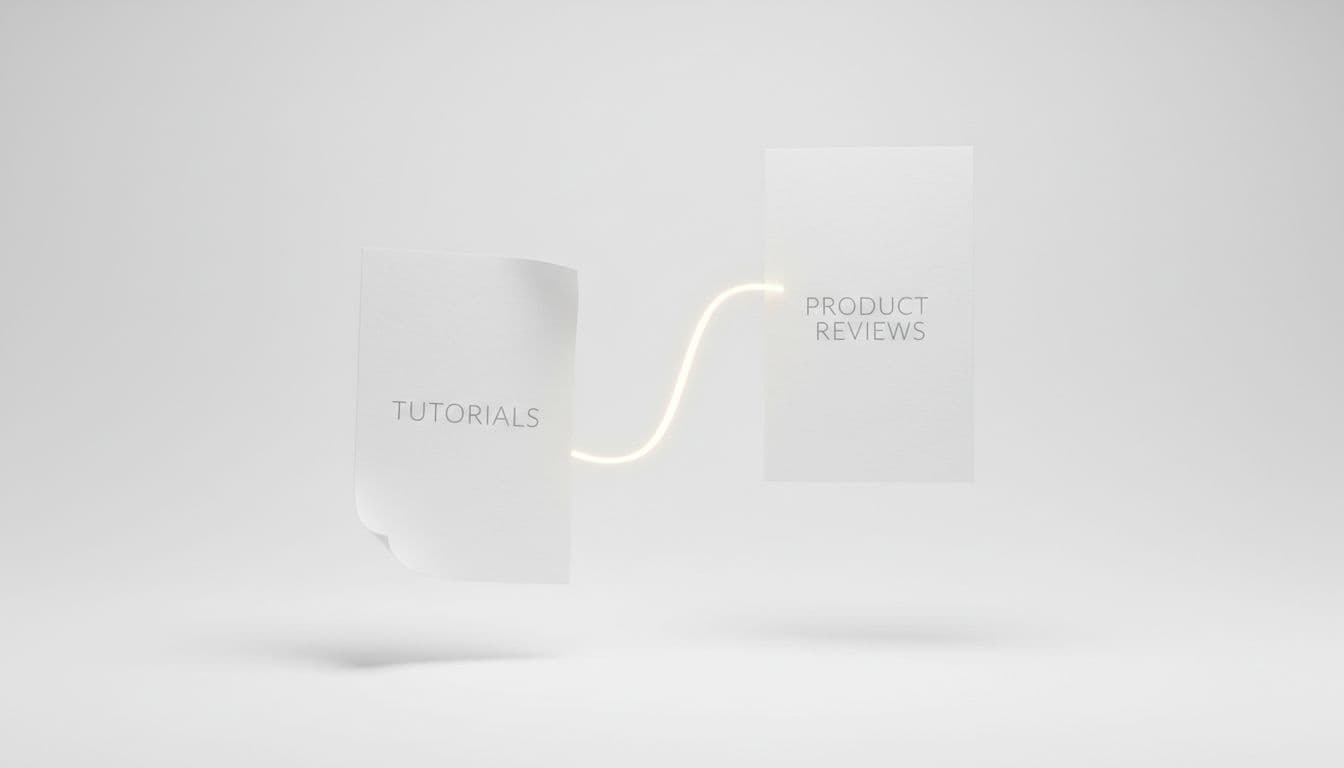
Your anchor text should match the reader’s next question. If the tutorial shows how to do something, the review link can point to the tool that makes it easier (or use anchor text like “tutorial videos” for product tours and interactive elements). If the tutorial shows a setup path, the review can compare tools by price, features, or support.
Internal links work best when they feel like a natural next step in product tutorials. They should extend the lesson, not compete with it.
Frequently Asked Questions
What makes a good product tutorial topic?
Good topics sit one step before the purchase, covering setup, first use, troubleshooting, or comparisons buyers haven’t figured out yet. Source them from buyer questions on social media, customer feedback, and product launch cycles. This attracts readers open to reviews next, rather than starting from product catalogs.
How should I structure a product tutorial post?
Start with the result, show the starting point, walk through steps using screen recordings or demos, point out common mistakes, and end with the reader’s next decision. This keeps it fast and purposeful, focused on clear outcomes. The final step creates a natural bridge to the review page.
When should I mention products in a tutorial?
Mention products only where they solve a step, replace manual work, or explain benefits tied to the task—never as an interruption. Be honest about limits, paid plans, or scaling needs to build trust. This keeps the tutorial helpful on its own and earns clicks to reviews later.
How do I link from a tutorial to a review page?
Place one primary review link near the decision point with descriptive anchor text like ‘compare top options’ or ‘full tool review.’ Add a second link only if it answers another question, keeping paths simple. Internal links work best when they feel like the natural next step, extending the lesson.
Why integrate tutorials with review pages?
Tutorials warm up review pages by solving the first problem, building trust, and sending qualified traffic ready to decide. Separating them leaves reviews cold; integration turns informational intent into conversions naturally. This flow boosts engagement, satisfaction, and long-term affiliate success.
Conclusion
The best product tutorials do one job well, then open the door to a better decision. They solve the first problem, build trust and customer satisfaction, and send the right reader to the review page at the right moment.
That is why product tutorial posts matter so much in affiliate content. They pull in informational traffic, then turn it into qualified interest without forcing the click.
When the tutorial feels useful on its own, the review page gets warmer traffic and a better shot at conversion. That is the kind of content flow worth building again and again, as it drives long-term user engagement and repeat traffic.