
One bad redirect can turn paid traffic into a leak. If a visitor from Brazil lands on a US-only offer, you still pay for the click, but the sale dies.
That is why affiliate geo routing matters more in 2026 as a critical component of your digital marketing strategy. Proper setup prevents wasting budgets when targeting high-cost Tier 1 traffic, ensuring each click reaches the right offer by country, device, language, and eligibility, without breaking tracking or adding delay. Start with a clean rule stack, then test it like you’re trying to break it.
Key Takeaways
- Country first in routing rules prevents leaks by matching GEO to eligible offers, payouts, compliance, and traffic types—then layer device, OS, language, and carrier for optimized landing pages.
- Use server-side trackers for paid international traffic to log clicks first, preserve attribution, hide logic, and handle fallbacks without latency or lost parameters.
- Test like a skeptic: VPN for GEO, real devices/proxies for carrier, incognito for redirects—watch iOS and in-app browsers where bugs hide, confirming postbacks match.
- Keep it simple: Trim hops, daily-check offer status/caps, log redirect reasons, and default to smartlinks for quick launches or custom rules for multi-geo control.
What a good routing setup needs to decide
Good routing feels like airport signs. The user moves fast, and the directions fit the person in front of you.
Country still comes first, because GEO affects offer access, payouts, legal copy, and accepted traffic types through geographic segmentation. Recent 2026 campaign data also keeps surfacing the US, Indonesia, Brazil, and Poland as strong test geos, while mobile stays dominant across much of Asia and Latin America. Following localization best practices improves the experience for the local audience in these regions.
Then add the filters that change the landing page. Device decides app page versus web page, so monitor mobile vs desktop ratios to optimize traffic flow. OS splits iOS from Android. Browser language helps match the page copy with localized creatives. Carrier matters for mobile billing flows tied to regional billing culture and payment methods. Offer availability matters when caps hit, payouts change, or a partner blocks one region.

Many platforms support this with smartlinks as part of proven geo targeting strategies. A smartlink can choose from a pool of offers and send the user to the best live option. That helps, but your own redirect rules should still control eligibility first. For example, a UK desktop visitor might go to a local finance offer, a Brazilian Android user might hit a mobile-first page, and a French-speaking user in Canada might see French copy if that offer is open. If you want examples of GeoIP rule sets and smartlink behavior, Post Affiliate Pro’s GeoIP and geo-targeting overview and PeerPush’s geo-targeting article give helpful context.
When signals conflict, set a clear priority. Country usually controls compliance, while language controls copy inside that GEO. If the offer depends on carrier billing, move carrier above language in the rule order.
Route by the signal that changes eligibility first, then refine for device, OS, language, and carrier.
How to set up affiliate geo routing step by step
Build the logic before scaling affiliate campaigns. If the rule tree is messy, the data will be messy too.
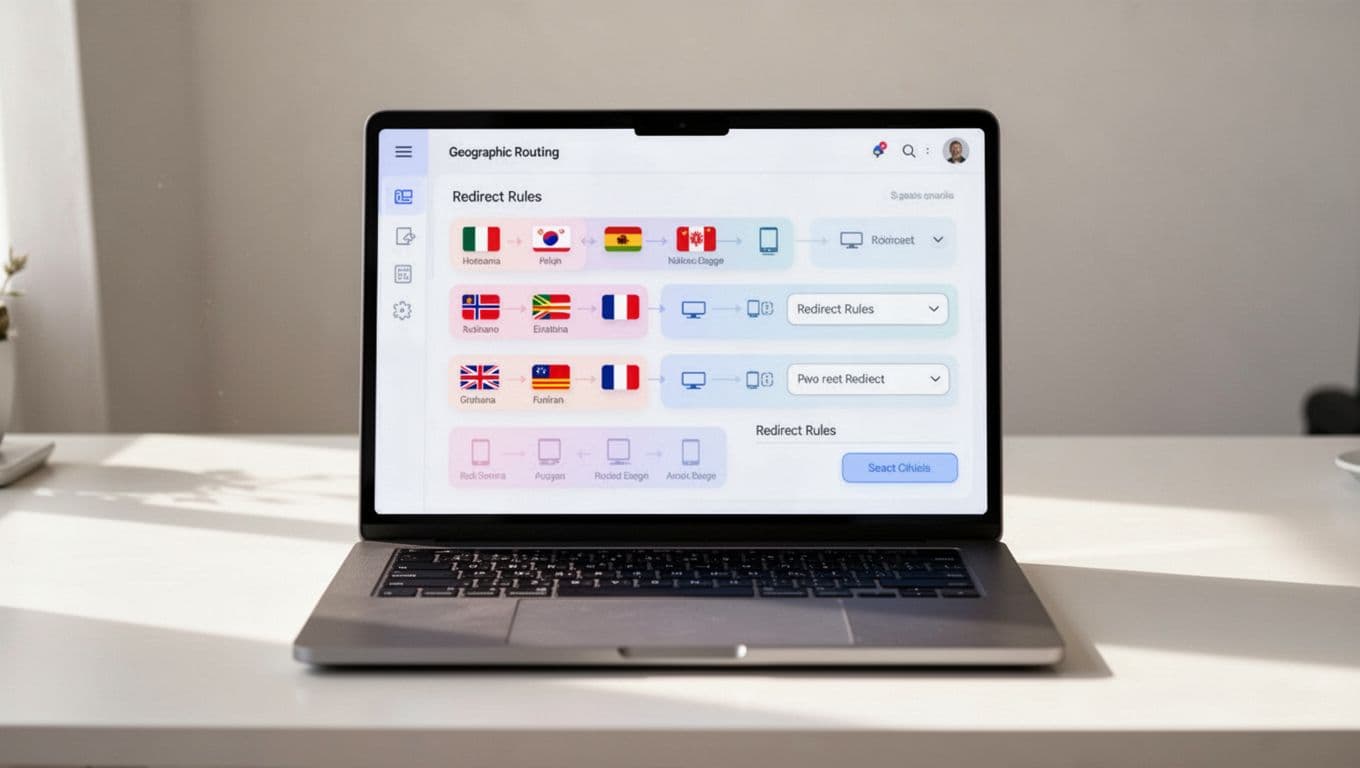
- Create a routing matrix. List each GEO, allowed offer, fallback offer, landing page, payout model, and traffic limits in one sheet.
- Pick the routing layer to efficiently redirect international customers while filtering for high traffic quality. Use a server-side tracker, edge worker, or smartlink platform for paid traffic. Keep client-side rules for light site personalization.
- Pass tracking parameters on the first hop. Use IP address tracking to identify visitor origins (while respecting privacy laws GDPR), and capture a click ID plus sub IDs for source, campaign, ad set, creative, country, device, OS, browser language, and carrier. These help evaluate campaign performance and conversion rates.
- Configure postbacks. The network should send conversions back with the same click ID, payout, status, and transaction ID, so you can monitor key metrics like earnings per click and cost per acquisition.
- Add fallbacks for dead ends. If an offer caps out or blocks a GEO, send the click to a backup offer or lead form, not a broken page.
- Trim hops. Every extra redirect adds latency and raises the chance of lost parameters.
Server-side routing is the safer default when money is on the line. It logs the click before the visitor reaches the offer, hides your rule logic from the browser, and usually keeps attribution cleaner. Client-side routing, often through JavaScript or a plugin, is easier on a content site, but scripts can fail, slow down, or get blocked.
A clean postback path lets you compare tracker clicks with network sales. If those numbers drift, inspect missing macros, stripped parameters, or duplicate redirects before blaming the traffic source. Also keep one plain backup page for rejected geos, so the click can still capture a lead or move to a related offer.
Before you route anything, run each offer through an affiliate program checklist. That catches GEO limits, device restrictions, and payout traps early. Also watch the attribution model. If the program relies on aggressive last-click credit, read these last-click attribution traps before you scale.
Frequently Asked Questions
What is affiliate geo routing?
Affiliate geo routing directs traffic to the right offer based on country, device, OS, language, and carrier, preventing paid clicks from leaking to ineligible pages. It ensures compliance, optimizes conversions, and preserves tracking without added delay. Platforms like smartlinks simplify this, but custom rules give full control.
Why prioritize country over other signals?
Country controls offer access, payouts, legal copy, and accepted traffic, making it the top filter—like airport signs fitting the traveler first. Language or device refines within GEO, but eligibility changes with borders. Recent data highlights US, Indonesia, Brazil, Poland as key tests.
Server-side vs. client-side routing—which for paid traffic?
Server-side wins for paid campaigns: logs clicks pre-redirect, hides rules, cuts latency risks, and keeps attribution clean via postbacks. Client-side suits content sites but fails on blocks, slowdowns, or privacy settings. Use trackers or edge workers for international scale.
How do you test geo routing setups?
Simulate with VPNs for countries, real phones/proxies for devices/carriers, incognito for parameter flow, and test conversions for postback accuracy. Check iOS, in-app browsers (Safari, Chrome, FB, Telegram) separately, as they strip data often. Confirm no 302 loops, lost IDs, or language mismatches.
What’s the best starter setup for beginners?
Start with smartlinks for fast launches in Tier 2/3 markets—they pick live offers automatically. Build a routing matrix first, add server-side rules for control, and always include fallbacks. Run an affiliate checklist to catch GEO/device traps before scaling.
Which setup works best, and how to test it
This quick comparison shows where most affiliates start.
| Approach | Best use | Strength | Main drawback |
|---|---|---|---|
| Smartlink only | Fast launches | Easy, low setup | Less control, opaque routing |
| Tracker with server-side rules | Paid traffic across many geos | Full logs, stronger attribution | More setup work |
| Client-side site redirects | Content sites | Simple on-page logic | Slower, easier to block |
| Edge or CDN routing | High-volume buys | Low latency, fast failover | More technical |
For beginners testing emerging markets and Tier 2 and Tier 3 markets where market maturity might vary, smartlinks get campaigns live fast. For media buyers handling many countries, server-side tracker rules usually win because they enable audience segmentation to test high payout offers on specific regional landing pages, while keeping logs, fallbacks, and postbacks in one place.
Test redirects like a skeptic. Use a VPN for country checks, a real phone for device checks, and a mobile proxy when carrier matters. Open the link in incognito, record the first redirect, then confirm the final URL still holds your parameters. After that, trigger a test conversion and confirm the postback returns the same click ID, payout, and status. If browser language and GEO conflict, confirm the rule priority works the way you planned. For high-volume buys, edge or CDN routing shines by clarifying the difference between geofencing vs geotargeting.
Most routing bugs show up first on iOS and in-app browsers, where privacy settings and app webviews strip data more often. When one device lags, test Safari, Chrome, Facebook in-app browser, and Telegram webview separately.
Geo routing becomes cloaking when you hide the real landing experience from networks, merchants, or ad platforms. Matching users to eligible offers is normal. Showing reviewers a safe page while live users see a banned offer is not. Platforms built for routing, such as the ones described in GeoRedir’s platform overview, can help cut latency, but they don’t remove compliance risk tied to compliance and regulations.
A short checklist keeps the setup honest:
- Give every GEO cluster one default fallback.
- Log the reason for each redirect.
- Recheck caps, pauses, and offer status daily.
- Watch for 302 loops, lost click IDs, and language mismatches.
- If one GEO stops converting, check availability first, then postbacks, then latency.
When international traffic grows, small routing errors get expensive fast. The best affiliate geo routing setup is simple at its core: match the click to an eligible offer, keep the redirect fast, and preserve attribution from first click to postback.
Refined geo targeting strategies and analyzing user behavior lead to better conversion rates when scaling affiliate campaigns. If the setup feels hard to test, it’s probably too complex. In 2026, the marketers who win are the ones with the clearest routing logic.