
A bad affiliate robots.txt file rarely breaks a site in an obvious way. More often, it wastes crawl time, blocks the wrong URLs, or sends mixed signals about pages you want to rank.
For review sites, the safest approach is usually simple: keep money pages crawlable, block obvious junk, and use noindex or canonicals when the real problem is index control. That distinction makes the rest of the setup much easier.
What affiliate robots.txt controls, and what it doesn’t
Robots.txt controls crawling, not indexing. That means it tells compliant bots where they may or may not go. It does not guarantee that a blocked URL disappears from Google.
A blocked URL can still show up in search if other pages link to it.
If removal matters, use a meta robots noindex tag or remove the page. Don’t rely on robots.txt alone.
That matters a lot on affiliate review sites. You might have internal search results, thin tag archives, preview URLs, or duplicate filtered pages that you don’t want showing up. In those cases, robots.txt can help manage crawl waste. Still, it is often the wrong tool for index cleanup.
Use meta robots noindex when a page may still need to be crawled, but you don’t want it indexed. Use a canonical when several URLs show the same main content, such as a review page with sort, filter, or tracking parameters. If you block those pages in robots.txt first, Google may never see the noindex or canonical tag.
Current guidance still favors short, clean rules and exact path matching. If you want a syntax refresher, Moz’s robots.txt guide is a solid reference, and this 2026 best practices overview explains the crawl-versus-indexing issue clearly.
One more rule keeps affiliate sites out of trouble: don’t block review pages, comparison pages, key categories, CSS, JS, or image folders unless you have a specific reason. If Google can’t fetch assets, it may struggle to render the page properly. That can hurt more than any crawl savings you hoped to gain.
A safe sample affiliate robots.txt for review sites
For most review sites, a short file beats a clever one.
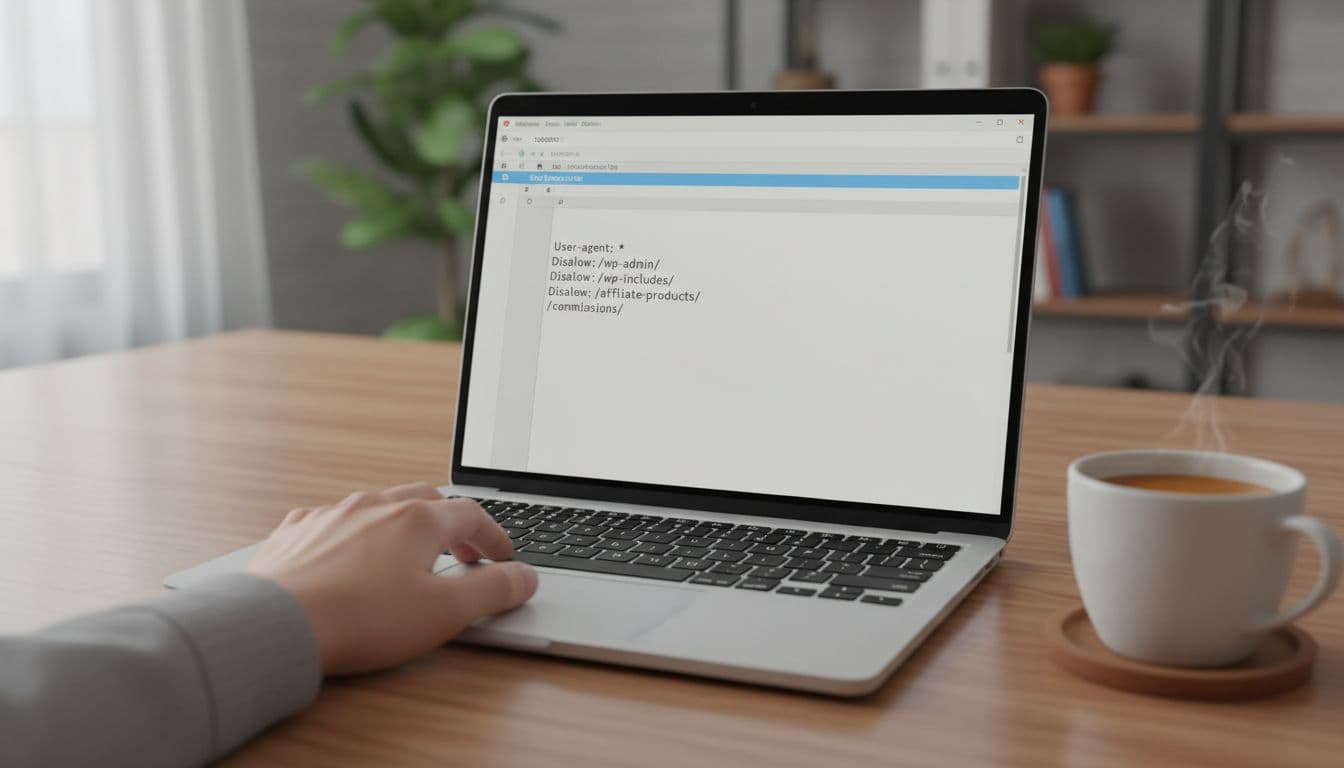
Here is a conservative sample:
User-agent: *
Disallow: /wp-admin/
Allow: /wp-admin/admin-ajax.php
Disallow: /search/
Disallow: /?s=
Disallow: /preview/
Sitemap: https://example.com/sitemap.xml
User-agent: * targets most crawlers. Disallow: /wp-admin/ blocks the WordPress admin area, while the Allow line keeps Ajax functions available. Disallow: /search/ and Disallow: /?s= reduce crawling of internal search results, which usually add little value for indexation. Disallow: /preview/ helps keep draft-style URLs out of the crawl path. The sitemap line points bots to the URLs you care about most.
That sample leaves your review posts, product comparisons, images, stylesheets, scripts, and category pages open. That’s usually the right move.
If your site has duplicate tag archives or low-value faceted URLs, review those one by one. Sometimes a noindex or canonical is safer than a blanket disallow. The same goes for affiliate redirect folders. Many site owners want to block them, but link attributes such as rel="sponsored" matter more. Test before making that change sitewide.
Also, don’t block image directories if you want image traffic. If your reviews rely on product visuals, this affiliate image SEO checklist for reviews is worth pairing with your crawl setup.
Your 2026 checklist for what to allow and disallow
This quick table covers the paths review sites most often handle well.
| Usually allow | Sometimes disallow | Why |
|---|---|---|
| Review posts and comparison pages | Internal search URLs | Search pages often waste crawl budget |
| Core category pages | Preview or staging paths | These can create junk URLs |
| CSS, JS, and image assets | Thin tag archives | Only if they add little value |
| Sitemap files | Parameter-heavy duplicates | Canonical may be better first |
| Important author or trust pages | Admin areas | These are not for public search |
The pattern is simple. Allow pages that earn traffic, trust, or links. Consider blocking areas that create duplicate or low-value crawl paths. Stay conservative with anything tied to revenue.
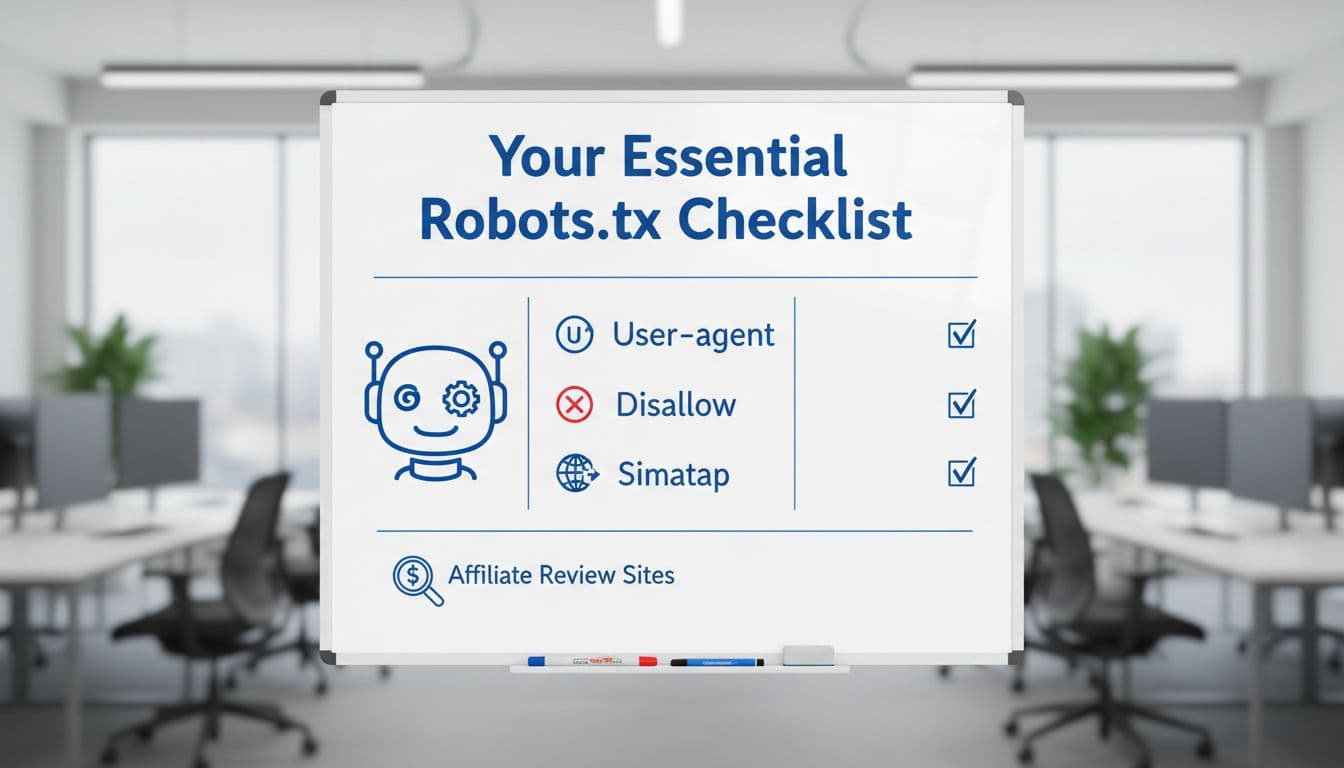
A practical review routine looks like this:
- Check whether any blocked path can still attract links or search demand.
- Keep important pages crawlable, especially reviews, roundups, and trust pages.
- Prefer noindex for low-value pages that bots still need to access.
- Use canonicals for duplicates instead of blocking too early.
- Update the file after major CMS, theme, or URL structure changes.
Validate changes in Search Console before and after publishing
After any edit, validate the file in Google Search Console and review crawl behavior. Syntax errors are often small, a missing colon, a bad path, or wrong casing, but the impact can be sitewide. Also, watch Crawl Stats after changes, especially if new reviews are slow to get discovered.
If you’re revising older money posts at the same time, pair technical edits with a safe workflow for monetizing old content. That keeps crawl rules, on-page updates, and affiliate changes from working against each other.
A good affiliate robots.txt file usually looks boring. That’s the goal.
Keep it short, keep review pages open, and use noindex or canonicals when the issue is indexing rather than crawling. In 2026, the sites that stay clean and conservative usually avoid the biggest robots mistakes.