
Security pages lose trust fast when they sound like ads. B2B buyers want proof, not polish, and they want it before they talk to sales.
That makes saas security compliance pages tricky. They need to satisfy search intent, calm risk concerns, and survive security review, all on the same screen. The pages that win answer hard questions quickly, then make the next step obvious.
Start with the questions buyers actually ask
Most people do not land on a security page for a warm read. They arrive with a checklist in their head.
They want to know where data lives, how it’s protected, who can access it, and which standards apply. Procurement teams want the same answers, only in more formal language. If your page leads with broad claims, it feels thin. If it leads with proof, it feels useful.
Write the page around the questions people already ask in sales calls and vendor reviews:
- What data do you store?
- Where is it stored?
- How do you secure access?
- Which certifications or frameworks do you support?
- How do you handle subprocessors and third-party tools?
- Who do I contact for security questions?
For a broader benchmark on page structure, best practices for designing security and compliance pages is a useful reference. The strongest pages in 2026 do one thing well, they remove uncertainty fast.
Buyers trust pages that answer the awkward questions first.
That also helps rankings. Search intent is clear on these pages. Someone searching for “SOC 2 SaaS security” or “vendor compliance page” does not want brand poetry. They want direct answers, clean headings, and a path to evidence.
Put proof near the top
If the page hides the good stuff below a long intro, people bounce. Put the strongest proof near the top, where eyes land first.
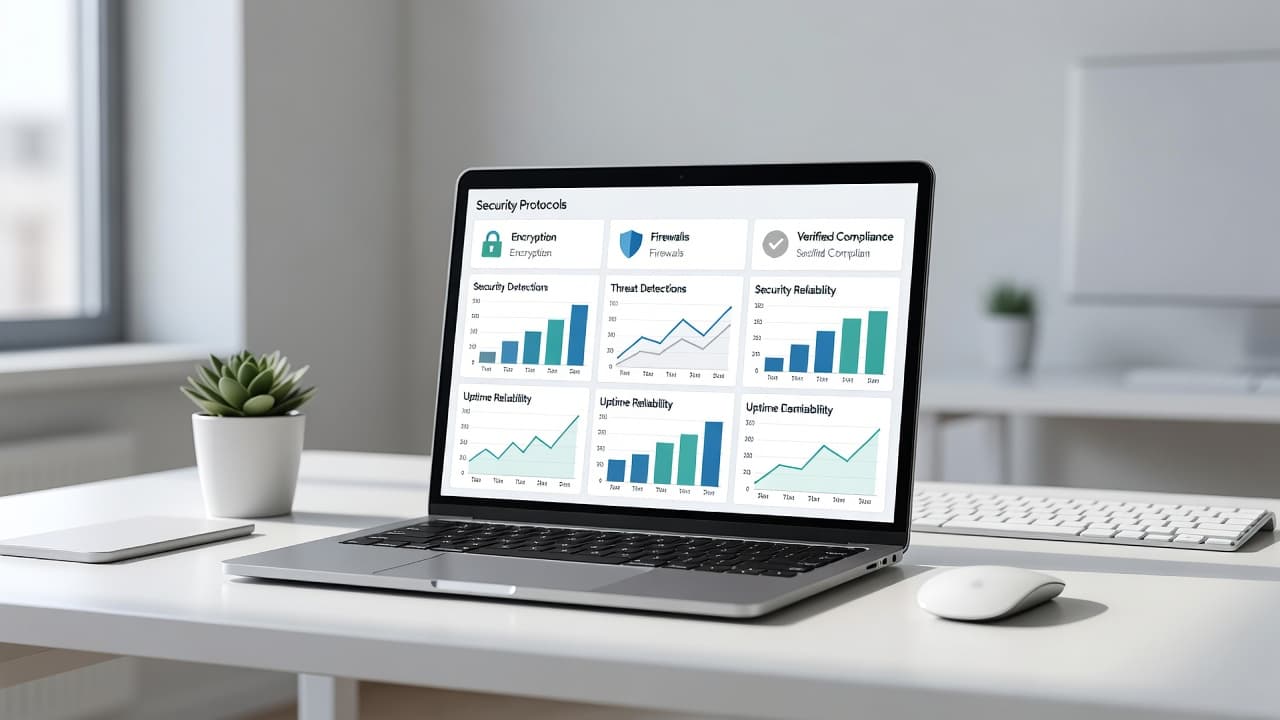
A solid opening section often uses one short headline, one proof strip, and one link to deeper material. The headline should say what matters in plain words. The proof strip should name the real controls, not vague promises.
Good examples sound like this:
- “Security built for customer trust”
- “Encryption, access control, and audit logs are standard”
- “SOC 2, GDPR support, and documented subprocessors”
Those lines are short because they need to be. Nobody wants to decode a paragraph before they know whether your company takes data seriously.
A short block of proof beats a wall of branding. Lead with the certifications you truly have, the protections you actually use, and the contact path for questions. If you offer a trust center, put the link in the hero area or just below it. Do not make visitors hunt through the footer.
Keep your claims tight. “Enterprise-grade security” means very little without details. “Customer data is encrypted in transit and at rest, access is role-based, and MFA is required for staff” is much better.
If you sell into bigger accounts, give reviewers a fast way to move deeper. A public summary, a downloadable security packet, and a response email work well together. The page should feel like a front door, not a locked closet.
Organize the page around review-ready sections
A good compliance page reads like a checklist with better writing. Each section should answer one type of concern.
Here is a simple structure that works well:
| Page block | What to say | Why it helps |
|---|---|---|
| Security overview | Encryption, MFA, access control, logging, backups | Gives a quick trust signal |
| Compliance scope | SOC 2, ISO 27001, GDPR, HIPAA, or other support only if true | Keeps claims precise |
| Data handling | Residency, retention, deletion, subprocessors | Helps procurement and legal review |
| Incident response | Reporting steps, contact path, review cadence | Shows you have a process |
| Documentation | DPA, policy docs, status page, security contact | Reduces back-and-forth |
That structure makes the page easier to scan and easier to rank. It also gives each section a clean purpose. Search engines can understand the page better when the headings are specific and the text is not stuffed with repeats.
One useful approach is to write each block as if a reviewer asked one direct question. For example:
“How do you protect access?”
“How do you handle customer data?”
“Where can I read the policy?”
This style keeps the page focused and keeps you from drifting into sales copy. It also helps your team update sections later, because each block has a job.
If your product depends on outside tools, mention them. The guide to SaaS compliance software is a good reminder that compliance lives in operations too, not only in marketing pages. Buyers care about the systems behind your claims.
Write plain language that still sounds credible
Security copy should sound calm, direct, and factual. It should not sound like it was drafted by a committee.
Say what happens, not what it means. “Customer data is encrypted in transit and at rest” is stronger than “we take protection seriously.” “MFA is required for employees” is stronger than “we use modern access controls.” Clear statements lower doubt.
That tone matters because compliance review teams read fast. They want words they can forward internally without translation. Long sentences and vague adjectives only create more questions.
A few habits help:
- Use short sentences.
- Name the control, not the feeling.
- Avoid buzzwords like “enterprise-grade” unless you back them up.
- Keep legal terms separate from the explanation.
- Explain limits as well as strengths.
If your product uses AI, say how it touches customer data. Buyers now ask about prompt storage, model training, human review, and logging. That answer does not need to be dramatic. It needs to be specific.
For example, you might write:
“We do not use customer content to train public models.”
“Access to AI features is logged and reviewed.”
“Admins can control which users can turn AI features on.”
That kind of copy helps both rankings and conversions. It answers search queries, and it gives sales teams something solid to point to. If the page is too polished, it feels empty. If it is too technical, it loses the reader.
If you want control ideas that go beyond slogans, SaaS security best practices for teams who hate posture theater is a useful companion read. The point is simple, buyers trust proof more than posture.
Build a trust center people can scan fast
A single page can do a lot, but a trust center does the heavy lifting. It gives buyers one place to find documents, policies, and updates without emailing three people.

Think of the trust center as the map, while the compliance page is the first stop. The page should introduce the basics. The trust center should hold the deeper material.
A strong trust center usually includes:
- Security overview
- Compliance statements
- Privacy policy
- DPA or data processing terms
- Subprocessor list
- Status page
- Contact for security questions
- AI governance note, if relevant
This setup helps with both UX and search. Visitors can jump to the exact area they need. At the same time, each page can target a narrow topic without cramming everything into one wall of text.
The trick is to keep the public pieces open and the sensitive pieces controlled. Publish the facts that matter, like standards, data handling, and response contacts. Gate detailed reports, pen-test results, or internal diagrams behind a request flow if needed.
That balance works because it respects security review constraints without hiding useful information. Buyers can verify enough to keep moving. Your team can protect the details that should stay private.
If you need a design benchmark, think clean cards, short labels, and obvious links. Avoid tiny text, hidden accordions, and decorative badges with no explanation. Every element should answer a real question.
Shape the page for search intent without stuffing it
Search visibility comes from relevance, not repetition. If the same phrase appears in every heading, the page starts to feel forced.
Use headings that mirror how people think. “Security overview,” “Data handling,” and “Compliance support” are clear and natural. They also map well to search queries without sounding mechanical.
A good title tag and meta description help, but they do not rescue a weak page. Make the page itself useful first. Then tune the title so it matches what a searcher wants to confirm.
Here’s a simple test. If someone scanned only the headings, would they understand what the page covers? If not, the structure needs work.
Use FAQ sections only when they answer real buyer questions. Short, direct answers work best. Avoid stuffing in every acronym you know. The goal is clarity.
Structured data can help too, but only when it matches visible content. Do not mark up questions that the page never answers. That kind of mismatch hurts trust.
A clean search-focused page usually balances these elements:
- Clear primary heading
- Short proof-first intro
- Specific subheads
- Natural mentions of standards and controls
- Helpful links to deeper docs
- A security contact path
That is enough for most B2B SaaS pages. You do not need to force keywords into every paragraph. You need a page that feels like a real resource.
Keep claims current and easy to verify
Security pages age fast. A subprocessor changes, a policy gets updated, or a new control goes live. If the page stays frozen, trust drops.
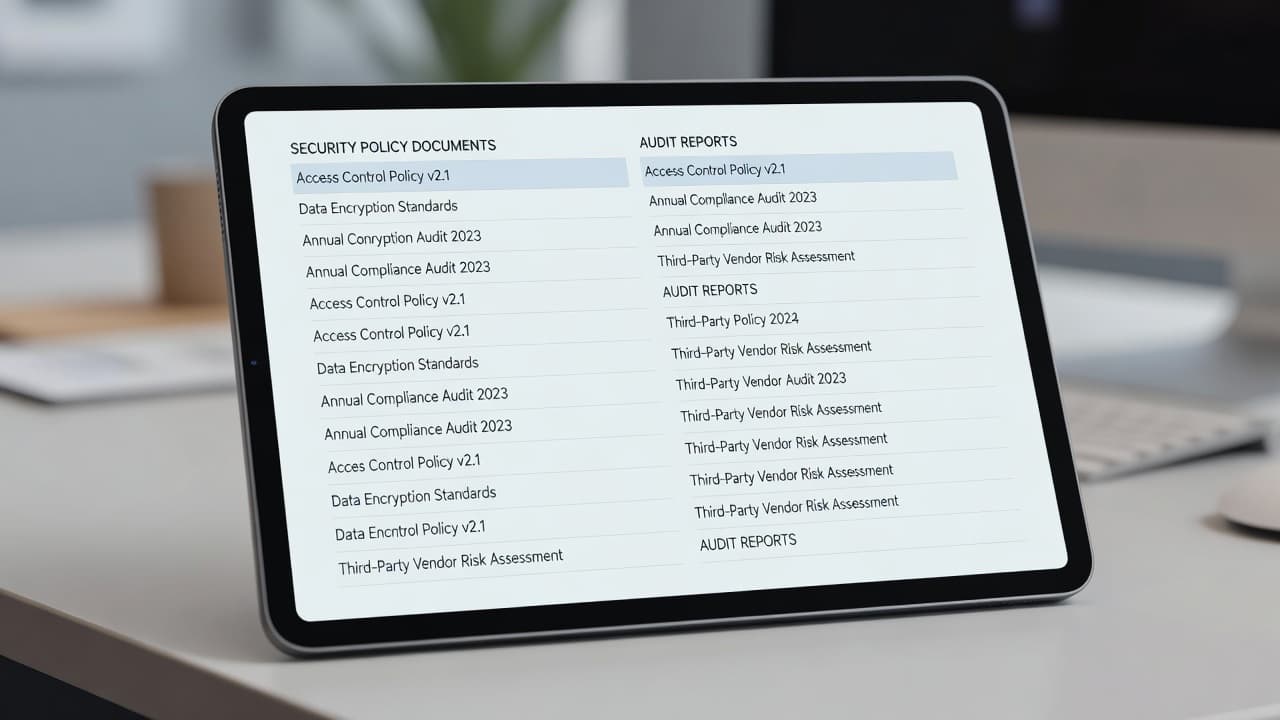
Set a review cadence and stick to it. Quarterly works well for most SaaS teams. Higher-risk products may need a tighter cycle. Assign one owner, one reviewer from security or legal, and one update date on the page.
That process keeps your claims aligned with the source docs. Use current versions of your privacy policy, DPA, subprocessor list, status page, and security contact notes. If you mention SOC 2, reference the correct scope and date. If you mention ISO 27001, keep the certificate details current. If you claim GDPR support, make sure the public language matches your actual data handling.
The source type matters as much as the claim. Strong pages usually draw from:
- Official policy documents
- Auditor summaries or certification records
- Public status pages
- Data processing agreements
- Subprocessor lists
- Regulatory guidance from the relevant framework owner
That is the kind of evidence buyers can trust. It also makes internal reviews smoother, because every statement has a home.
A simple update line works well at the bottom of the page. “Last updated June 2026” gives visitors a cue that the content is watched. If you can, add a short changelog entry when something material changes. Even one sentence helps.
If the page is stale, the badge is just decoration.
Conclusion
The pages that rank best are the ones that reduce risk fast. They put proof near the top, answer real review questions, and stay honest about what they cover.
That is why strong saas security compliance pages work for both search and sales. They give buyers a clear reason to trust you, and they give reviewers a clean path to the facts.
When the page feels easy to verify, it does more than attract traffic. It helps close the gap between curiosity and confidence.