
Affiliate dashboards can show a strong month while your bank balance still feels tight. An affiliate cash flow forecast shows when money is likely to arrive, what you need to pay before then, and whether your website can support the next investment.
That matters when commissions sit pending, a network has a payment threshold, or annual software renewals land at the worst moment. A simple spreadsheet can turn those moving parts into calmer decisions.
Key Takeaways
- Cash flow tracks money that reaches your business account. Profit measures earnings after expenses, even when cash hasn’t arrived yet.
- Separate every commission into pending, approved, reversed, paid, and received stages.
- Build your forecast by expected receipt month, not only by the date a visitor clicked or bought.
- Include recurring subscriptions, content costs, contractor invoices, taxes, and annual renewals.
- Use cautious, base, and growth scenarios instead of trusting one optimistic number.
- Compare forecasted figures with actual deposits every month, then update future assumptions.
Why Affiliate Cash Flow Differs From Accounting Profit
Accounting profit and available cash answer different questions. Profit asks whether revenue exceeds expenses for a period. Cash flow asks whether you have money available to pay today’s bills.
For example, a merchant may approve a commission in May, but the network may not send it until June or later. You can count that approval as stronger evidence of earnings, yet it doesn’t pay your hosting bill until the deposit clears.
Sage’s guide to cash flow and revenue recognition explains why income timing can differ from the moment a business records revenue. Affiliate sites face the same timing gap, plus refunds and payout thresholds.
Follow each commission through its stages
Give every income row a status: Pending, Approved, Reversed, Paid, or Received. Pending means the network recorded a conversion. Approved means the advertiser accepted it. Paid means the network says it sent the payout. Received means it reached your bank, PayPal, Payoneer, or other payment account.
Your cash forecast should use received commissions for completed months. For future months, include approved commissions only when you know the network’s payment schedule and minimum threshold.
Use a simple cash equation
Your monthly calculation doesn’t need to be complicated:
Ending cash = Opening cash + Cash received – Cash paid out
Opening cash is the prior month’s ending balance. Cash received includes affiliate deposits and any other business income. Cash paid out includes software, contractors, advertising, tax transfers, and one-off website costs.
A commission shown in a dashboard is evidence for a forecast. A deposit matched to your records is cash you can spend.
Gather Inputs You Can Check
An affiliate cash flow forecast is only as useful as the information behind it. Start with data you can verify instead of guessing at a monthly income target.
Google Search Console shows the queries and clicks that bring visitors to your pages. GA4 can show sessions and landing pages. Your affiliate networks add clicks, orders, approved commissions, reversals, and EPC.
If your reports disagree, don’t force the numbers to match. Analytics tracks behavior before the click, while the affiliate network applies its own attribution and validation rules.
Estimate revenue by page, offer, and traffic source
Use historical performance where you have enough clean data. Break it down by traffic source when the difference is meaningful. Organic search, email, social traffic, and paid visitors often convert at different rates.
A basic commission estimate is:
Projected commission = Sessions x Conversion rate x Average order value x Commission rate
Use that formula when conversion rate means orders per session. If you track conversion after an affiliate click, add affiliate click-through rate before the conversion rate.
A seasonal affiliate revenue forecasting spreadsheet can help you track sessions, conversion rate, average order value, commission rate, projected revenue, approved revenue, reversals, and notes in one place.
Record timing and starting cash before making forecasts
For each program, record its approval period, payment dates, payment threshold, reversal policy, currency, and any fees. Don’t assume every network pays monthly or follows the same rules.
Also list your opening business balance. Keep affiliate income separate from household spending whenever possible. A dedicated checking account or payment wallet makes forecast reviews far easier.
For tax planning, treat reserves as money already committed. Tax rules depend on your business structure and location, so check current IRS resources and speak with a qualified tax professional when needed.
Build Your Affiliate Cash Flow Forecast Spreadsheet
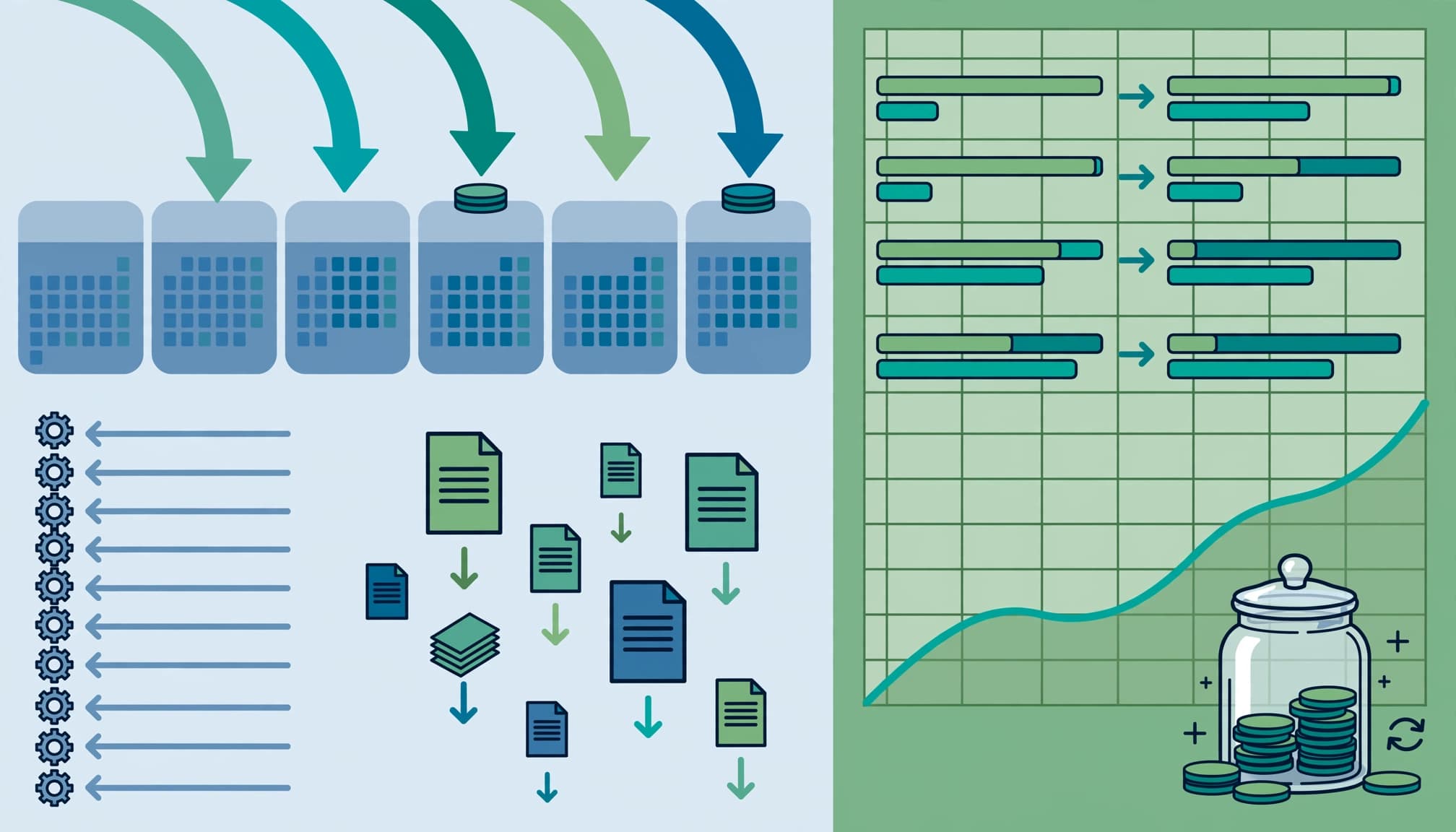
Set up a Google Sheets or Excel workbook with four tabs: Assumptions, Commissions, Expenses, and Cash Flow. You can add a dashboard later, but the forecast should work before it looks polished.
Create a commissions tab that captures the full timeline
Use one row per payout when you’re new, or one row per transaction if the network gives order-level data. Order-level data makes reconciliation easier, but payout-level tracking is enough to begin.
| Column | What to enter |
|---|---|
| Date earned | Purchase or network reporting date |
| Date approved | Date the merchant accepted the commission |
| Expected payment date | Date you expect the network to send cash |
| Date received | Date the money reached your account |
| Network and offer | The partner, product, and campaign |
| Gross commission | Amount before reversals or fees |
| Status | Pending, Approved, Reversed, Paid, or Received |
| Notes | Thresholds, refund risk, currency, or payment issues |
Keep original transaction IDs or payout references. They make it easier to match each deposit to a network report later.
Map inflows and outflows across 12 months
In the Cash Flow tab, put one month in each column. Add rows for opening cash, affiliate deposits, other income, recurring expenses, irregular expenses, tax reserves, total cash out, and ending cash.
This compact structure keeps the monthly view readable:
| Cash Flow Item | January | February | March |
|---|---|---|---|
| Opening cash | Prior month ending balance | Prior month ending balance | Prior month ending balance |
| Affiliate deposits | Expected bank receipts | Expected bank receipts | Expected bank receipts |
| Recurring expenses | Hosting and subscriptions | Hosting and subscriptions | Hosting and subscriptions |
| Irregular expenses | Content or contractor work | Annual renewal or tools | Design or technical work |
| Tax reserve | Transfer set aside | Transfer set aside | Transfer set aside |
| Ending cash | Formula result | Formula result | Formula result |
Use formulas that reference your source tabs. Manual typing creates errors when a network reverses a commission or a contractor changes an invoice.
Plan for Delayed Payouts and Uneven Expenses
Affiliate income rarely arrives in a smooth line. A strong shopping month can produce cash later, while your expenses remain due on schedule.
Move commissions to the month they should arrive
If a network shows an approved commission in November and pays it in January, put the cash in January. Keep the November approval on your commissions tab, but don’t place it in November’s cash-received row.
A high payment threshold can cause the same delay. Smaller commissions may roll forward until the balance qualifies for a payout. This is why your forecast needs expected deposit dates, not only totals by network.
Include costs that don’t happen every month
Hosting, email software, link tools, and analytics subscriptions may recur monthly. Other costs are irregular: freelance writers, site redesigns, stock photos, legal help, annual domain renewals, and paid campaigns.
Set aside money monthly for predictable annual bills. For uncertain spending, create a “planned but optional” row. That keeps useful improvements visible without pretending they are unavoidable.
A detailed affiliate bookkeeping spreadsheet can help you separate gross commissions, fees, reversals, expenses, and tax records.
Use Three Forecast Scenarios Instead of One
A single forecast can hide risk. Build three versions using the same sheet structure, then adjust the assumptions rather than inventing new totals.

Build a cautious case first
Use lower traffic, lower conversion, delayed approvals, and realistic reversal risk. Keep content costs unchanged if you have already committed to them.
The cautious case tells you whether your site can still cover core expenses when a merchant changes terms, a product goes out of stock, or a seasonal spike fades. It should guide spending decisions.
Add base and growth cases
Your base case uses recent, repeatable performance. It should reflect current rankings, current offer terms, and normal publishing capacity.
The growth case can include planned content, stronger rankings, improved email traffic, or a new offer. However, leave the extra cash in the month it would likely arrive. Growth in clicks today may not become a paid commission for weeks.
A GA4 affiliate revenue dashboard helps you compare sessions, clicks, conversions, revenue, EPC, and top affiliate sources behind those assumptions.
Turn the Forecast Into Better Website Decisions
Your forecast should change what you do with money. If your cautious scenario creates a negative balance, delay optional purchases or reduce costs before committing to a new tool or content package.
Set spending limits around actual cash
Choose a minimum cash balance that lets you cover essential costs during payout delays. Keep that reserve visible in your spreadsheet rather than treating every incoming commission as available spending.
Use paid commissions and bank deposits to fund recurring obligations. Approved commissions can support future planning, but they should not finance a commitment that must be paid today.
Review variance every month
At month end, compare actual cash received with forecasted cash received:
Variance = (Actual cash received – Forecasted cash received) / Forecasted cash received
When results miss the forecast, inspect sessions first. Then check affiliate clicks, conversion rate, average order value, commission terms, reversals, and tracking. Change the assumption causing the gap instead of rewriting the entire model.
A monthly review also reveals which pages earn more per click. That gives you a stronger basis for choosing the next comparison post, email sequence, or content update.
FAQ
How far ahead should an affiliate cash flow forecast go?
A 12-month view is practical because it captures annual renewals and seasonal traffic changes. If your site is new, forecast the next three months in more detail and use broader assumptions for the remaining months.
Should pending commissions be included as income?
Track pending commissions, but don’t treat them as cash received. Include them as a separate forecast input, then move the expected amount into a future month only after considering approval, reversals, thresholds, and payment timing.
How often should you update the spreadsheet?
Review it monthly at minimum. During a major seasonal period, update it weekly because traffic, conversion rates, product availability, and affiliate reporting can change quickly.
Build a Forecast You Can Trust
A useful affiliate cash flow forecast follows cash from the visitor’s click to the deposit in your account. It also leaves room for reversals, delayed payments, tax reserves, and the expenses that arrive before revenue does.
Keep the model simple, make every assumption visible, and replace estimates with actual results each month. Over time, your spreadsheet becomes a record of what your affiliate website can safely afford.