
A hacked affiliate site can cost more than traffic. It can expose subscriber details, break tracking links, lock you out of affiliate accounts, and send your hard-earned revenue elsewhere.
Affiliate website security doesn’t need expensive software or advanced coding. It starts with a few habits that protect access, keep WordPress healthy, and give you a recovery plan when something goes wrong.
Start with the controls that prevent the most common problems, then make maintenance part of your weekly routine.
Start affiliate website security with account access
Most site takeovers begin with a stolen password, an unsafe login, or too many people holding admin access. Your WordPress login, hosting dashboard, domain registrar, email account, and affiliate networks all need protection.
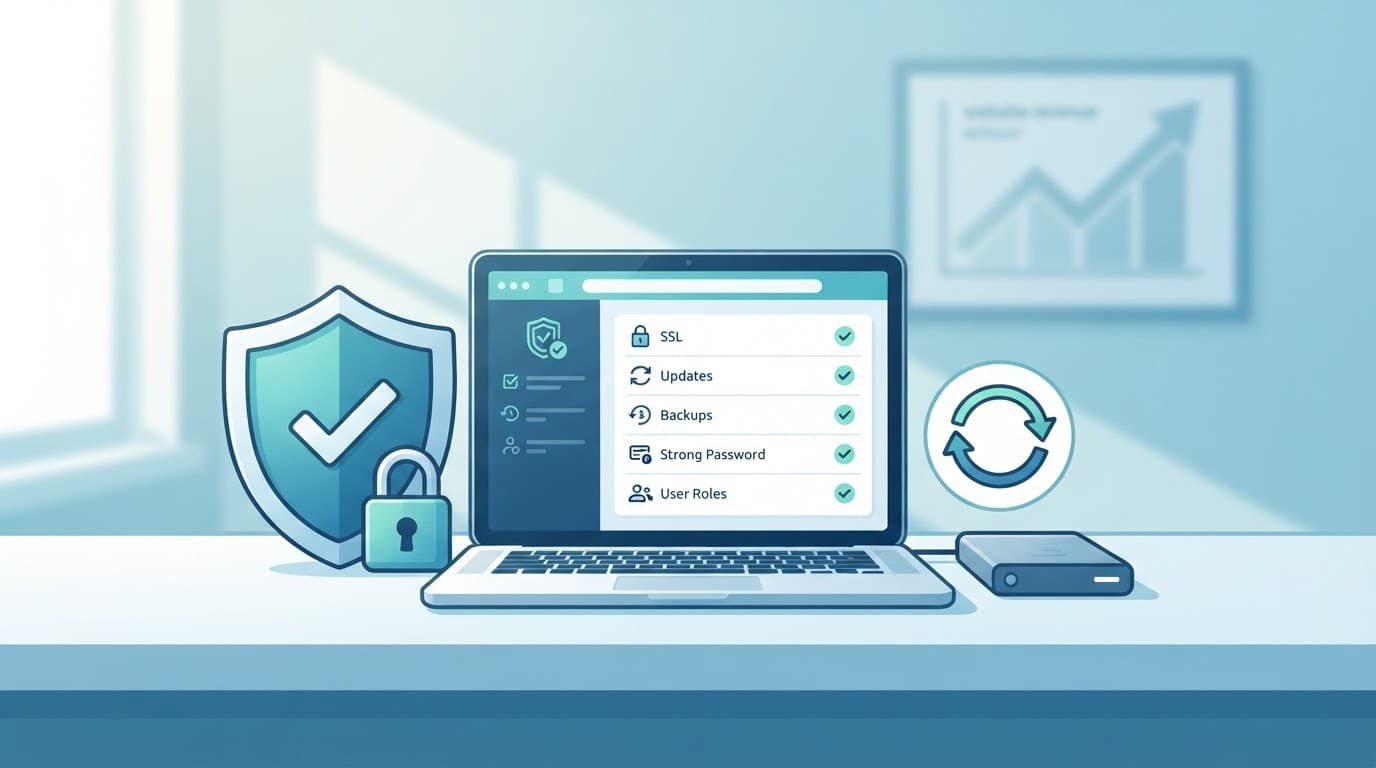
Use unique passwords and two-factor authentication
Create a different, long password for every important account. A password manager makes this practical because you only need to remember its master password.
Turn on two-factor authentication wherever it is available. Do this first for your domain registrar, hosting account, WordPress administrator account, business email, Google Analytics, and affiliate dashboards. An attacker with your affiliate network login could change payout details or view performance data.
- Use a password manager to create unique passwords.
- Enable two-factor authentication for every account tied to your site or payments.
- Store recovery codes in a secure location that isn’t your email inbox.
- Remove saved passwords from shared computers and browsers you don’t control.
Keep WordPress roles tight
A freelancer who writes articles doesn’t need administrator access. Give people the lowest WordPress role that lets them complete their work, then remove access when the job ends.
Review your Users screen every month. Delete accounts you don’t recognize. Downgrade old administrators who only need to edit posts. Also avoid sharing one admin login with several people, because you lose the ability to see who made a change.
Your hosting login and domain registrar matter as much as WordPress. Control of either account can give an attacker control of the whole site.
Secure your WordPress site and hosting foundation
WordPress itself is secure when you maintain it properly. Trouble often comes from outdated plugins, abandoned themes, weak hosting settings, or code downloaded from unknown sources.
The WordPress hardening guide puts updates at the center of site protection. Treat every installed theme and plugin as software that needs attention.
Update core, themes, and plugins
Check for WordPress updates at least once a week. Apply updates after taking a backup, especially on a busy review site with affiliate-link tools, forms, and page builders.
Delete inactive plugins and themes you won’t use. Deactivation doesn’t remove the code from your server. Keep one current default WordPress theme as a fallback, then remove the rest.
- Install WordPress, plugins, and themes only from trusted developers or official sources.
- Update WordPress core, plugins, and themes each week.
- Delete unused plugins and themes instead of leaving them inactive.
- Check when a plugin was last updated before installing it.
A lightweight site is often safer and faster. Before adding another “helper” plugin, ask whether your theme, host, or existing tools already handle that task. Too many plugins can also slow your pages, which hurts visitors trying to reach product comparisons and links.
Turn on HTTPS and protect server settings
Your site should load through https:// on every page, including login screens, opt-in forms, and checkout links. HTTPS encrypts the information sent between a visitor’s browser and your site.
Most hosts include a free SSL certificate through Let’s Encrypt. If you see a browser warning, mixed-content alert, or a non-secure form, contact your host promptly. They can install or renew the certificate, redirect HTTP pages, and check server-level settings.
Don’t edit file permissions or wp-config.php unless you understand the change. WordPress notes that sensitive configuration files need restricted access. Your host can handle this safely if you are unsure.
Protect affiliate accounts, links, and revenue data
Affiliate sites have extra targets beyond the WordPress dashboard. Affiliate programs hold payment details, reporting data, and tracking links that directly affect earnings.
Affiliate website security includes protecting the systems that record clicks and commissions, not only the pages readers see.
Keep affiliate credentials separate
Use a separate password for each network or merchant account. Don’t reuse your WordPress password for Amazon Associates, ShareASale, Impact, CJ, or any other program you join.
Check account settings every month. Confirm the payout email, bank details, tax information, and authorized users still look right. Turn on email alerts for password changes or payment updates when a program offers them.
Keep an offline or secure password-manager note with each program’s support contact and account ID. That makes recovery faster if you lose access.
Audit affiliate links and redirects
A broken redirect can quietly send readers nowhere, while a changed destination can damage trust. Test high-traffic product links after plugin updates, site migrations, and major merchant changes.
If you use Pretty Links, ThirstyAffiliates, or another redirect tool, keep its permissions limited to trusted users. Record each link’s destination, page location, affiliate program, and date checked. A simple spreadsheet works well for a new site.
For options and rules around redirects, review this guide to affiliate link cloaking for WordPress. Some affiliate programs prefer direct links, so follow each program’s terms before changing link formats.
Your revenue reports also need a reality check. Separate pending, approved, reversed, and paid commissions. A sudden fall in approved revenue may reveal a tracking issue, an account problem, or a merchant change before it becomes a larger loss.
Back up your site before trouble starts
A backup isn’t useful until you can restore it. If malware, a failed update, or an accidental deletion hits your site, a recent clean backup can save your content, images, links, and settings.
Keep copies in more than one place
Many hosts offer automatic backups, which is helpful. Still, don’t rely on one copy held in one account. Keep a second backup in separate cloud storage or another location you control.
For a small affiliate site, schedule daily database backups and weekly full-site backups. Increase the frequency if you publish often, collect leads daily, or make frequent design changes.
- Confirm your host runs backups and ask how long it retains them.
- Set up an independent backup copy if your budget allows.
- Include the database, uploads, themes, plugins, and WordPress files.
- Test one restore on a staging site or with your host’s support team.
Document a simple recovery plan
Write down where your domain, hosting, email, WordPress backups, and affiliate accounts are managed. Add the renewal dates and support contacts.
If your site is compromised, you need to know which backup predates the problem. Don’t restore blindly. First change passwords, ask the host to scan the account, and confirm the backup is clean.
A basic plan beats panic. It also protects your ability to keep earning if a technical issue knocks a key review page offline.
Keep forms, tracking scripts, and email data under control
Contact forms and tracking code are useful, yet each adds another possible weak point. Form plugins, analytics tags, ad pixels, chat widgets, and affiliate-link managers all run code on your website.
Install only what you need, and check that each tool still has active support.
Collect less information through forms
A beginner affiliate funnel often only needs an email address. Asking for phone numbers, addresses, job titles, and free-text details creates more information to protect.
Explain what subscribers will receive and link to your privacy policy near the form. Use spam protection, keep form plugins updated, and check submissions regularly for suspicious files or messages.
For a practical setup that keeps the path simple, see this guide to building an affiliate funnel. Your email platform should also use a unique password and two-factor authentication.
Review scripts after every major change
Tracking scripts can stop reporting after a theme update. Worse, an unfamiliar script may appear if an account has been compromised. Keep a list of every analytics tag, pixel, form tool, and affiliate-link plugin you use.
Test one important visitor path each month:
- Visit a review or comparison page on mobile.
- Submit a test email through your contact form.
- Click an affiliate link and confirm it reaches the intended merchant.
- Check that the click appears in your reporting setup without storing unnecessary personal data.
Keep analytics events consistent, but avoid sending names, email addresses, or free-text form responses into analytics platforms. If clicks hold steady while revenue falls, inspect tracking and merchant reports before assuming your SEO has failed.
Monitor changes and know when to get help
You don’t need to stare at security dashboards every day. However, a short weekly check catches many problems early.
Create a 15-minute weekly review
Log in to WordPress, review updates, and look for new administrator accounts. Then test one important affiliate link and glance at your site on a phone.
A security plugin can help with malware scanning, login protection, and activity logs. Wordfence is one example named in the University of British Columbia’s WordPress security guidance. Start with one reputable tool and learn its alerts before paying for extra products.
Also watch your hosting renewal, domain renewal, and SSL certificate status. Expired services can take a profitable site offline just as easily as an attack.
Contact your host or a security professional at the right time
Call your host when you see certificate warnings, server errors, failed backups, unusual resource use, or you need help updating PHP and file permissions. These are usually hosting-level issues.
Bring in a WordPress security professional if you find malicious redirects, unknown admin users, spam pages in Google, repeated malware alerts, or you cannot verify a clean restore. Don’t keep publishing or entering passwords on a site you believe is infected.
The WPScan hardening checklist can help you understand common fixes. Still, a beginner shouldn’t experiment on a hacked live site while visitors and revenue are at risk.
Your affiliate website security quick-start checklist
Complete these steps before launch, then revisit them after major changes.
- Turn on two-factor authentication for hosting, domain, WordPress, email, analytics, and affiliate accounts.
- Replace reused passwords with unique password-manager passwords.
- Force HTTPS across the site and test a contact form.
- Update WordPress, plugins, and themes, then delete unused items.
- Limit WordPress administrator roles and remove stale accounts.
- Back up the site in two locations and test a restore.
- Test a top affiliate link and check that tracking still works.
- List every third-party script, plugin, and account that can affect revenue.
- Schedule a short weekly review for updates, links, forms, and alerts.
Build security into your normal site routine
Affiliate website security works best as regular maintenance, not a once-a-year cleanup. Strong logins, current software, limited access, tested backups, and careful tracking checks protect both your readers and your income.
Your site doesn’t need a large security budget to start well. It needs a clear routine and fast action when something looks wrong.